Key Capabilities
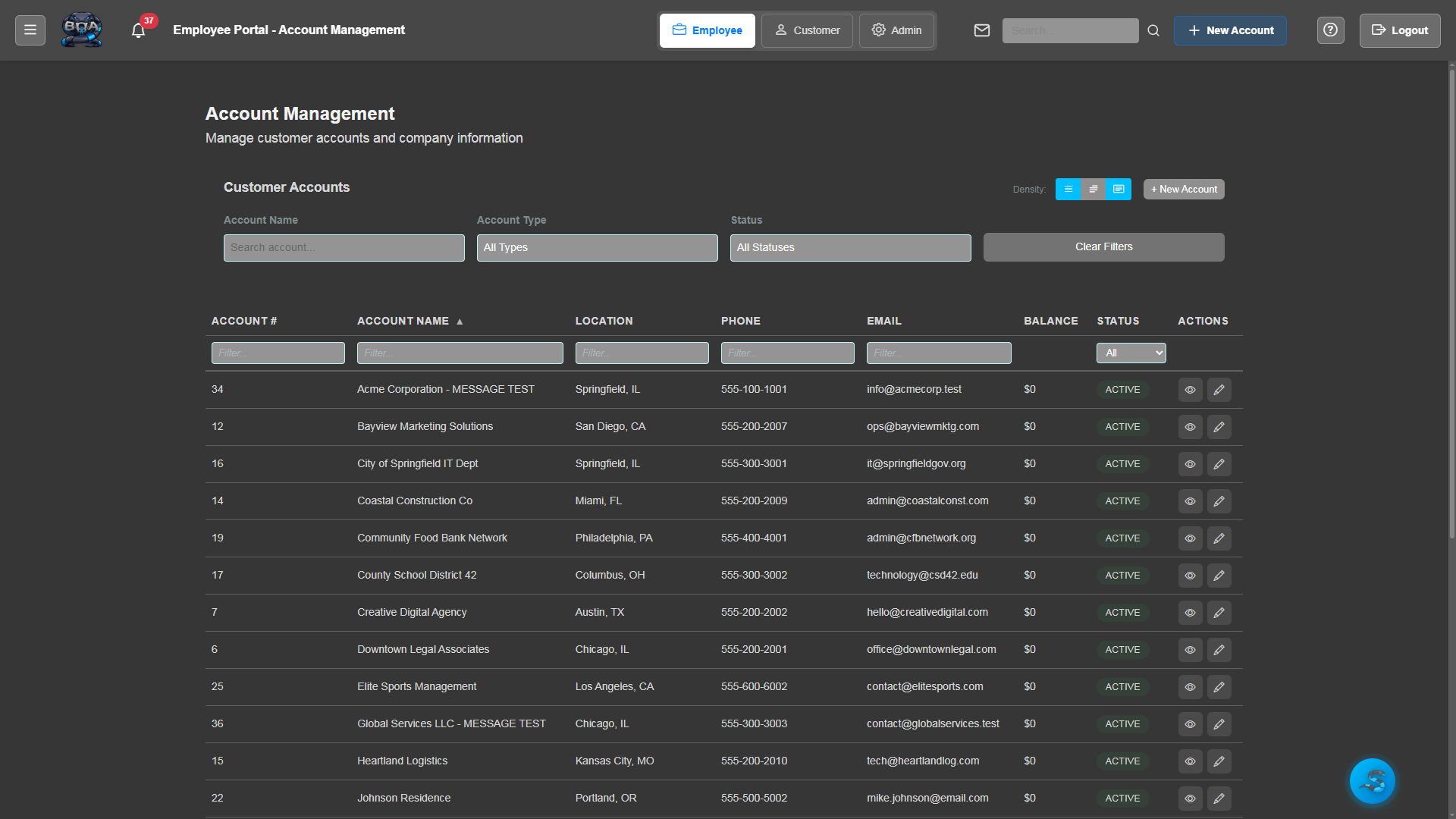
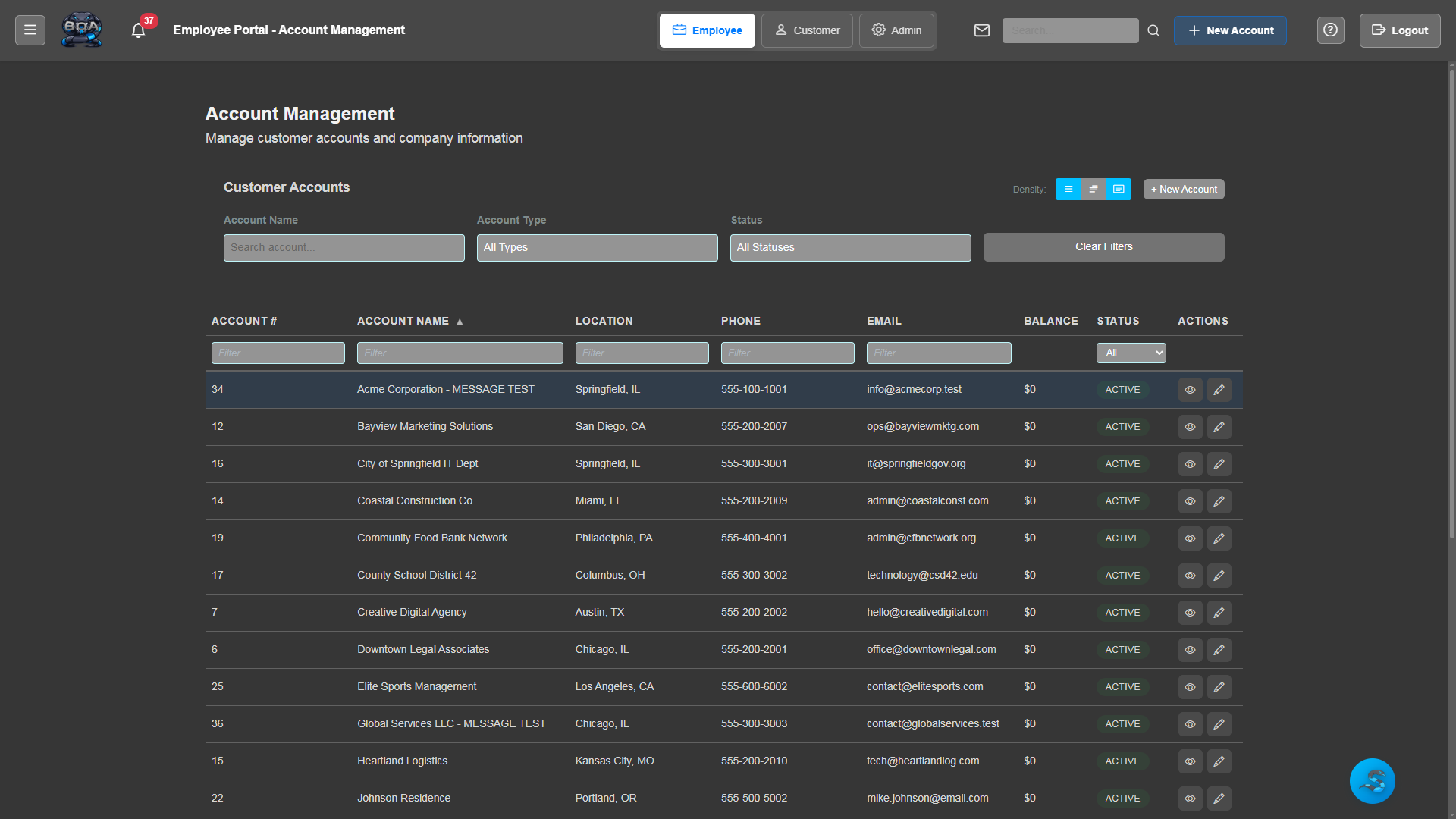
Account List & Search
Quickly find any customer with powerful search and filtering. View all accounts in a sortable, paginated list with key details at a glance.
- Full-text search across account names, contacts, and addresses
- Filter by account type: Commercial, Residential, Government, Non-Profit
- Sortable columns with pagination
- Quick-action buttons for common tasks
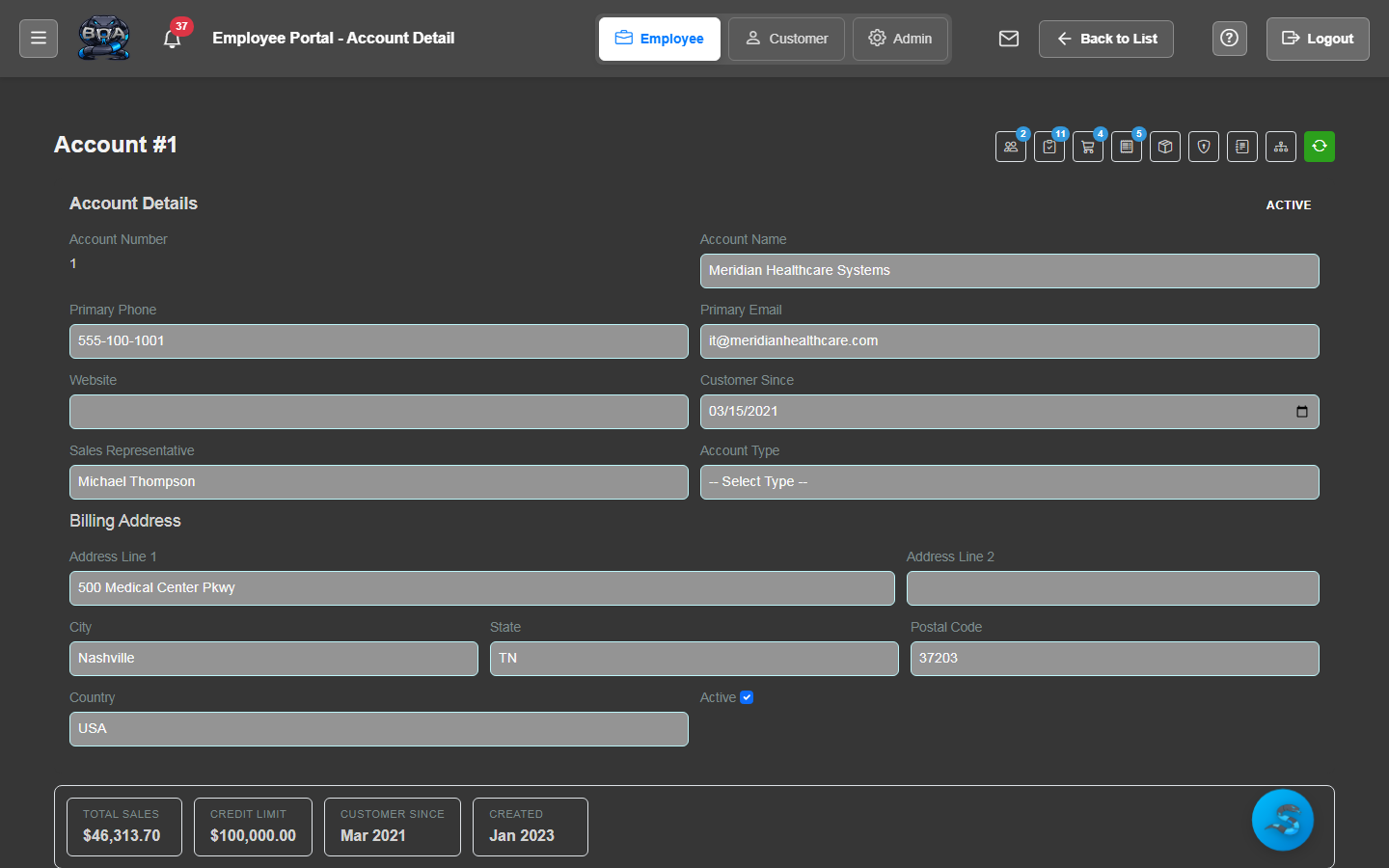
Account Detail View
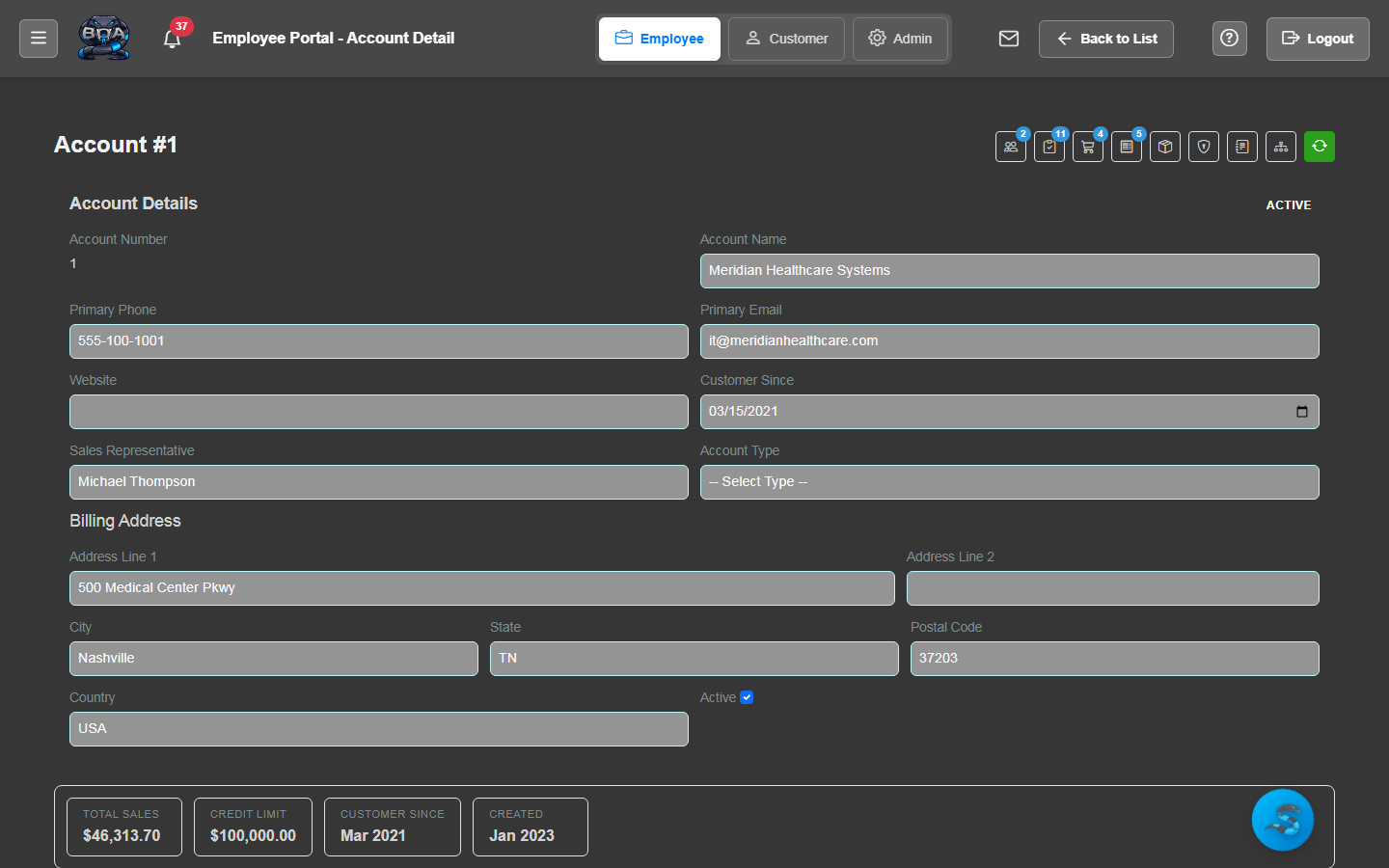
Every account has a rich detail page showing contacts, addresses, history, and linked records all in one place.
- Contact management with roles and phone/email
- Service address and site location tracking
- Linked sales orders, service orders, invoices, and contracts
- Account-level notes and activity journal
Contact Management
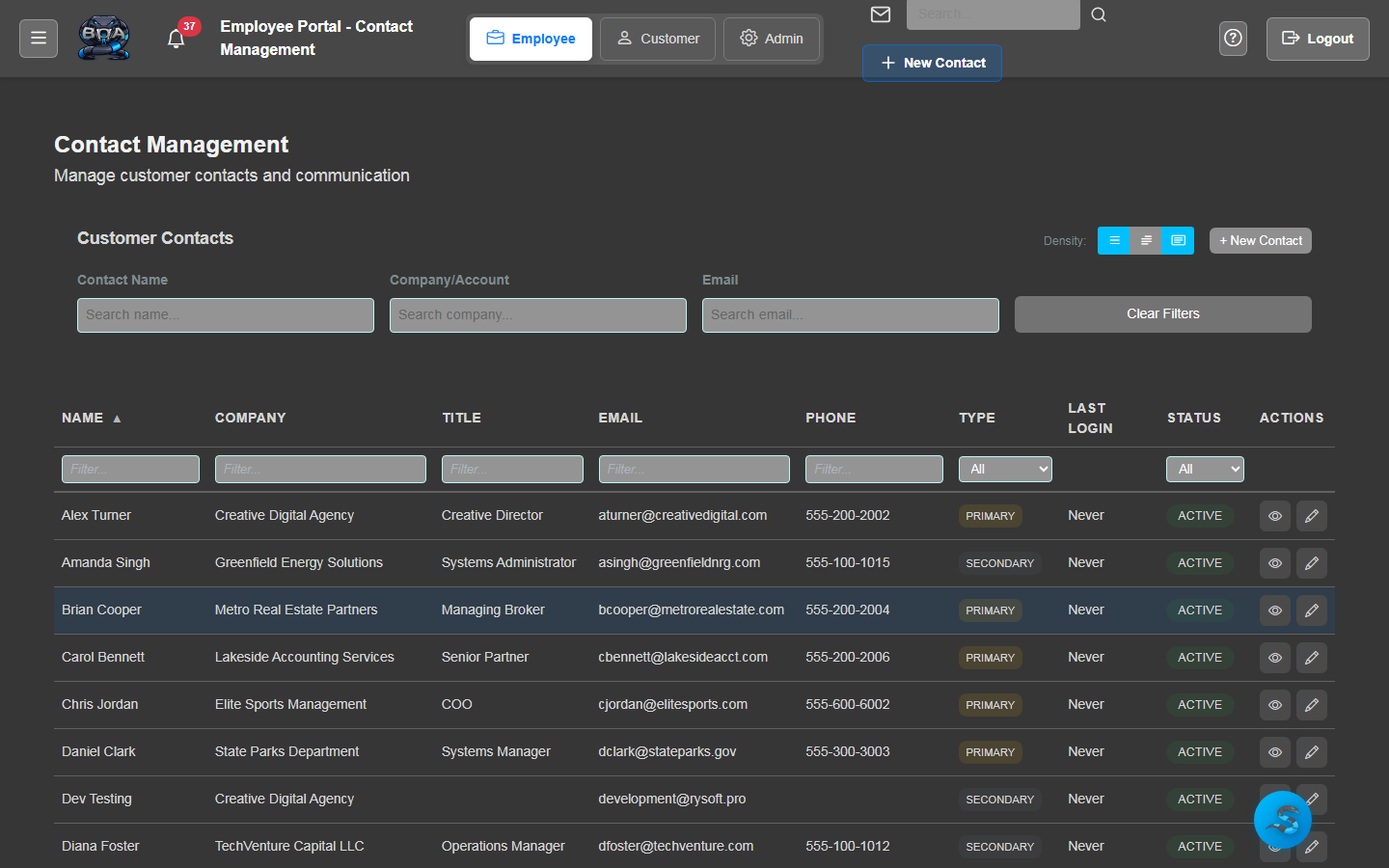
Track multiple contacts per account with roles, direct phone numbers, and email addresses. Know exactly who to reach for billing, technical, or management inquiries.
- Multiple contacts per account
- Contact roles and titles
- Direct phone and email per contact
- Primary contact designation
Account Journal & Notes
Maintain a running log of all interactions with an account. Add notes, record phone calls, and track important communications.
- Timestamped journal entries
- Employee attribution on all entries
- Rich text notes with formatting
- Searchable communication history
Global Search
Find anything across your entire BOA system from a single search bar. Accounts, contacts, orders, invoices — all instantly accessible.
- Cross-entity search results
- Type-ahead suggestions
- Recent search history
- Deep links directly to detail pages
QuickBooks Account Sync
Sync your BOA accounts with QuickBooks Online customers and vendors. One-click sync keeps both systems in perfect alignment.
- Two-way sync with QuickBooks Online
- One-click sync button on account detail
- Automatic field mapping
- Sync status indicators