Key Capabilities
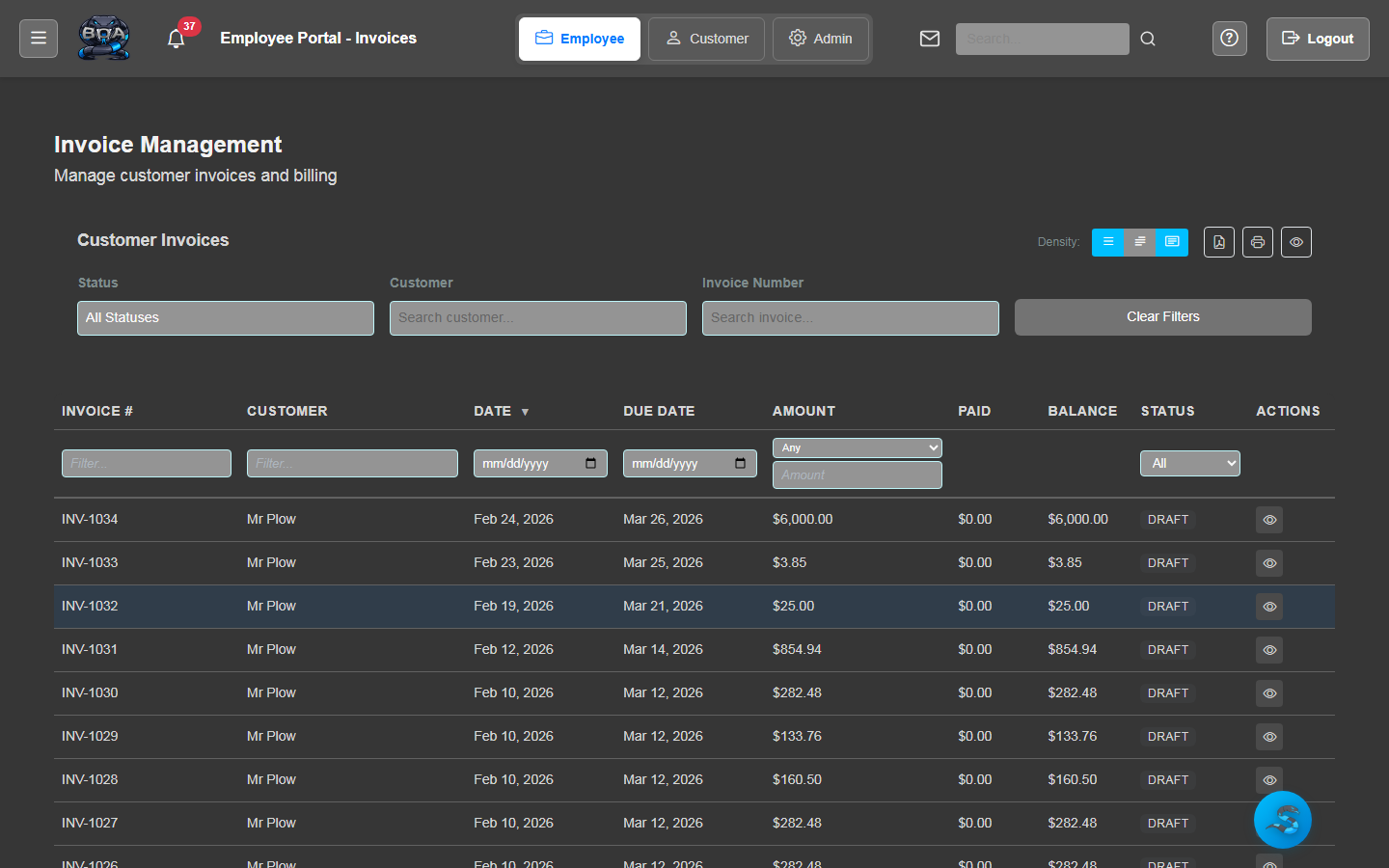
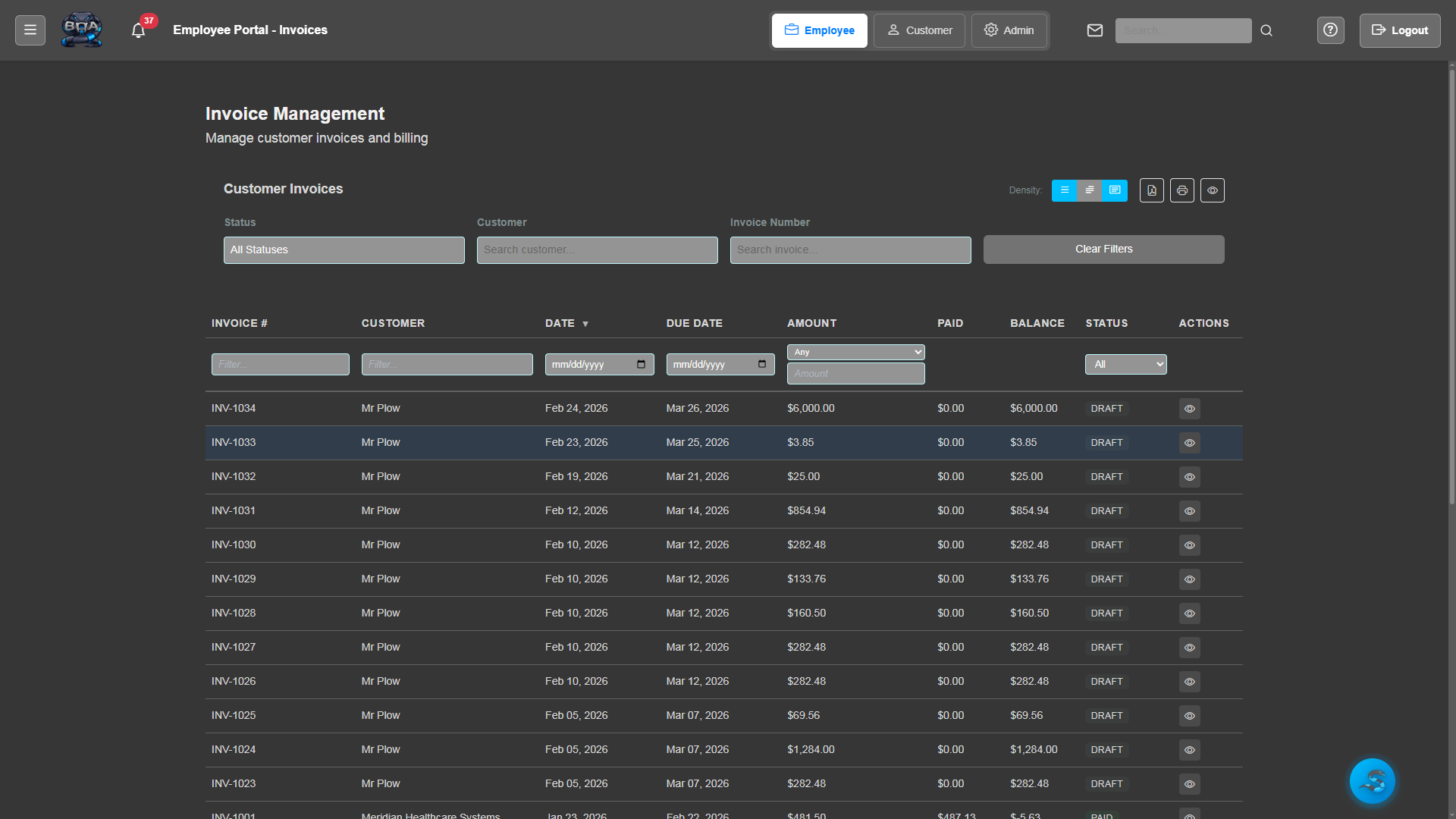
Invoice Generation
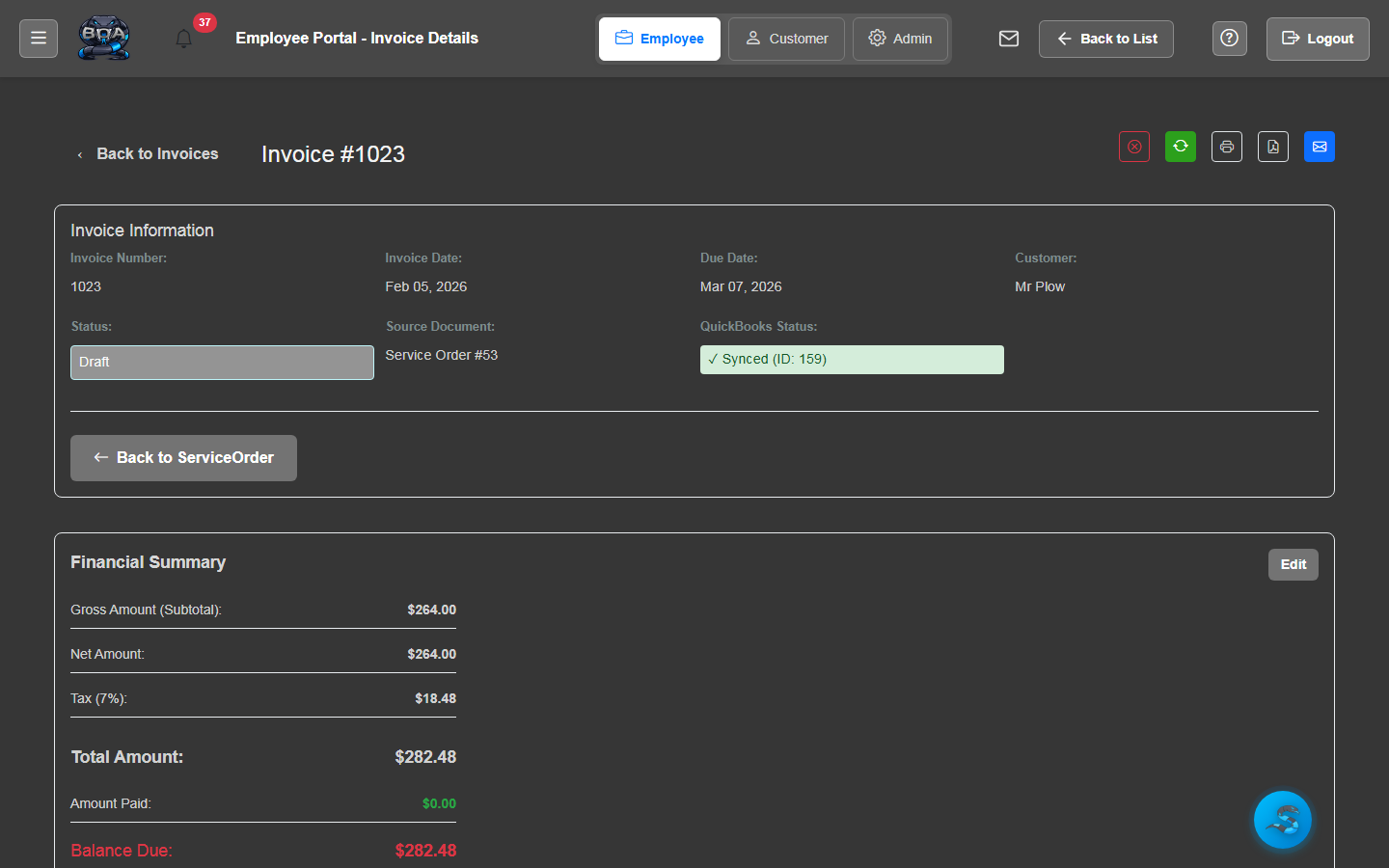
Create invoices manually or generate them automatically from completed sales orders and service orders. Line items, quantities, pricing, and tax are carried over seamlessly.
- One-click invoice creation from sales or service orders
- Manual invoice creation with product catalog lookup
- Automatic tax calculations based on account settings
- Support for deposits, progress billing, and final invoices
Payment Recording
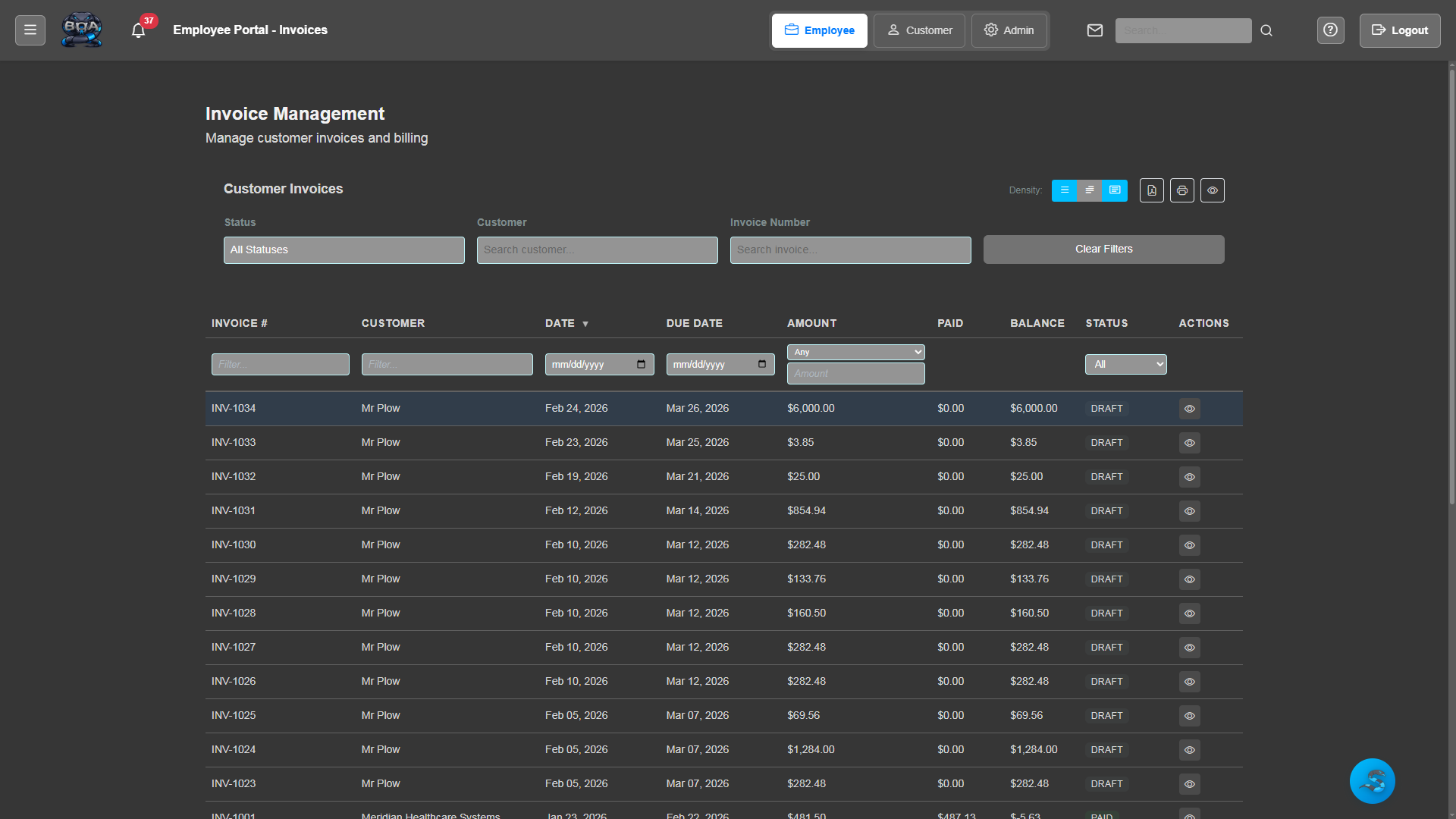
Record customer payments against outstanding invoices with support for partial payments, multiple payment methods, and overpayment handling.
- Partial and full payment recording
- Multiple payment methods: check, credit card, ACH, cash
- Automatic balance calculations and payment application
- Payment receipt generation and email delivery
PDF & Email Invoices
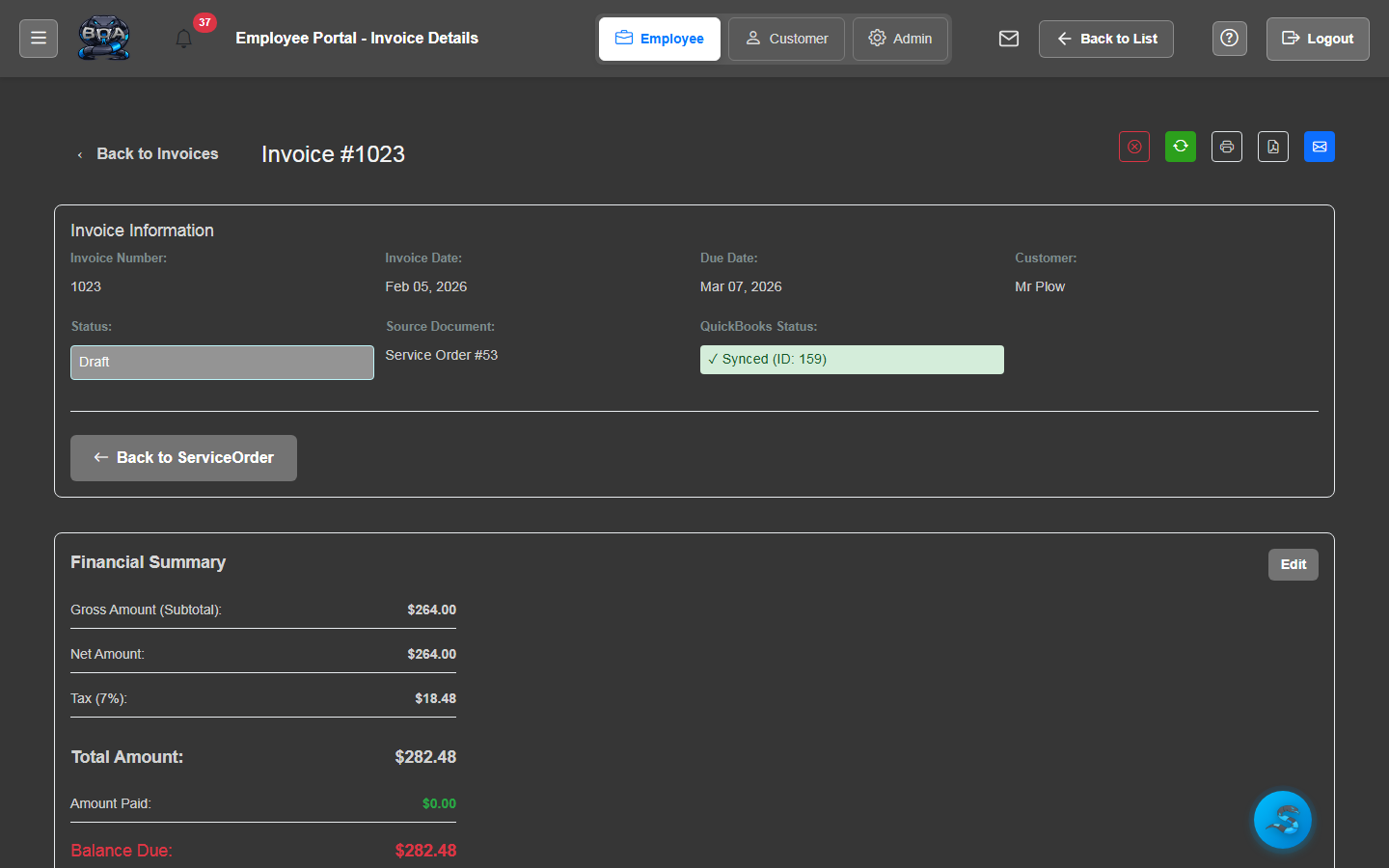
Generate professional, branded PDF invoices with your company logo, colors, and payment terms. Send them to customers via email with a single click.
- Company-branded invoice templates with logo and colors
- One-click PDF generation with print-ready formatting
- Email delivery with PDF attachment and custom message
- Invoice history with sent and viewed tracking
Void & Credit Memos
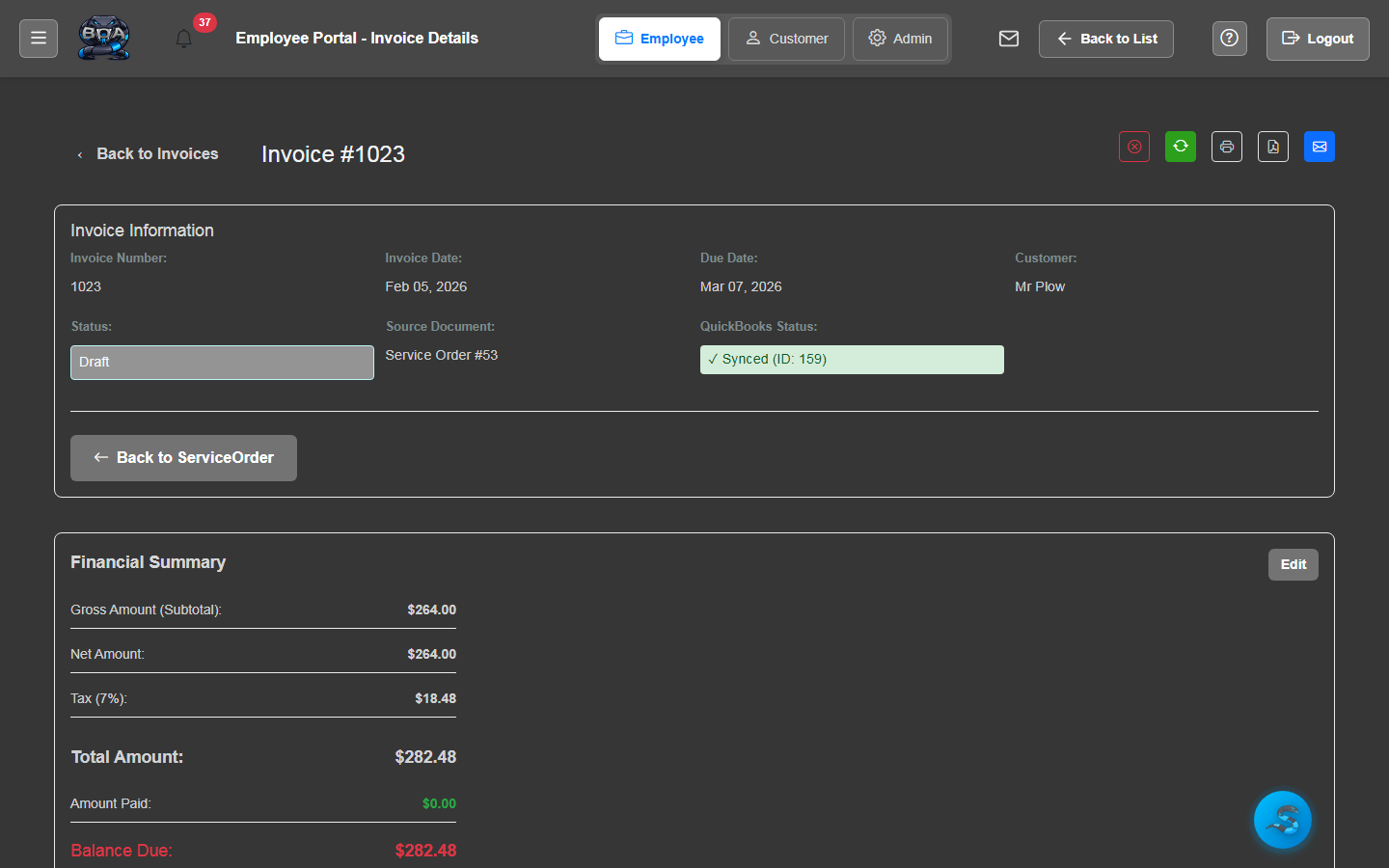
Void incorrect invoices and issue credit memos when needed. All adjustments maintain a complete audit trail and automatically update account balances.
- Invoice void with reason tracking and audit log
- Credit memo creation linked to original invoice
- Automatic balance adjustments on customer accounts
- Void and credit history visible on invoice detail
AR Aging Reports
Stay on top of outstanding receivables with aging reports that break down balances by 30, 60, 90, and 90+ day buckets. Identify overdue accounts at a glance.
- Standard aging buckets: current, 30, 60, 90, and 90+ days
- Filter by customer, date range, or invoice status
- Exportable reports for management review
- Dashboard widgets showing total outstanding and overdue amounts
QuickBooks Invoice Sync
Sync invoices and payments with QuickBooks Online in real time. BOA pushes new invoices and received payments to QuickBooks, keeping your accounting system always up to date.
- Two-way sync of invoices and payments with QuickBooks Online
- One-click sync button on every invoice detail page
- Automatic field mapping for line items, taxes, and totals
- Sync status indicators showing last synced timestamp