Key Capabilities
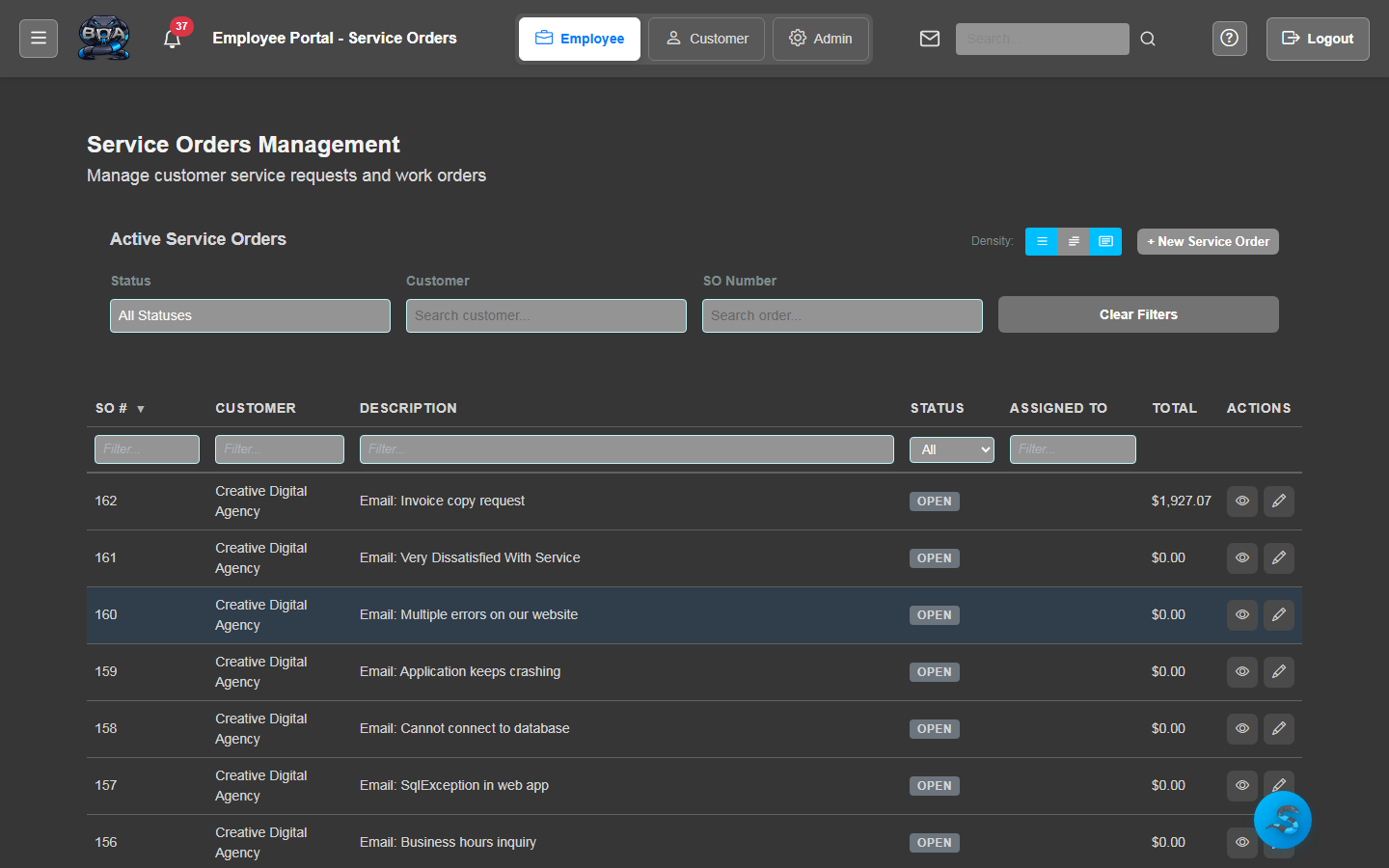
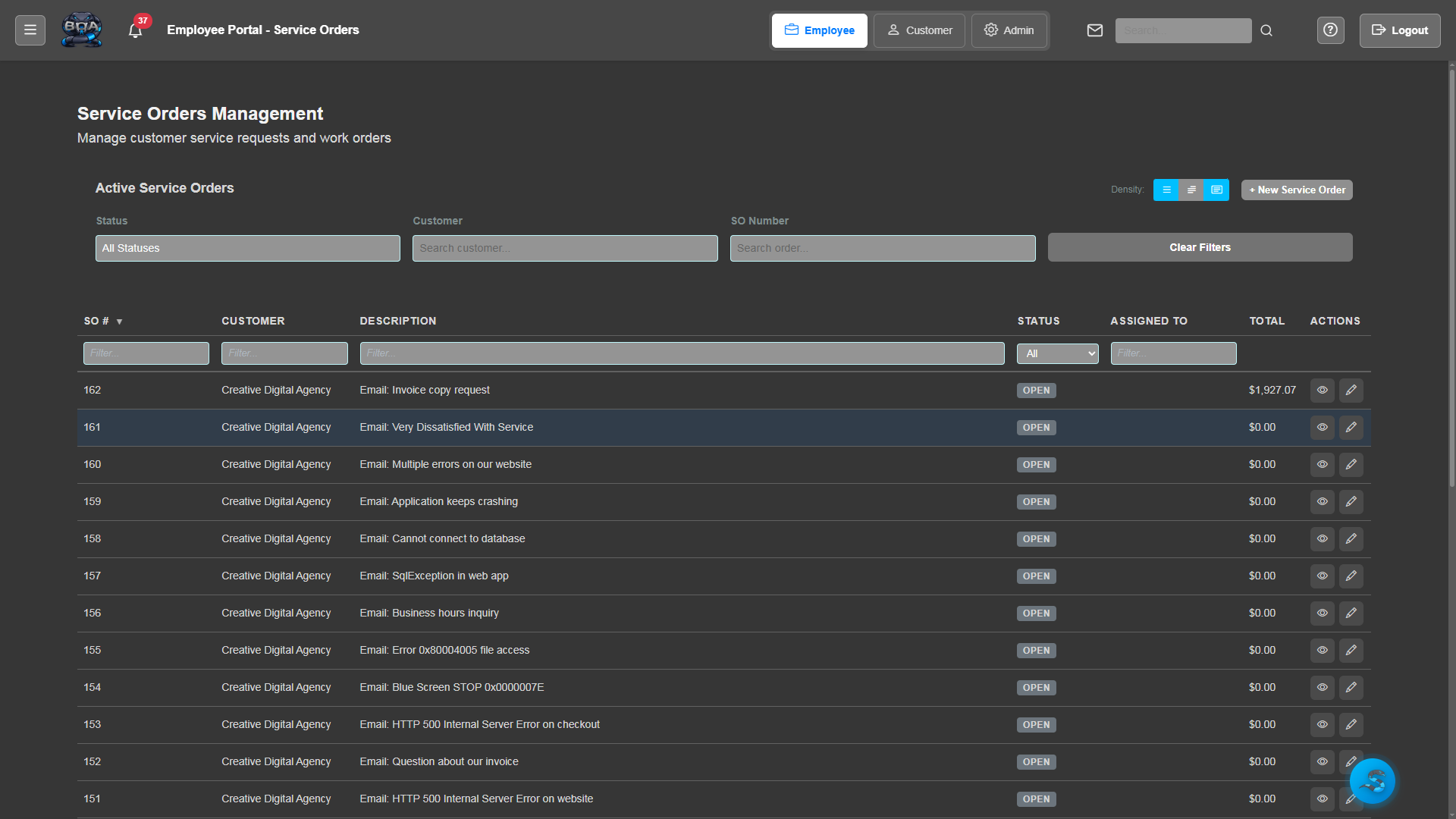
Service Order List
View all service orders in a filterable, sortable list. Quickly identify open, in-progress, and completed jobs with color-coded status badges and priority indicators.
- Filter by status, priority, technician, or date range
- Color-coded status badges for instant job visibility
- Sortable columns with persistent user preferences
- Bulk actions for status updates and technician reassignment
Service Order Detail
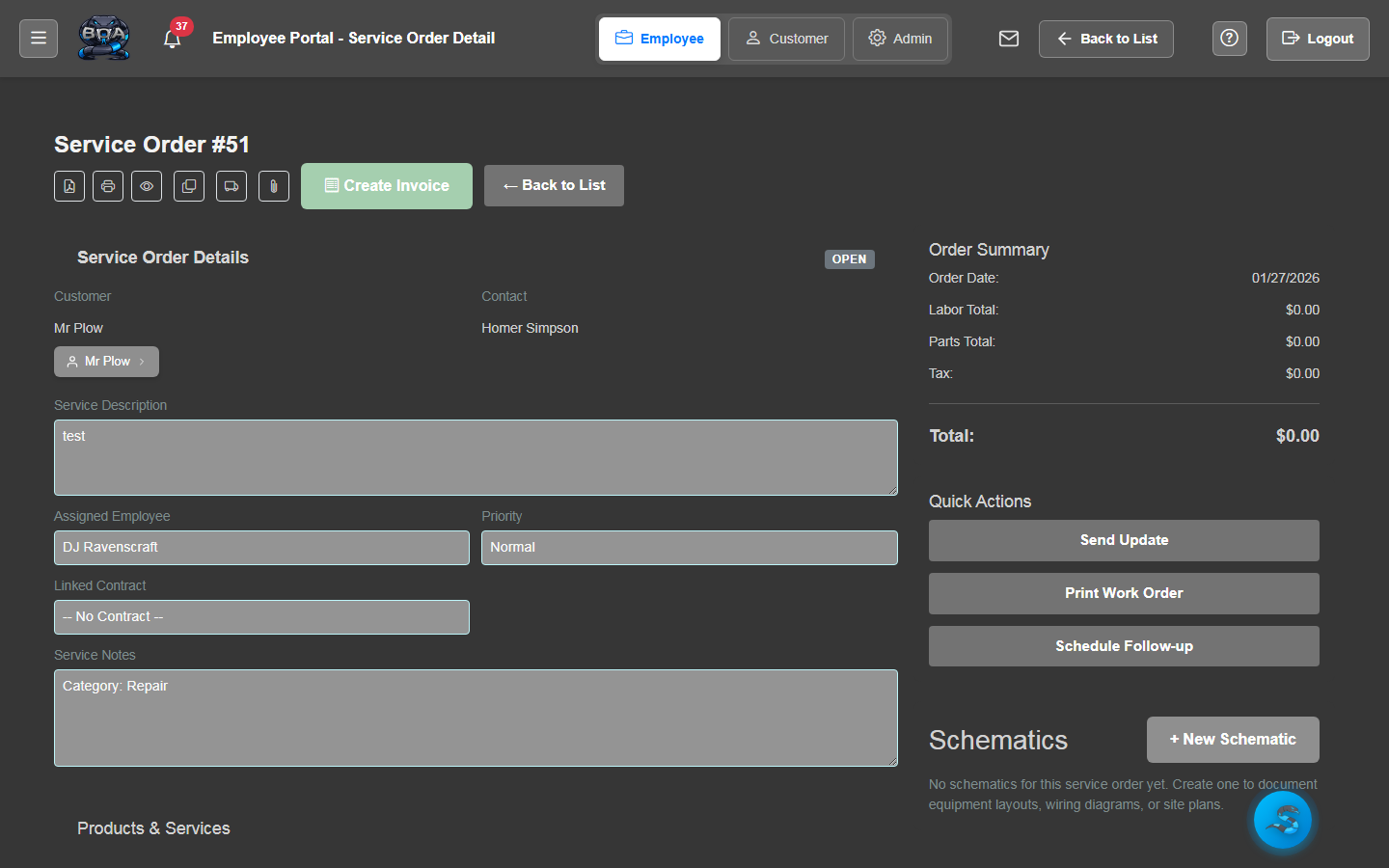
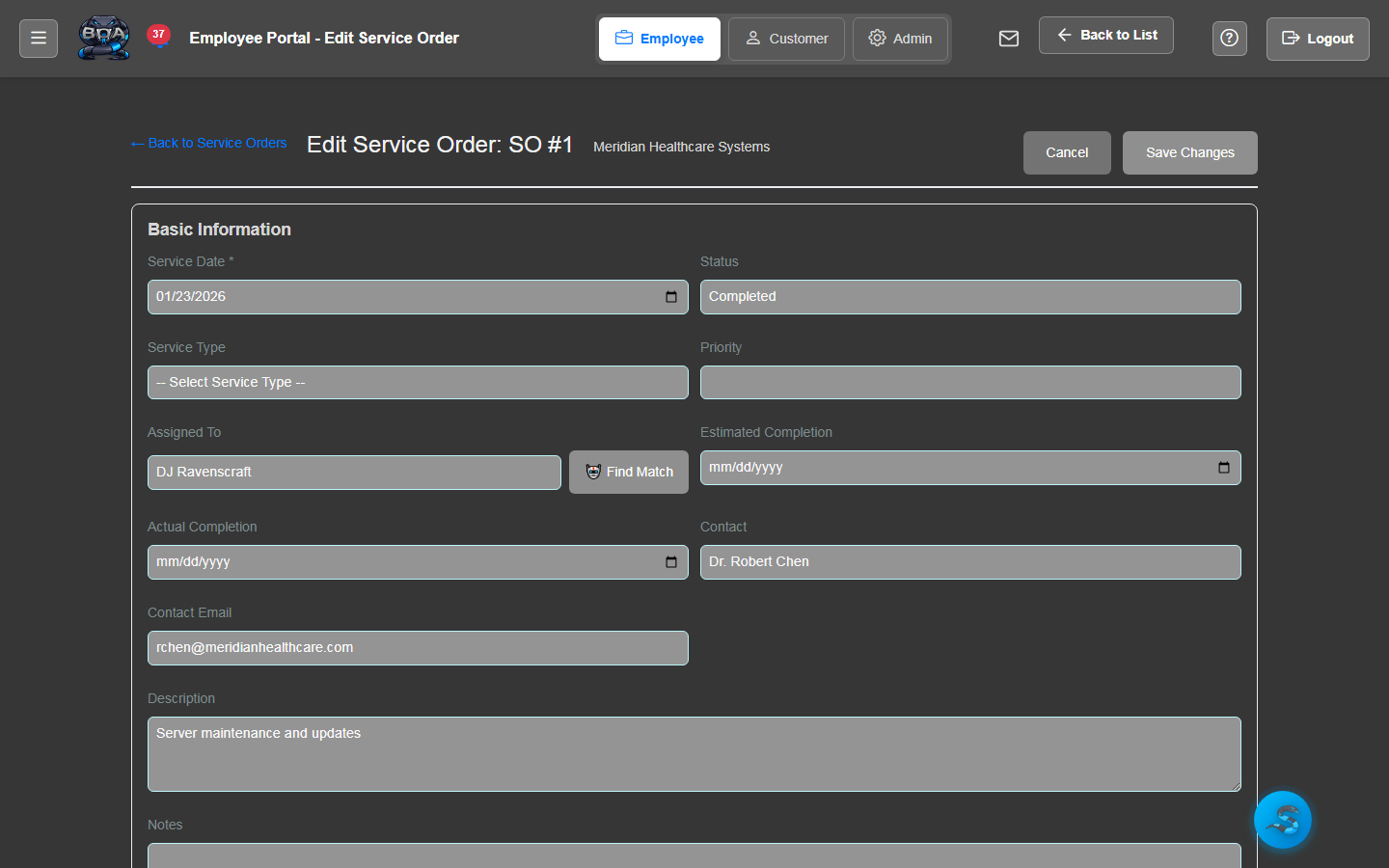
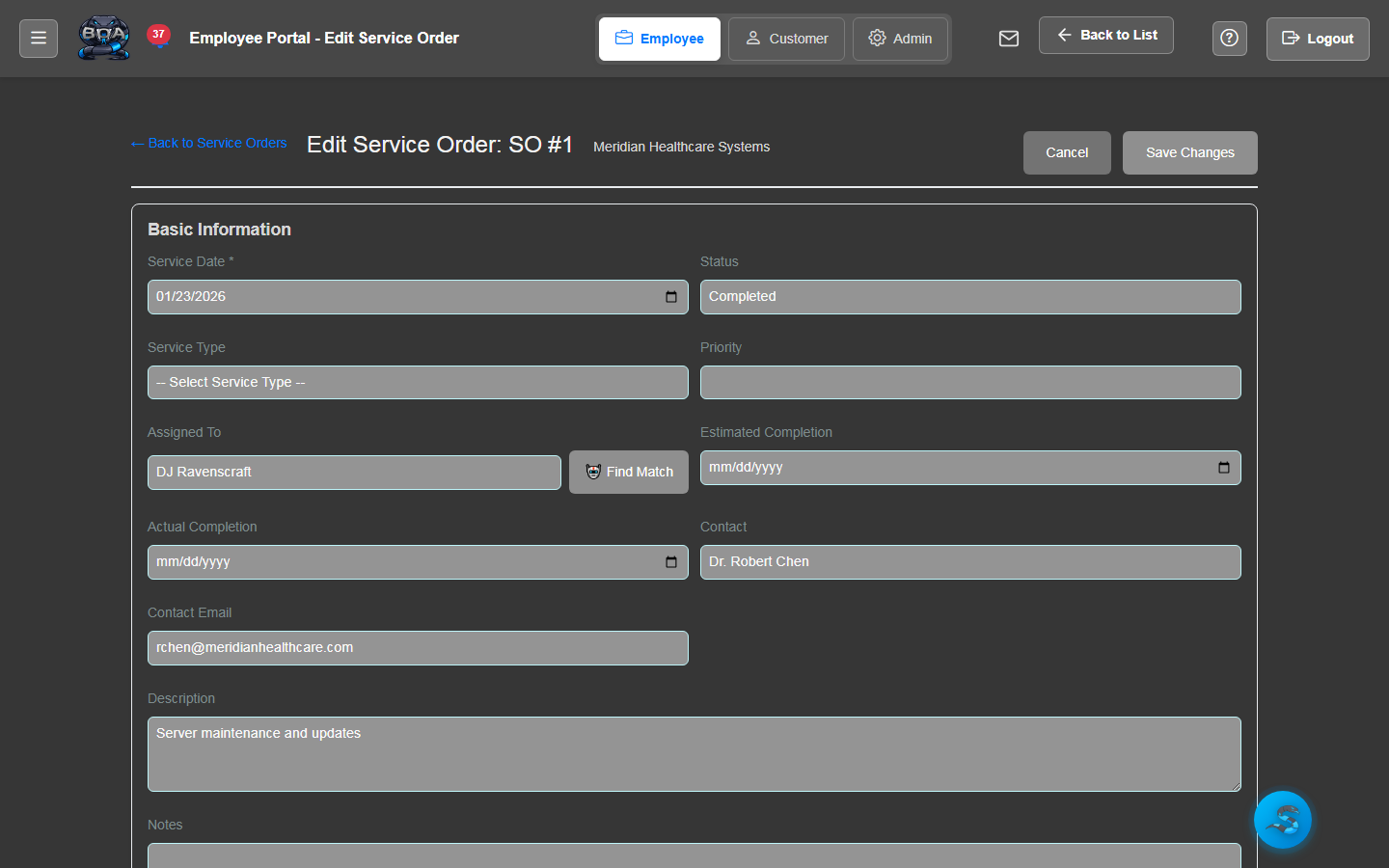
Every service order has a comprehensive detail view showing the customer, site location, problem description, assigned technician, parts used, labor logged, and complete work history.
- Customer and site information with map integration
- Problem description and resolution notes
- Attached photos, documents, and customer signatures
- Full audit trail of status changes and updates
Dispatch Calendar
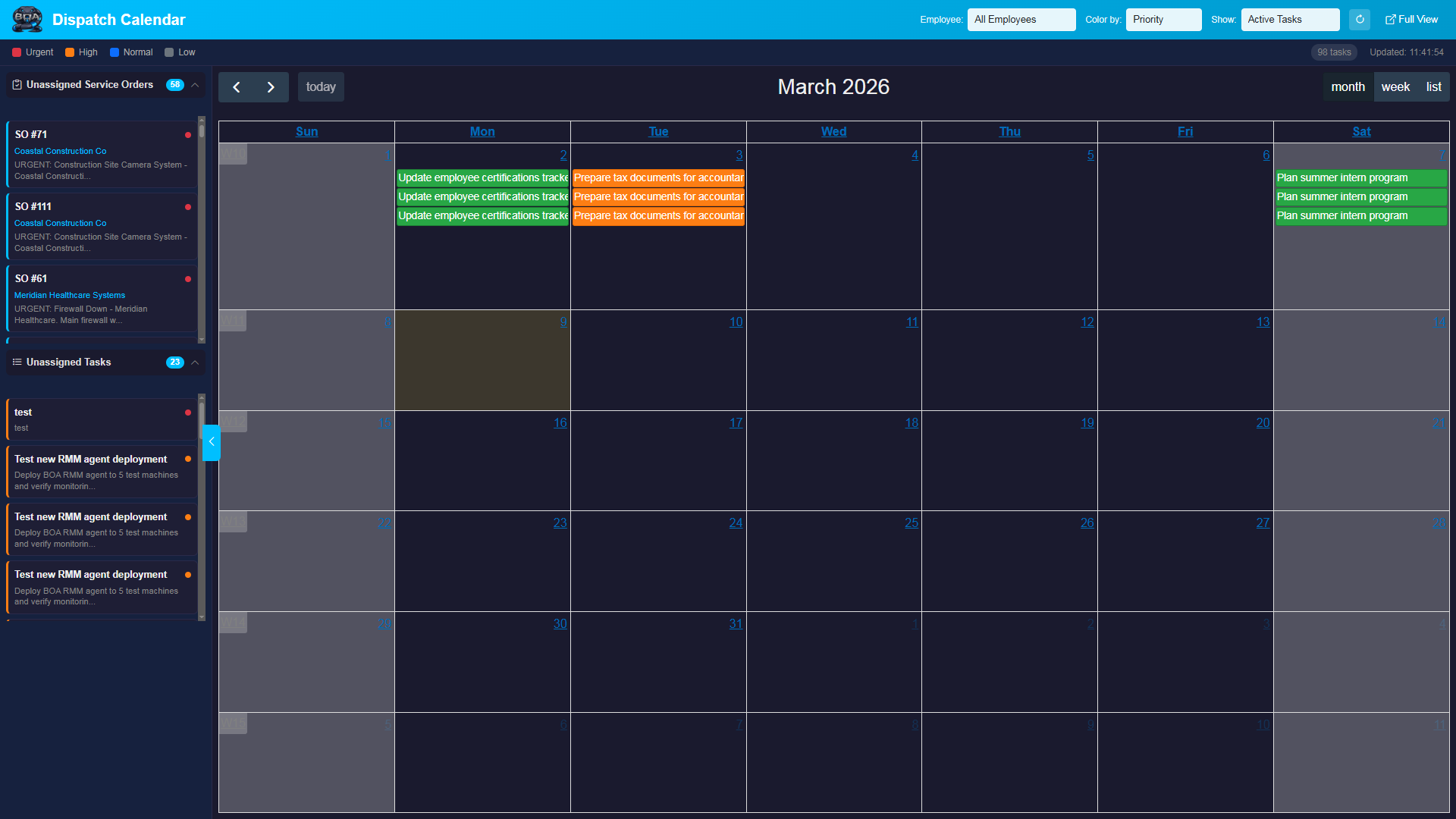
A visual calendar built for dispatchers. See technician schedules at a glance, drag and drop jobs to reassign, and identify scheduling gaps or conflicts in real time.
- Day, week, and month calendar views
- Drag-and-drop job assignment and rescheduling
- Technician availability and time-off visibility
- Color-coded entries by job type or priority level
Technician Assignment
Assign the right technician to every job based on skill set, availability, and location. Technicians receive assignments instantly and can update job status from the field.
- Skill-based matching and availability checking
- One-click assignment from the dispatch board
- Automatic notification to assigned technicians
- Reassignment history tracked in the audit log
Parts & Labor Tracking
Record every part consumed and every hour worked on a service order. Parts are pulled from your inventory catalog with automatic stock deductions and cost tracking.
- Add parts from your product catalog with real-time stock levels
- Labor time entry with configurable billing rates
- Automatic cost calculations for parts and labor
- Inventory deductions applied when parts are consumed
Recurring Service Orders
Set up recurring maintenance schedules for contract customers. BOA automatically generates service orders on your defined schedule so preventive maintenance never falls through the cracks.
- Configurable recurrence patterns: daily, weekly, monthly, quarterly
- Automatic service order generation on schedule
- Linked to service contracts for billing alignment
- Pre-populated templates with standard checklists