Key Capabilities
Project Management
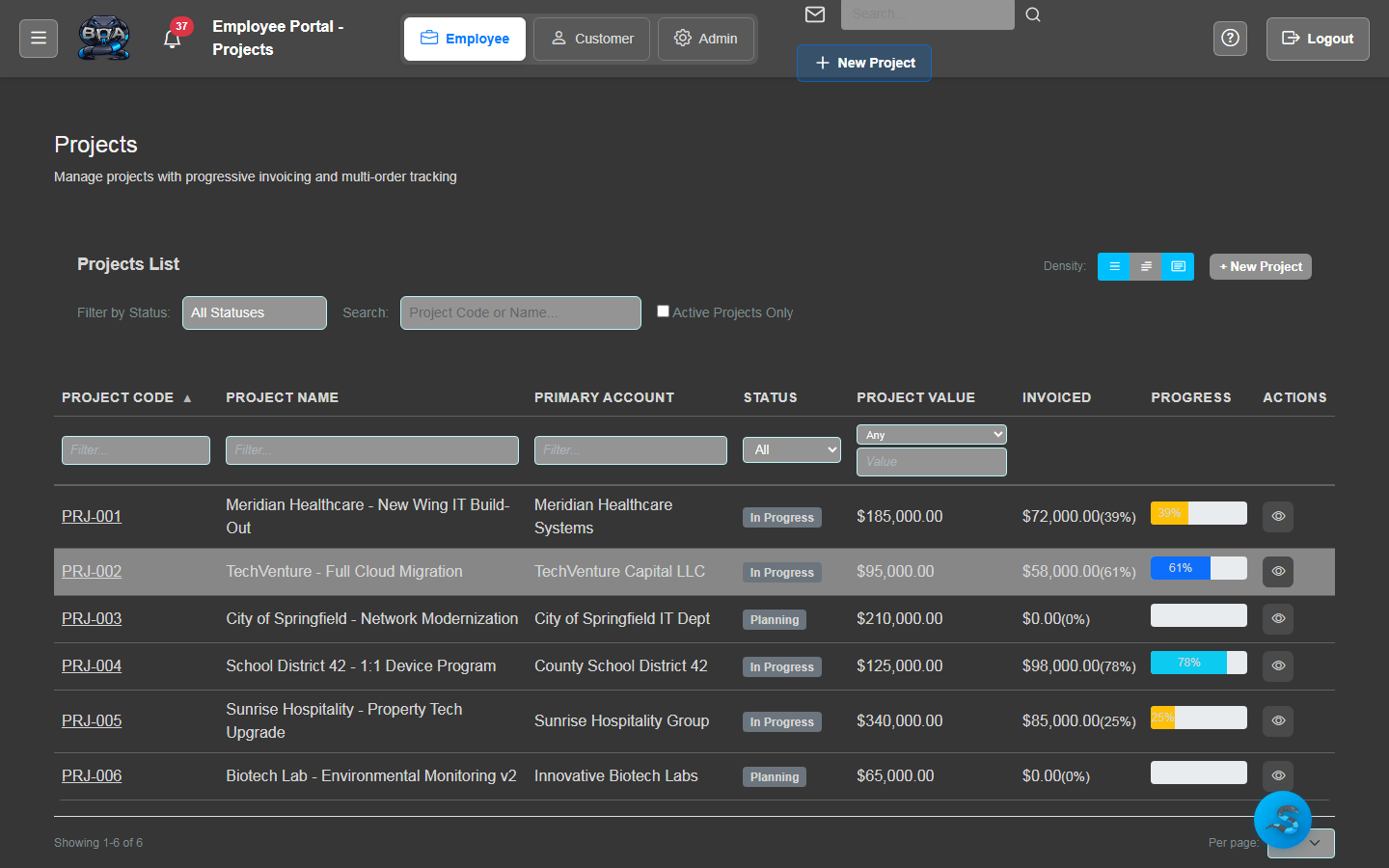
Create and manage projects with defined scopes, budgets, and timelines. Each project links to a customer account and can contain unlimited tasks, time entries, and documents.
- Project creation with scope, budget, and timeline definition
- Customer account and contact association
- Project status tracking: Planning, Active, On Hold, Completed
- Document and file attachments per project
Task Management
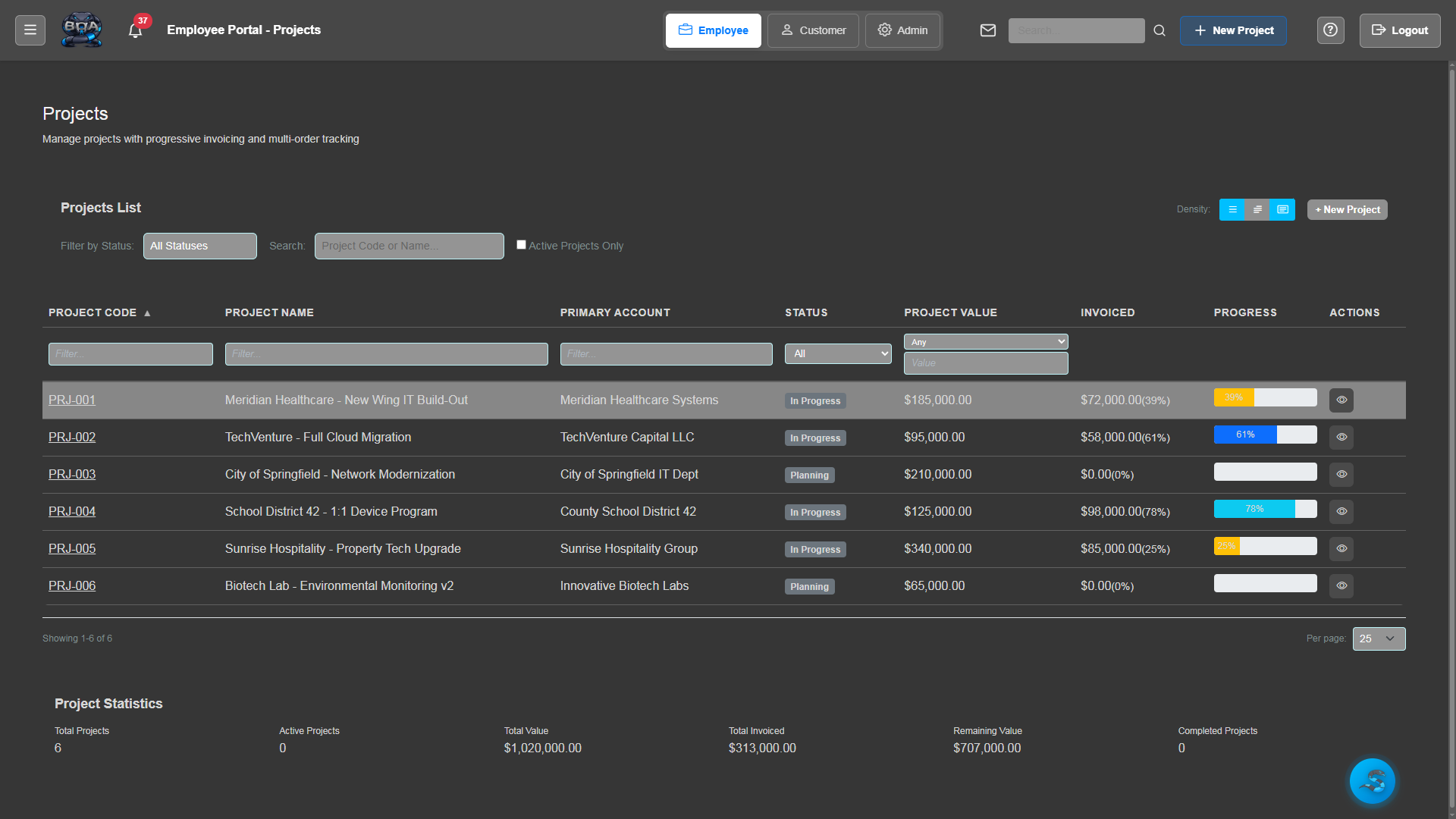
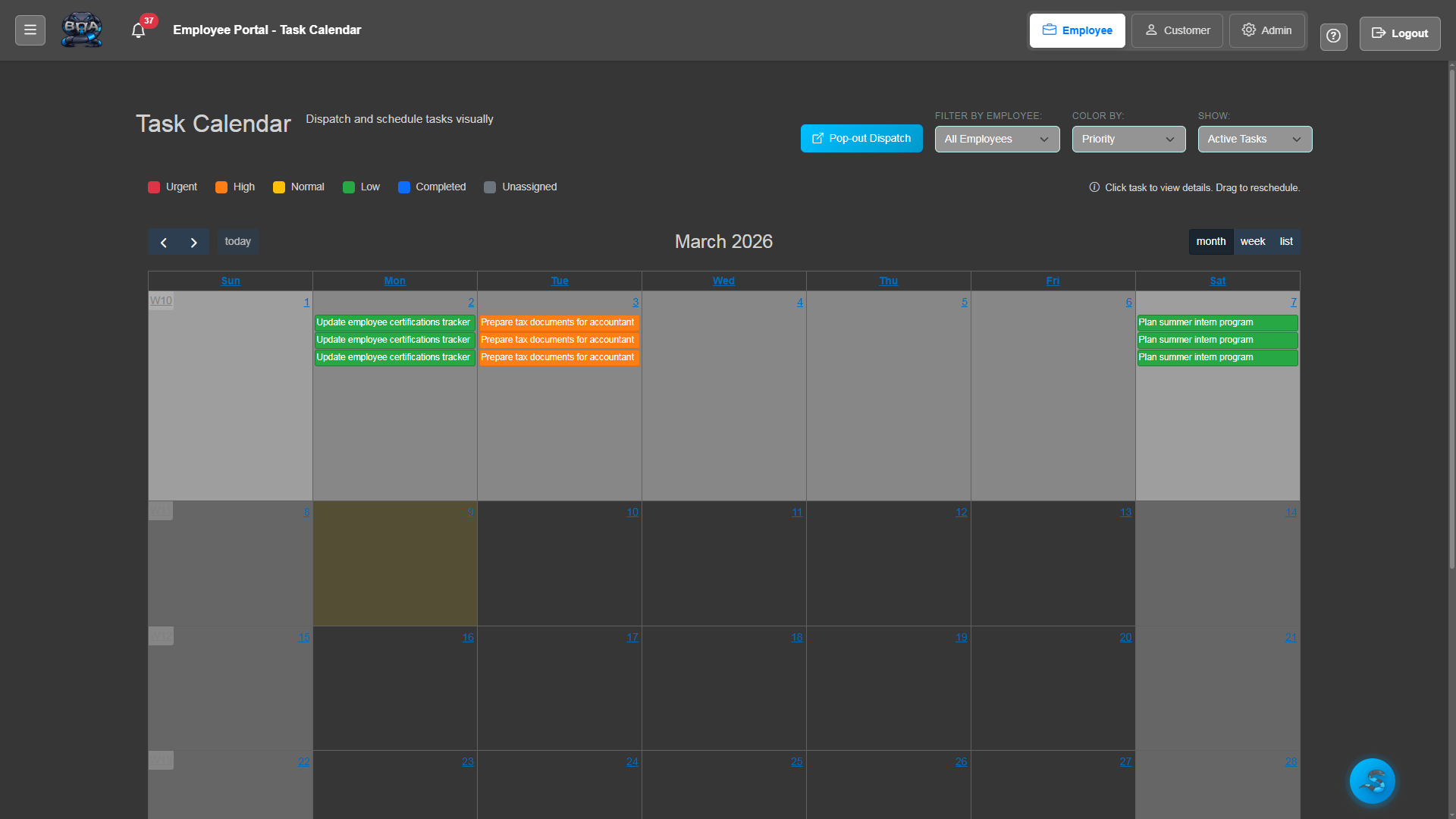
Break projects into actionable tasks with assignments, due dates, and priority levels. Tasks can be organized hierarchically with parent-child relationships for complex project structures.
- Task creation with description, assignee, and due date
- Priority levels: Low, Medium, High, Critical
- Parent-child task hierarchies for work breakdown structures
- Task status workflow: To Do, In Progress, Review, Done
Task Calendar
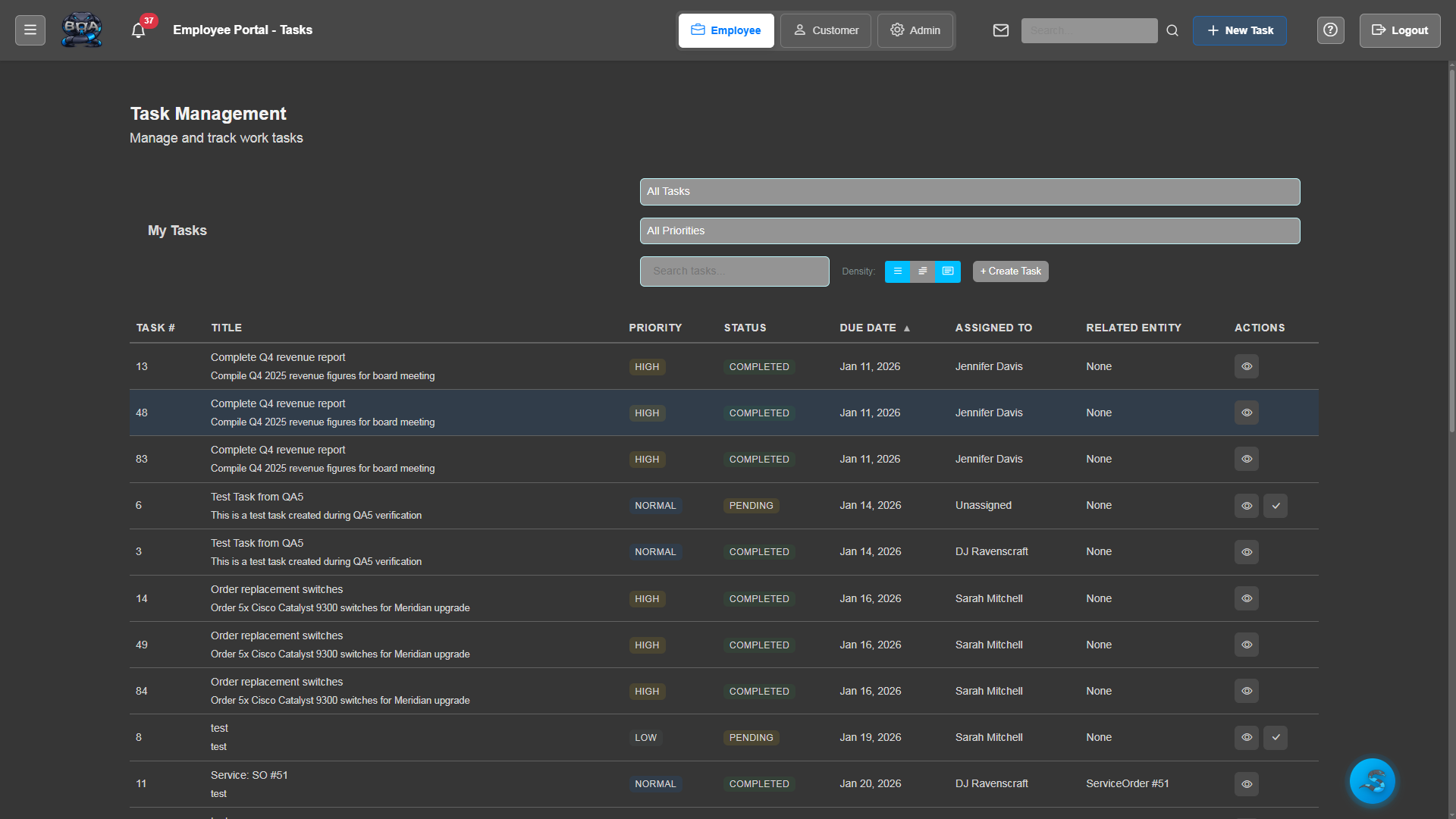
Visualize your team's workload on a shared calendar. See task due dates, assigned work, and scheduling conflicts across all projects in day, week, or month views.
- Day, week, and month calendar views
- Color-coded tasks by project or priority
- Drag-and-drop rescheduling of task due dates
- Team workload visibility across all active projects
Time Logging
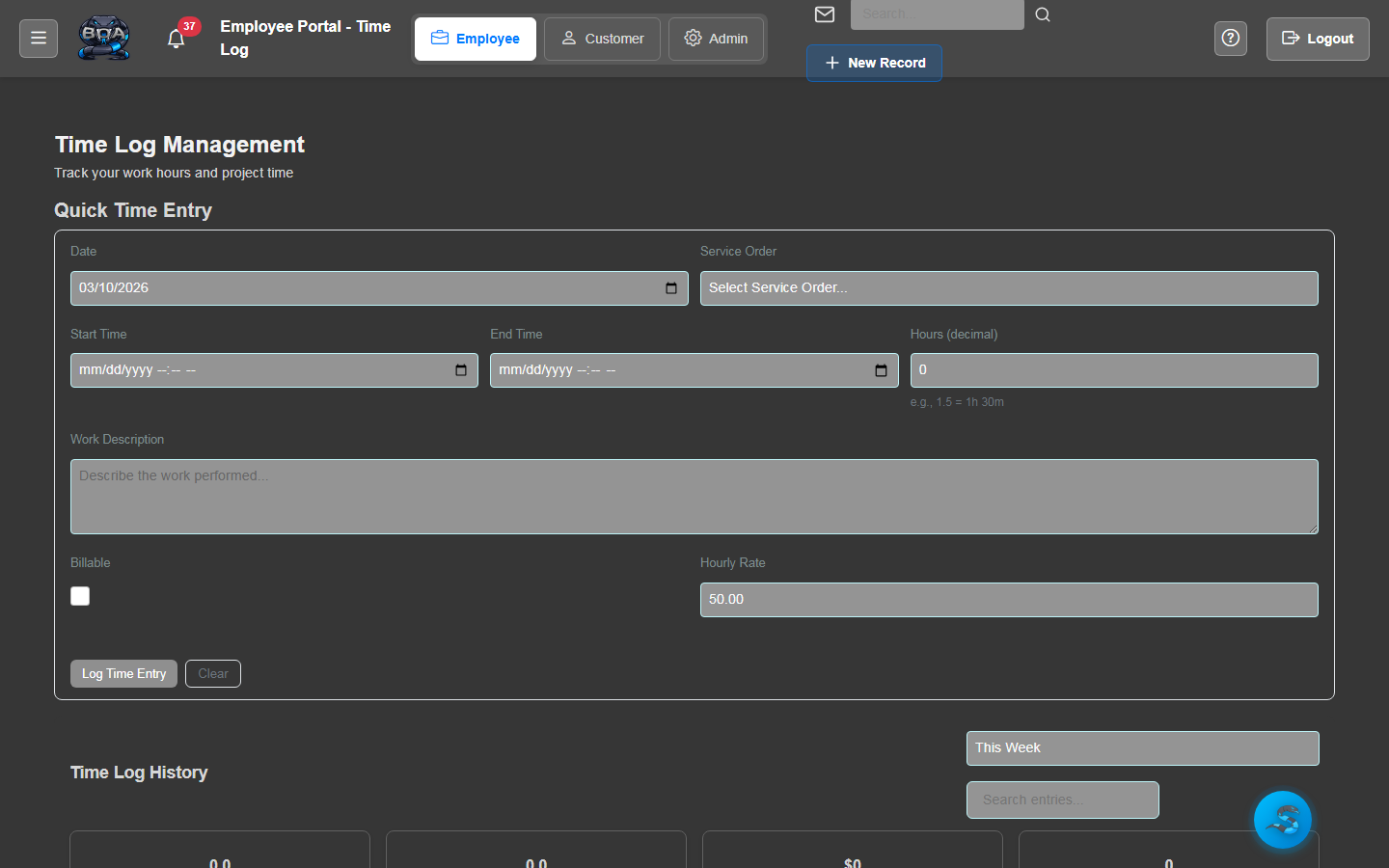
Log time against projects and tasks with a simple timer or manual entry. Each time entry captures the employee, duration, description, and billable status.
- Start/stop timer for real-time tracking
- Manual time entry with date and duration
- Per-entry descriptions for client-facing reports
- Employee attribution on every time entry
Billable Time Tracking
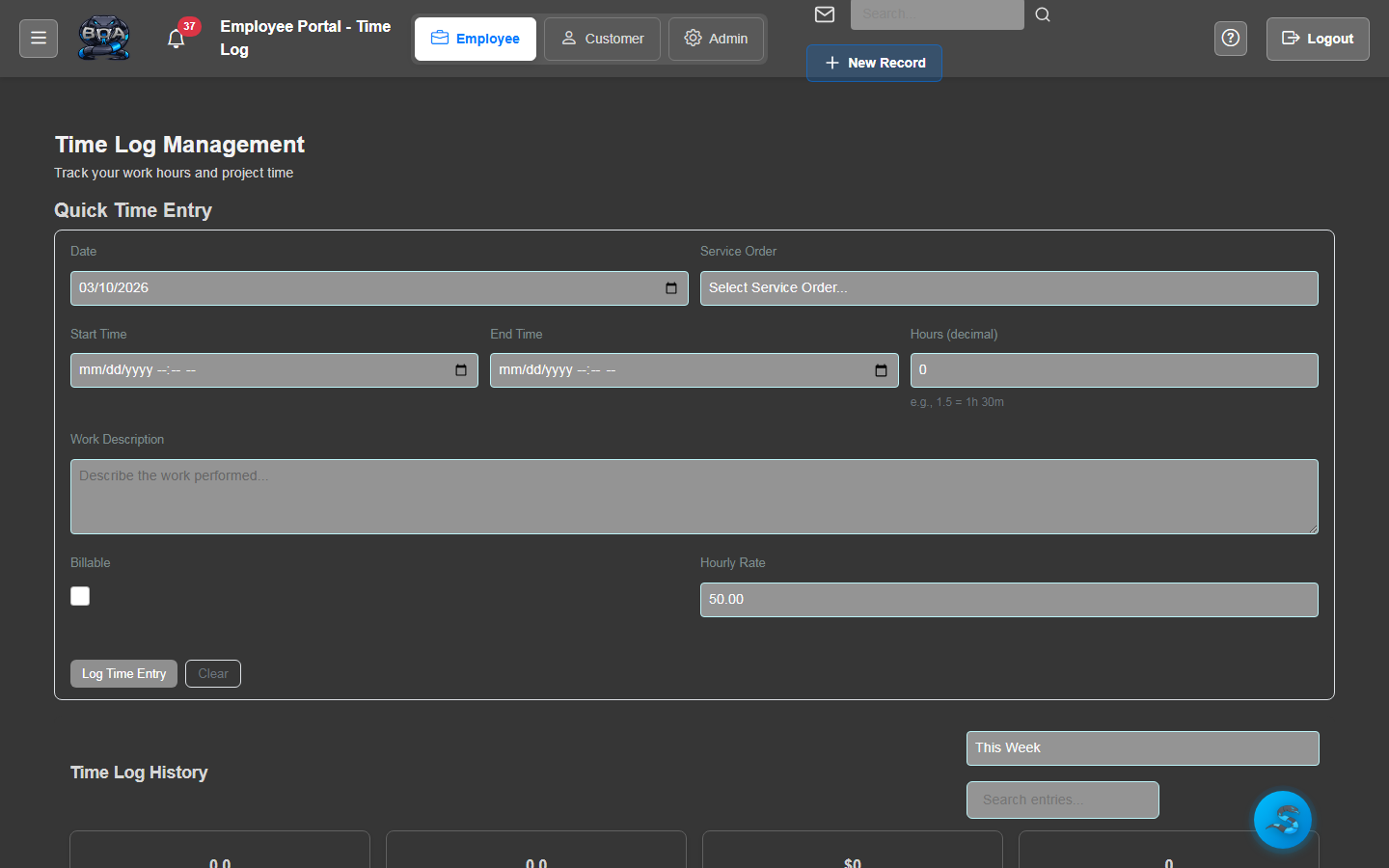
Distinguish billable from non-billable hours and apply the correct billing rates. BOA calculates billable amounts automatically and feeds them directly into invoice generation.
- Billable and non-billable time classification
- Configurable billing rates per employee or task type
- Automatic billable amount calculations
- One-click conversion of billable time to invoice line items
Budget & Cost Analysis
Track project costs against budgets in real time. See how labor hours and expenses compare to your original estimates, with variance alerts when projects approach or exceed their budgets.
- Budget vs. actual tracking for labor and expenses
- Real-time cost accumulation from time entries
- Budget utilization percentages and variance alerts
- Profitability reports by project, customer, or date range