Key Capabilities
OAuth2 Setup & Connection
Connect BOA to your QuickBooks Online account with a secure OAuth2 flow. Authorize once, and BOA maintains the connection with automatic token refresh — no manual re-authentication required.
- Secure OAuth2 authorization flow with QuickBooks Online
- Automatic access token refresh with no manual intervention
- Connection status indicator in the admin dashboard
- One-click disconnect and reconnect capability
Sync Dashboard
A centralized dashboard showing the sync status of every entity type. See last-synced timestamps, pending sync counts, error logs, and overall sync health at a glance.
- Entity-by-entity sync status with last-synced timestamps
- Pending sync queue showing items awaiting synchronization
- Error log with detailed messages and resolution guidance
- Bulk sync controls to trigger full or incremental syncs
Customer & Vendor Sync
Synchronize your BOA customer accounts and vendor records with QuickBooks Online customers and vendors. Names, addresses, contact info, and terms stay aligned between both systems.
- Two-way sync of customer and vendor records
- Automatic field mapping for names, addresses, and contacts
- New records created in either system sync to the other
- Duplicate detection to prevent redundant QuickBooks entries
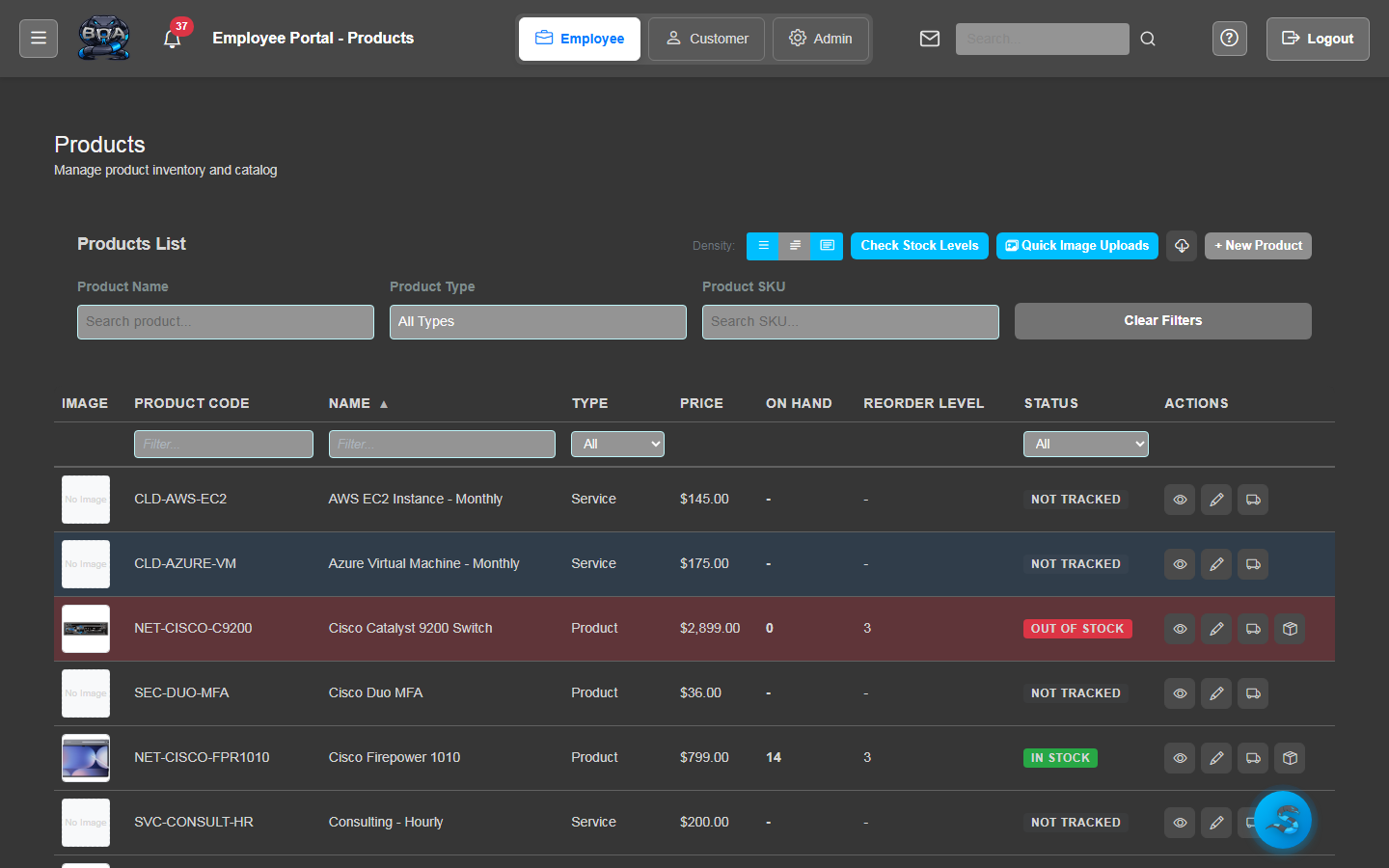
Product & Inventory Sync
Keep your product catalog and inventory quantities synchronized with QuickBooks Online items. Product names, descriptions, costs, sell prices, and stock levels flow between both systems.
- Product records synced with QuickBooks inventory items
- Cost and sell price synchronization
- Stock quantity updates reflected in both systems
- Category and item type mapping for organized records
Invoice & Payment Sync
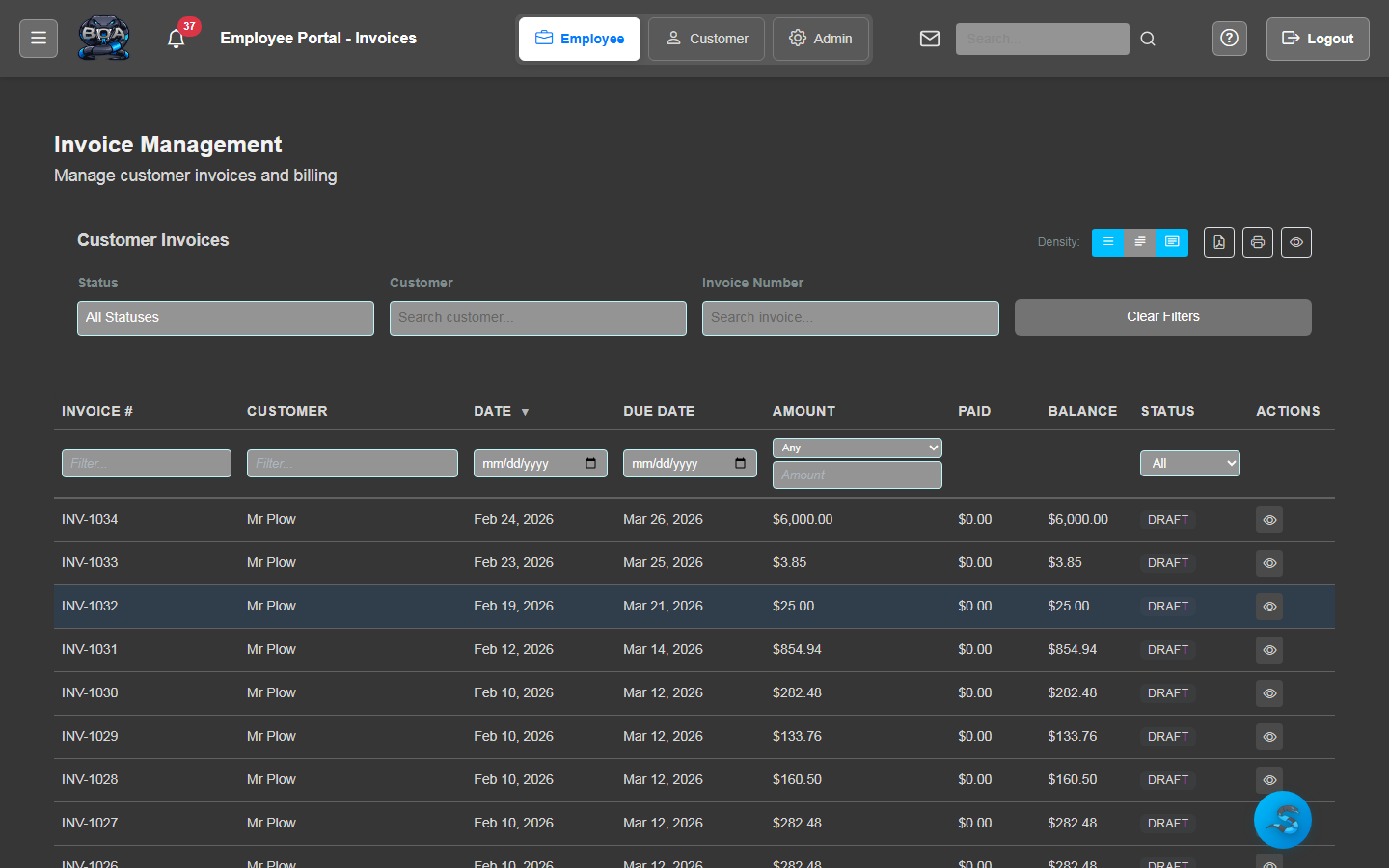
Push BOA invoices to QuickBooks Online and sync received payments back. Line items, taxes, totals, and payment applications are mapped precisely to maintain accounting accuracy.
- Invoice push from BOA to QuickBooks with full line item detail
- Payment sync including partial payments and credit applications
- Tax amount and account mapping for accurate bookkeeping
- Void and credit memo synchronization for complete records
Purchase Order Sync
Synchronize purchase orders with QuickBooks Online to keep your procurement and accounts payable in alignment. PO details, vendor associations, and line items transfer seamlessly.
- Purchase order push from BOA to QuickBooks Online
- Vendor and line item mapping for accurate PO records
- Receiving status updates reflected in both systems
- PO-to-bill linking for streamlined accounts payable