Key Capabilities
Customer Dashboard
A personalized landing page for each customer showing their open invoices, active service requests, contract status, and recent activity. Customers see exactly what matters to them the moment they log in.
- At-a-glance summary of open invoices and balances due
- Active service request count with status indicators
- Contract coverage overview with renewal dates
- Recent activity feed showing latest updates and communications
Service Request Submission
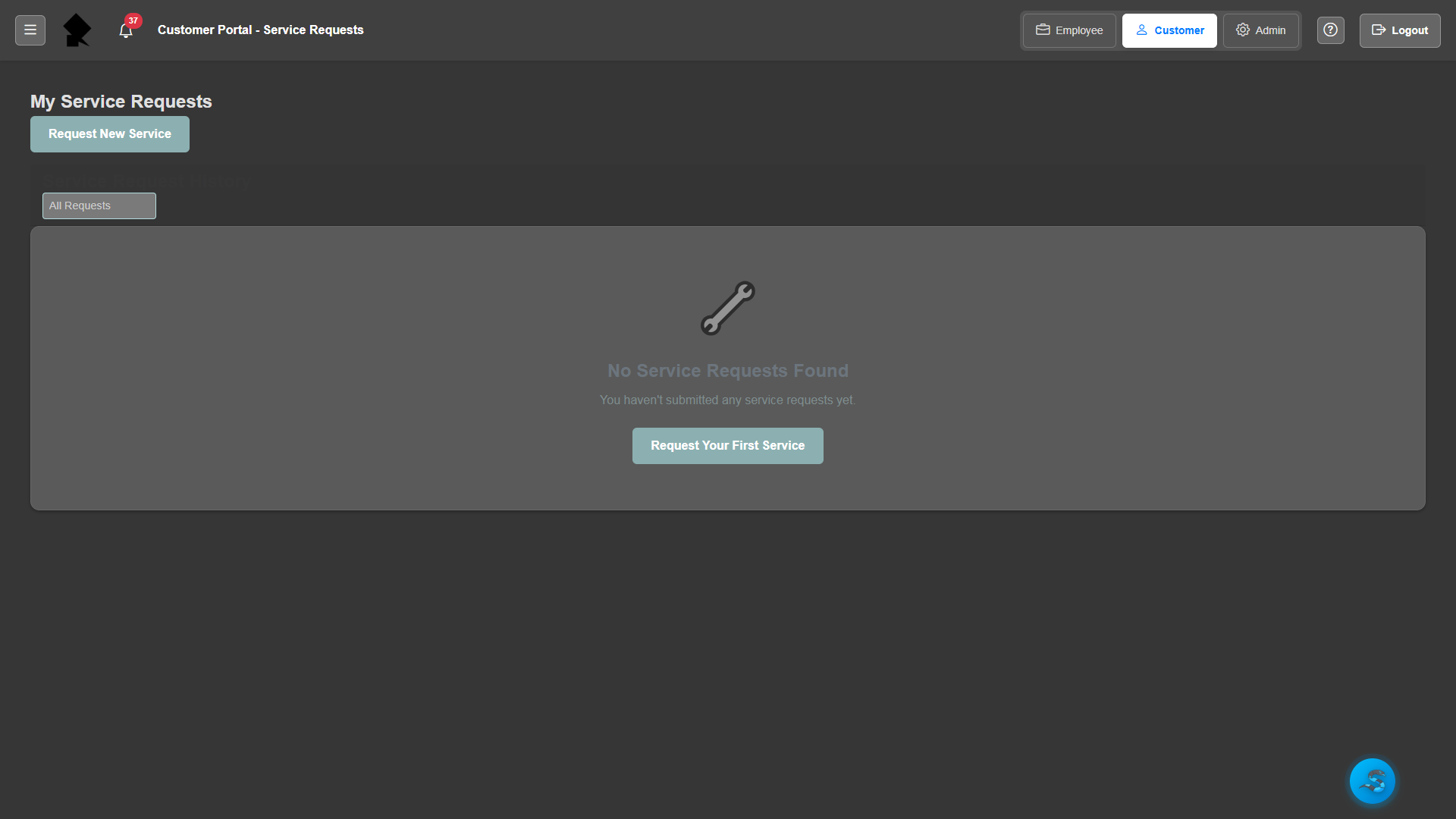
Customers can submit service requests directly through the portal with detailed problem descriptions, priority levels, and file attachments. Requests flow into your service order queue for dispatching.
- Online service request form with category selection
- File and photo attachment support for issue documentation
- Priority level selection and preferred scheduling
- Real-time request status tracking after submission
Invoice Viewing & Payment
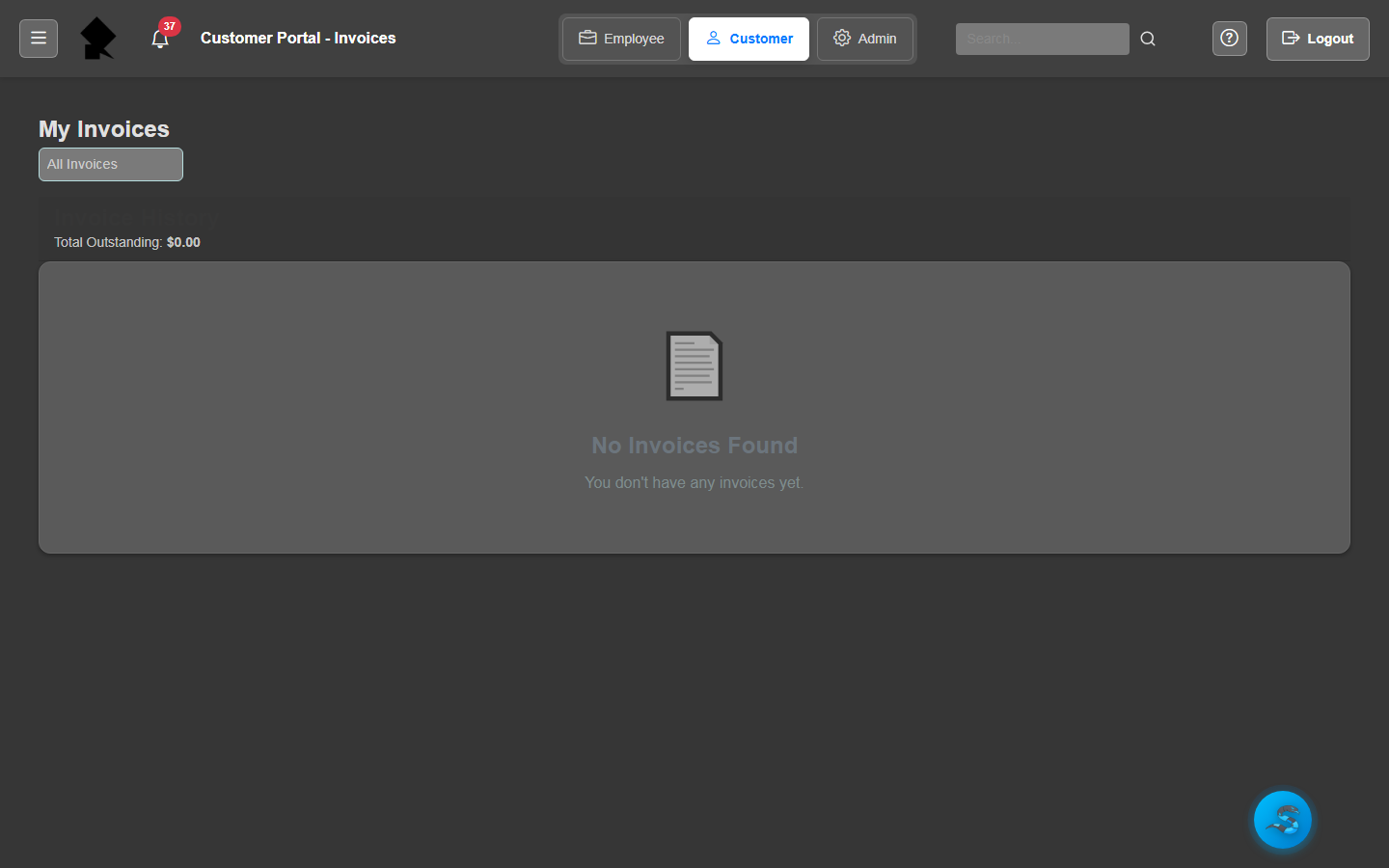
Customers can view all their invoices — open, paid, and overdue — directly in the portal. Each invoice shows full line item detail, payment history, and remaining balance.
- Complete invoice history with status filtering
- Detailed line item view matching the printed PDF format
- Payment history and remaining balance per invoice
- Downloadable PDF invoices for customer records
Contract Visibility
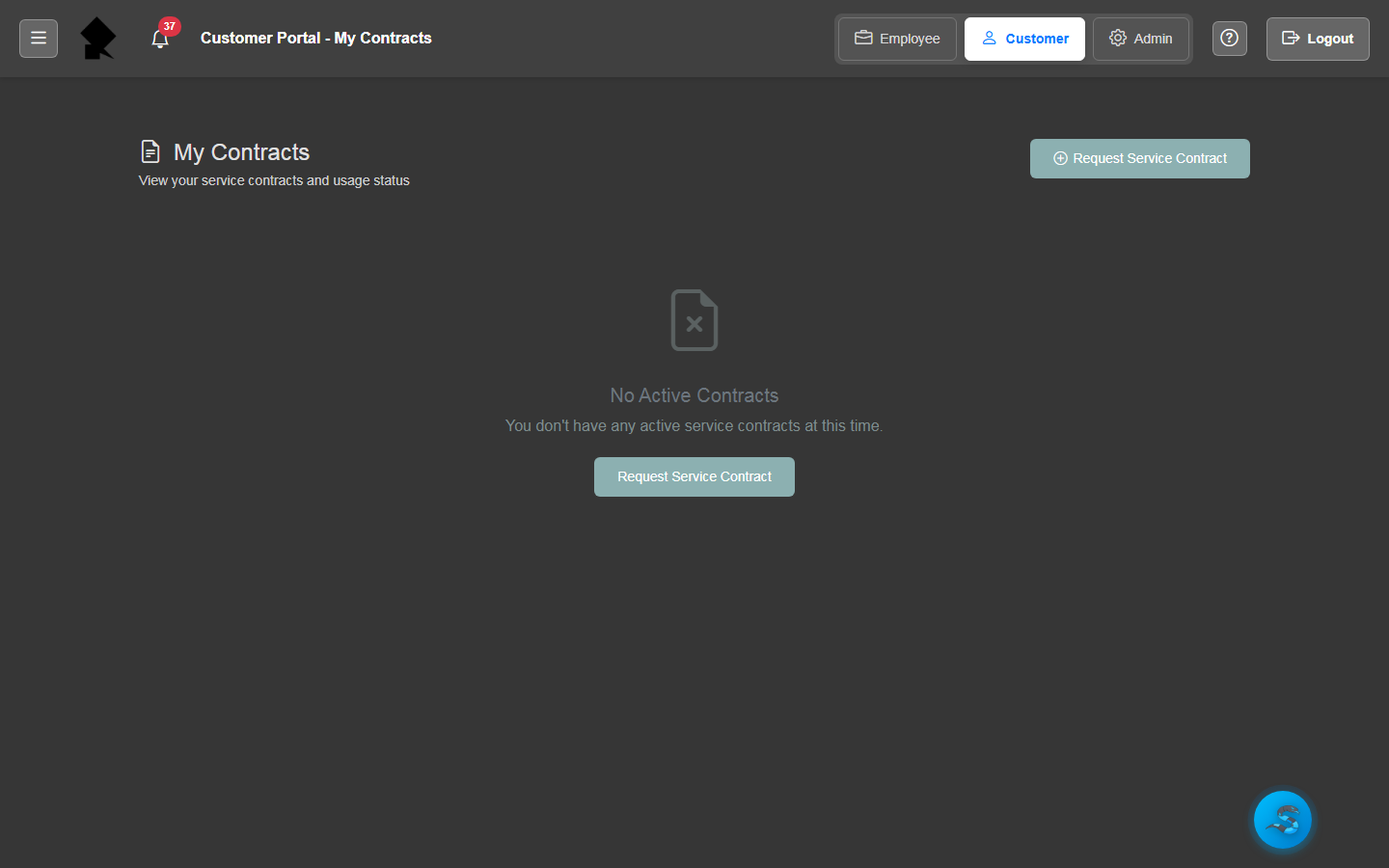
Give customers transparent access to their active service contracts. They can review coverage details, included services, renewal dates, and terms of service without requesting information from your team.
- Active contract listing with coverage summaries
- Included services and SLA details per contract
- Renewal and expiration date visibility
- Downloadable contract documents and terms
Community Features
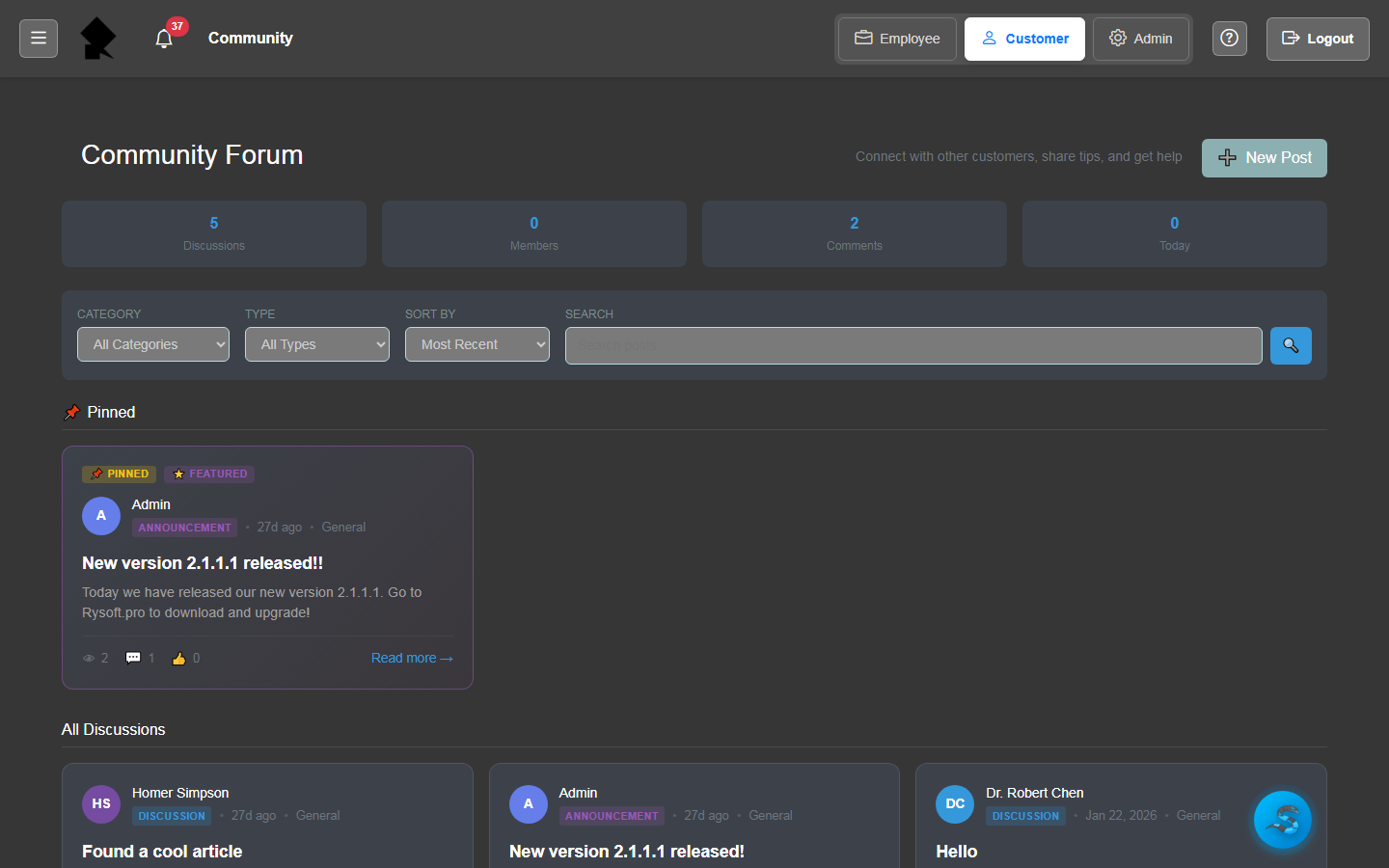
Share company announcements, maintenance schedules, and knowledge base articles with your customer community. The portal becomes a communication hub that keeps customers informed and reduces inbound support calls.
- Company announcement feed visible to all portal users
- Knowledge base articles organized by category
- Scheduled maintenance and outage notifications
- Customer-visible news and update timeline
Video Access
Share training videos, product tutorials, and how-to content with your customers through the portal's integrated video library. Customers can browse, search, and watch videos organized into playlists and categories.
- Embedded video library accessible from the portal
- Playlist and category organization for easy browsing
- Role-based access to restrict videos by customer tier
- Self-hosted video storage with no third-party dependencies