Key Capabilities
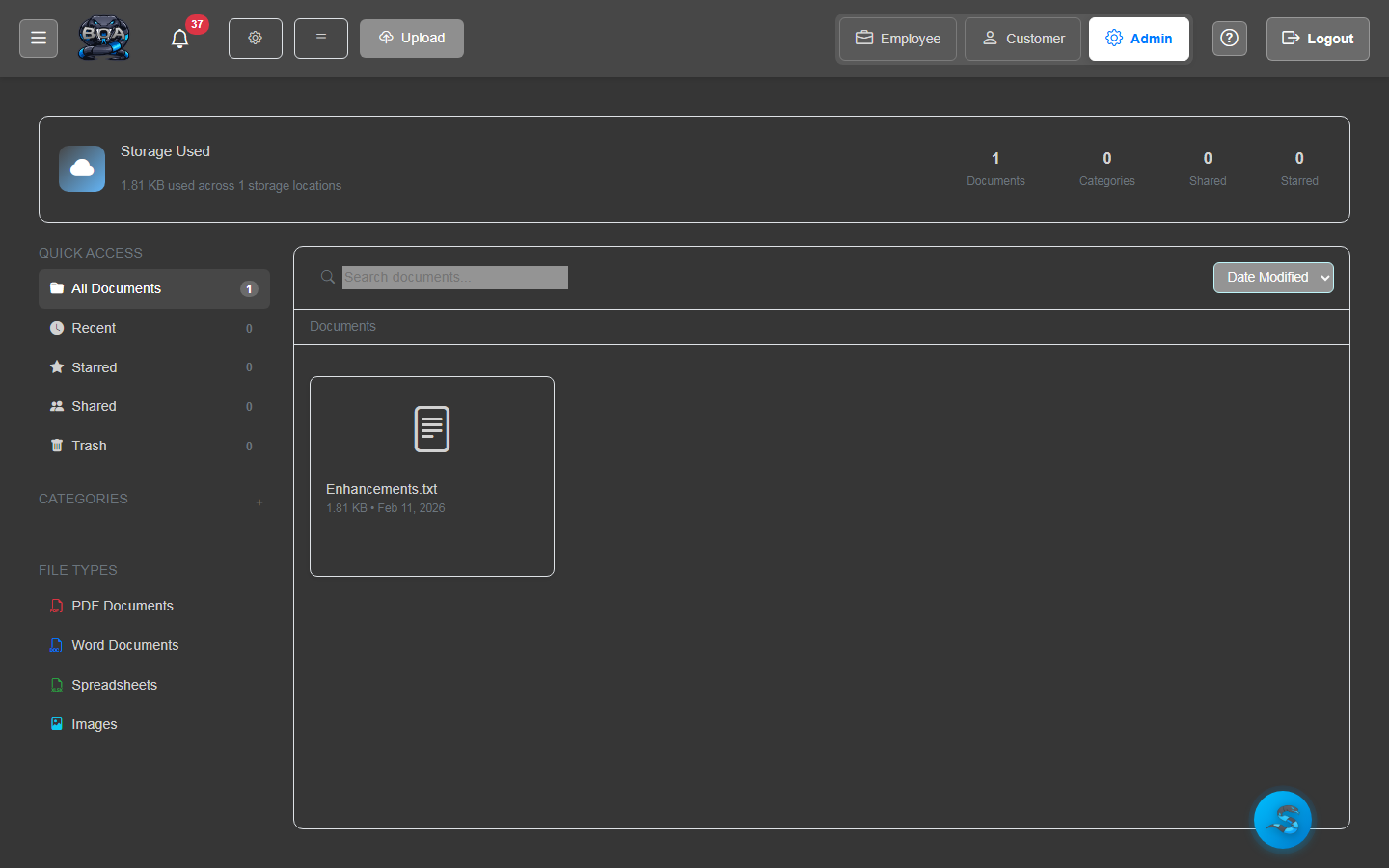
Document Manager
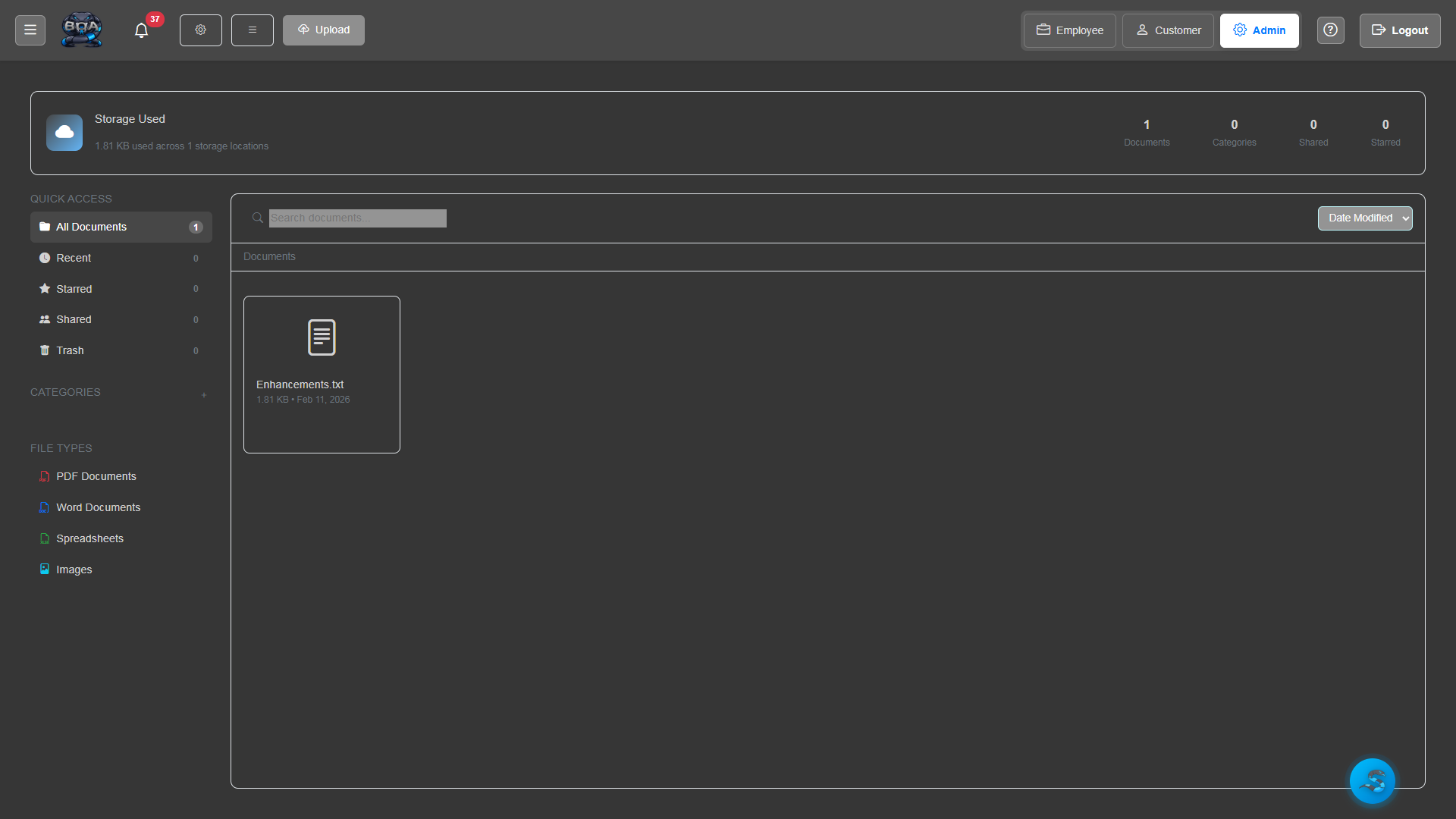
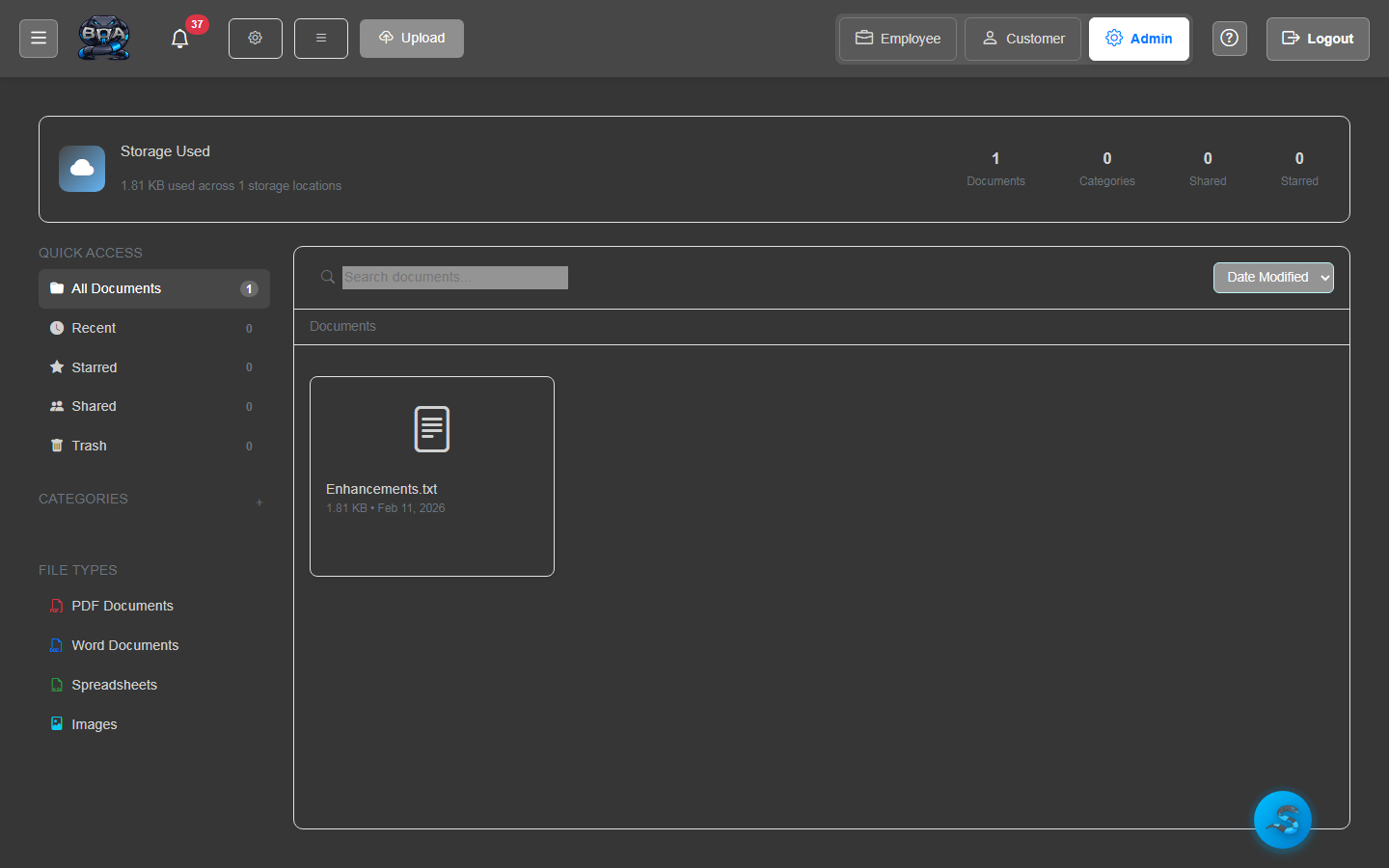
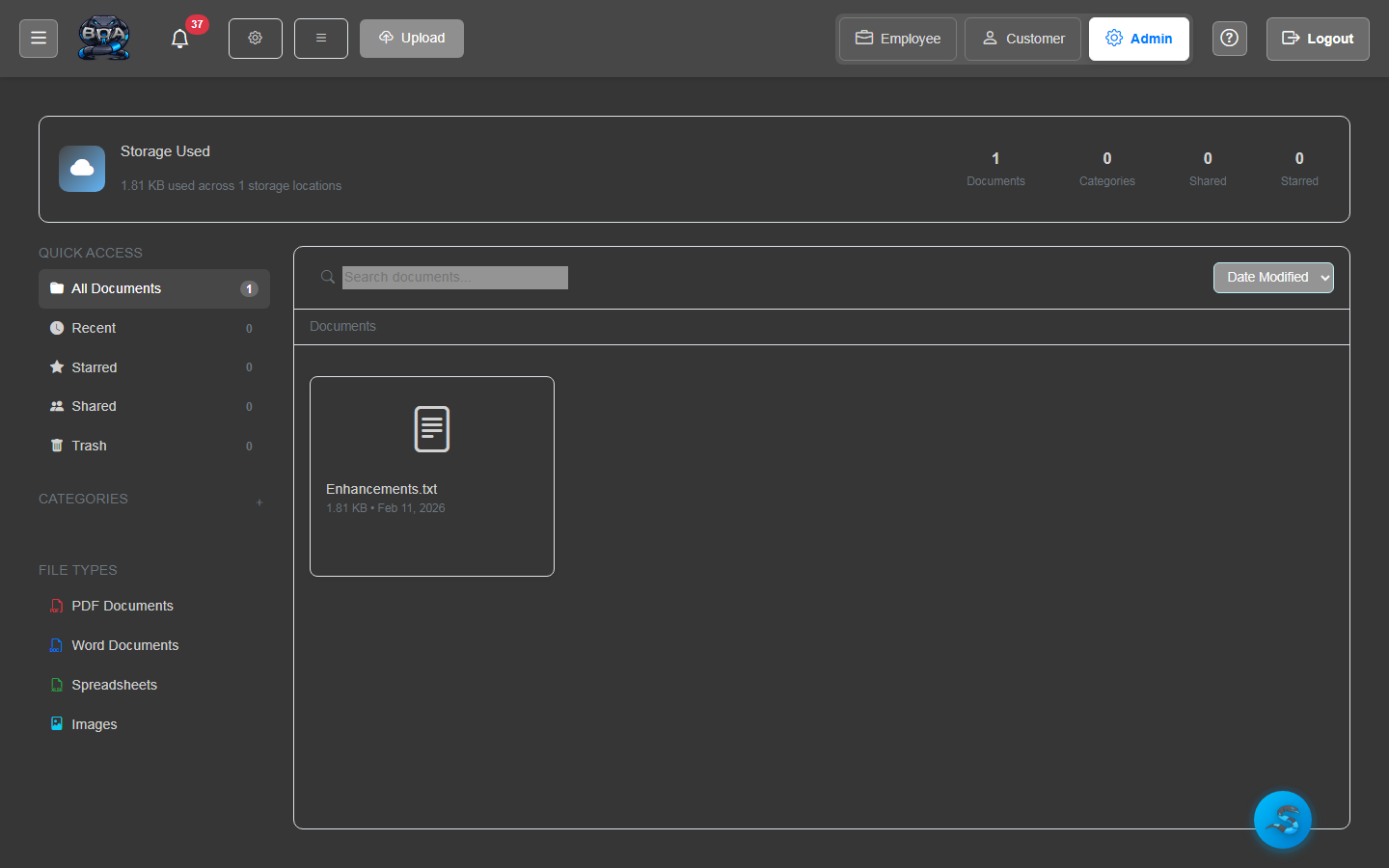
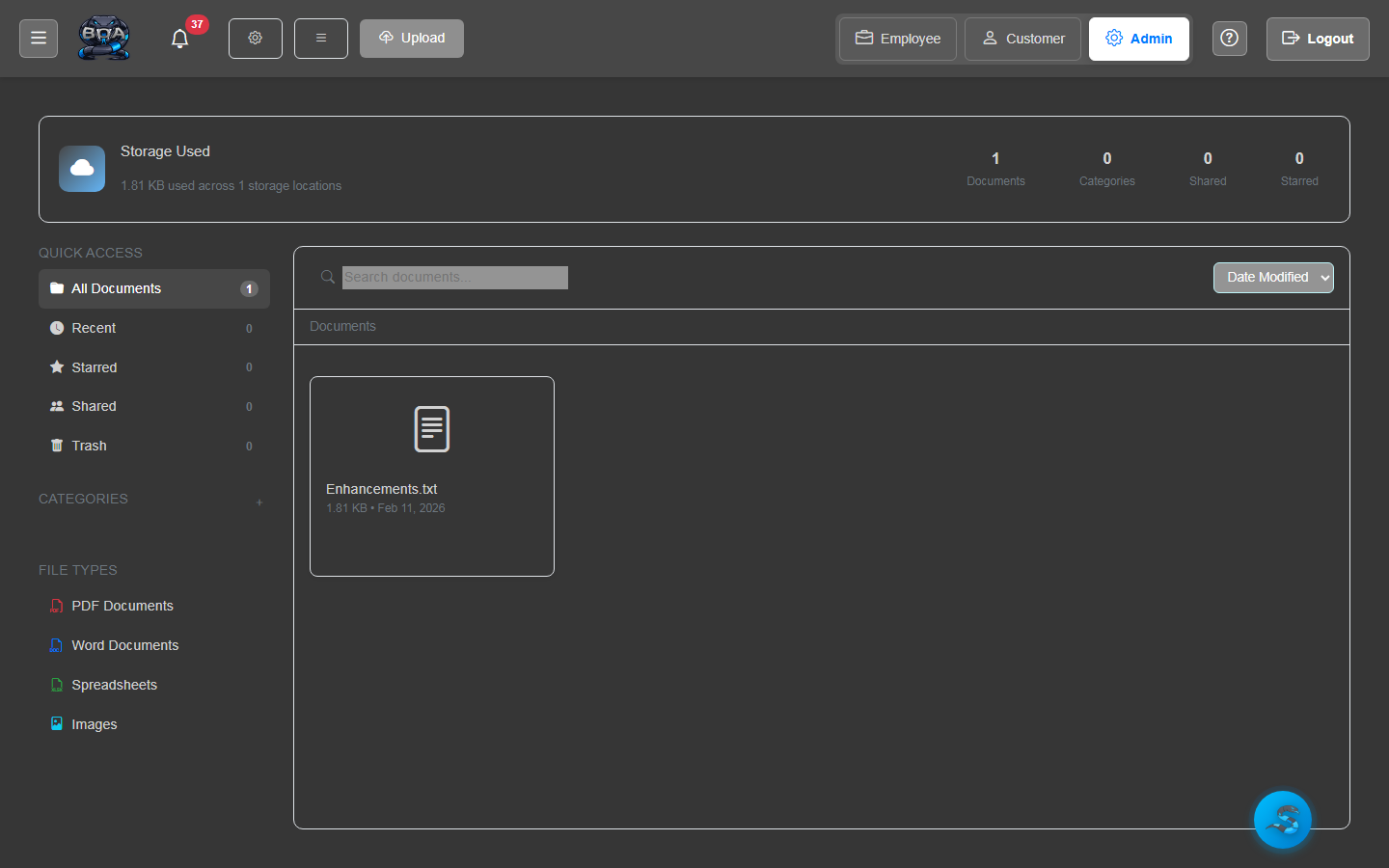
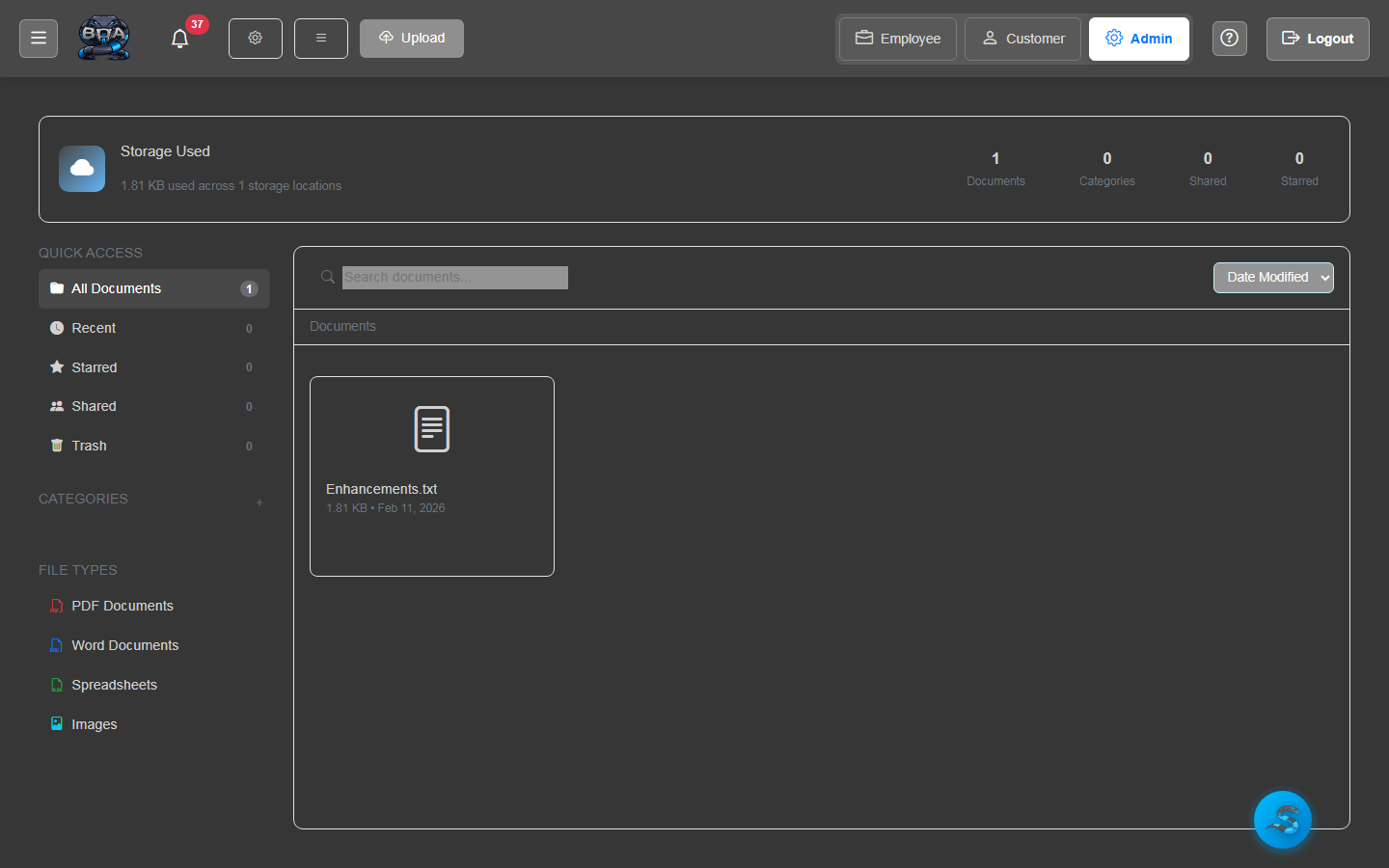
A full-featured file manager built into BOA. Browse, search, and manage all uploaded documents from a centralized interface. Open files, view metadata, rename, move, and delete documents without leaving the application.
- Centralized file browser with search and filtering
- File metadata display: size, type, upload date, uploaded by
- Rename, move, and delete operations with confirmation
- Linked document view showing files attached to specific records
File Upload & Storage
Upload files of any type directly into BOA. Support for documents, images, PDFs, spreadsheets, and more. Files are stored securely on your server with configurable storage paths and size limits.
- Support for all common file types: PDF, DOCX, XLSX, images, and more
- Configurable maximum file size and storage location
- Automatic file type detection and icon assignment
- Upload progress indicators with success confirmation
Document Preview
Preview uploaded documents directly in the browser without downloading them. View PDFs, images, and text files inline, reducing the need to switch between applications.
- In-browser PDF viewing with zoom and page navigation
- Image preview with full-resolution display
- Text file rendering for quick content review
- Download button for files that require external applications
Folder Organization
Organize documents into folders and subfolders with a familiar tree structure. Create folder hierarchies that mirror your business organization — by customer, project, department, or document type.
- Nested folder structure with unlimited depth
- Folder creation and renaming from the document manager
- Breadcrumb navigation for easy folder traversal
- Folder-level access permissions for sensitive content
Drag-and-Drop Interface
Upload files with a simple drag-and-drop from your desktop to the browser. Drop files onto any record detail page or the document manager to start the upload instantly.
- Drag files from desktop directly into the browser
- Drop zone highlighting on supported record pages
- Multi-file upload support for batch operations
- Automatic folder assignment based on drop target context
Secure Server Storage
All documents are stored on your own server infrastructure with no dependency on third-party cloud providers. File access is governed by BOA's role-based permission system to ensure sensitive documents remain protected.
- Self-hosted storage on your own server hardware
- Role-based access controls on files and folders
- Audit trail logging for file access and modifications
- No third-party cloud dependency for document storage