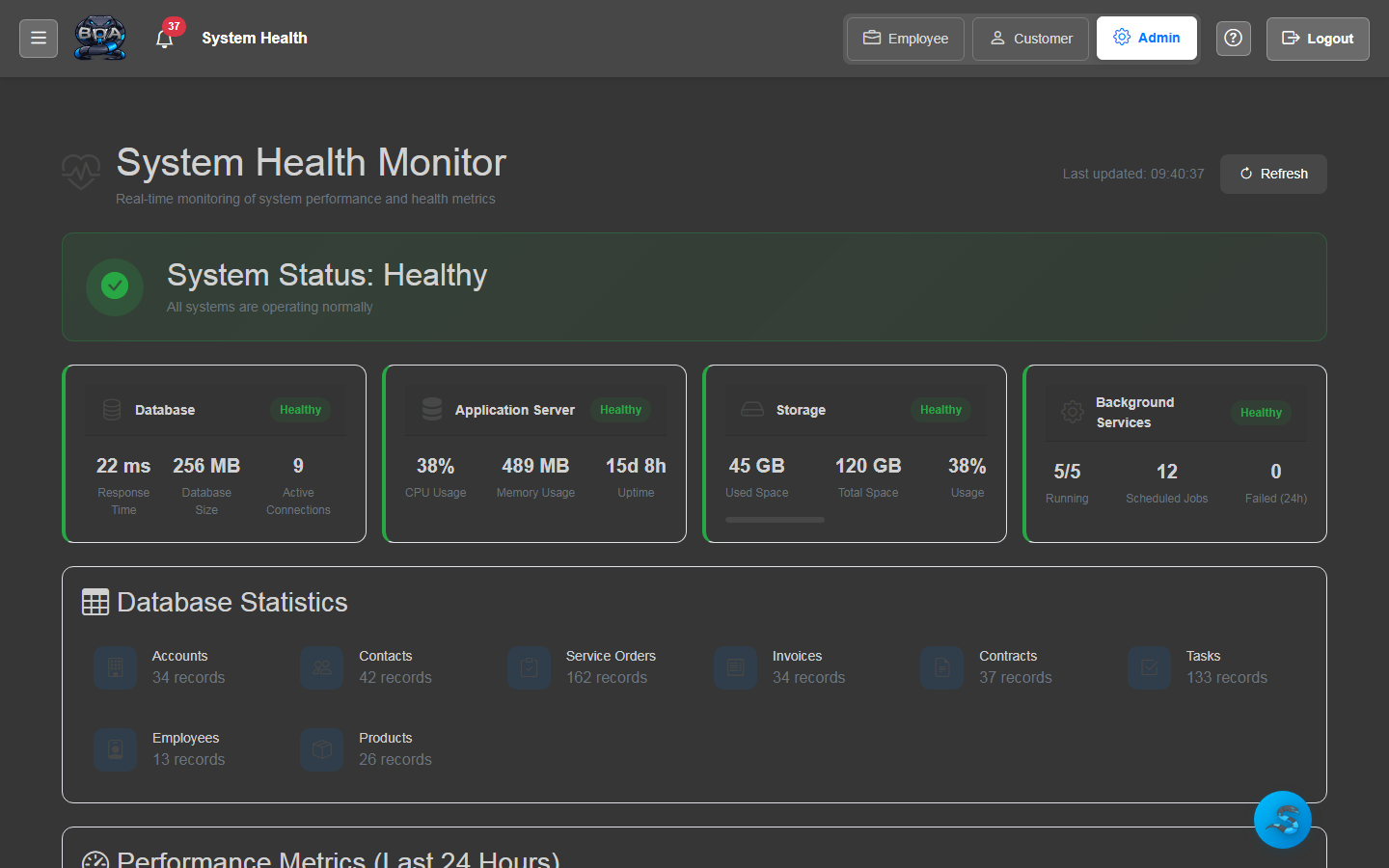
Key Capabilities
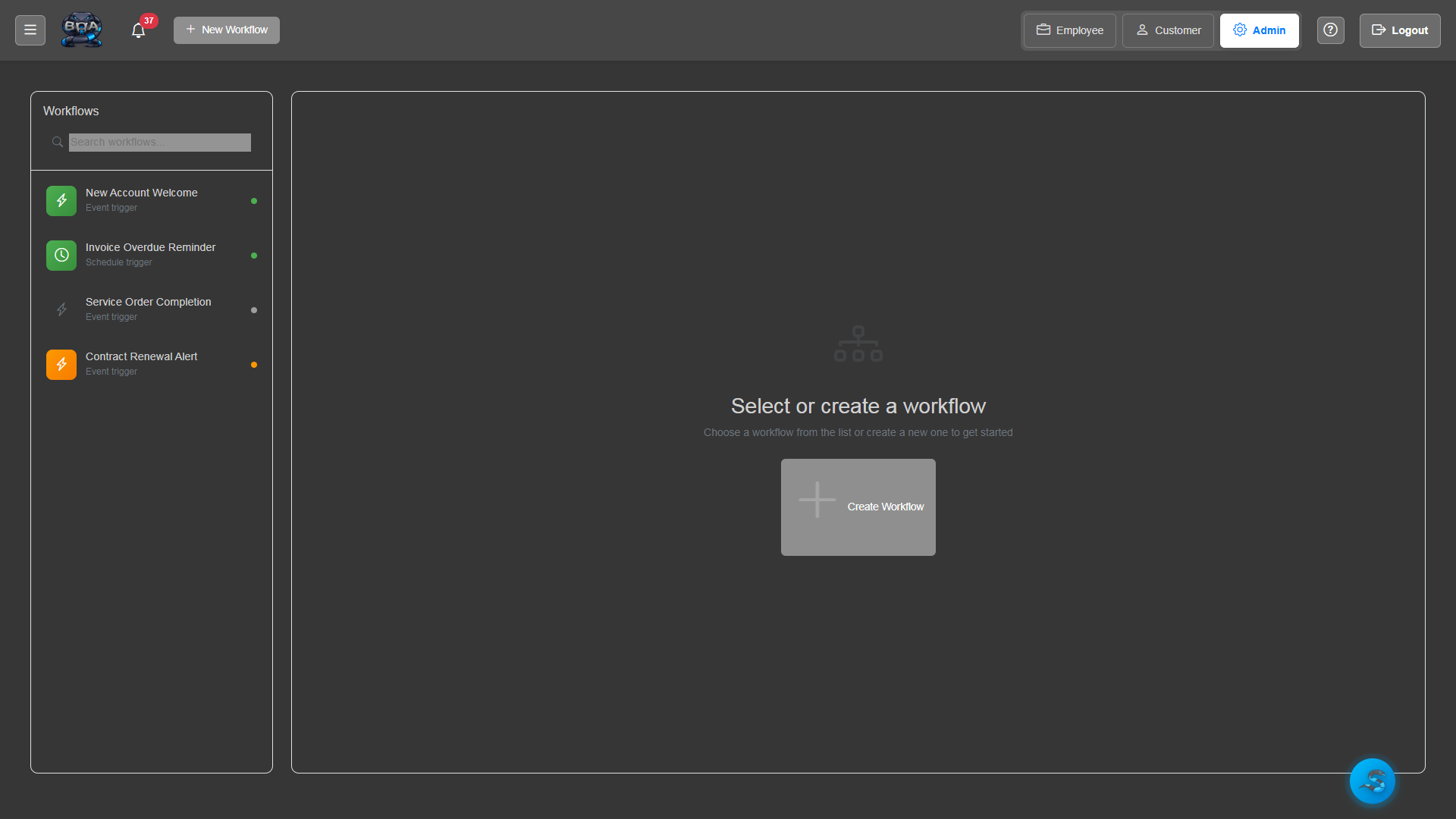
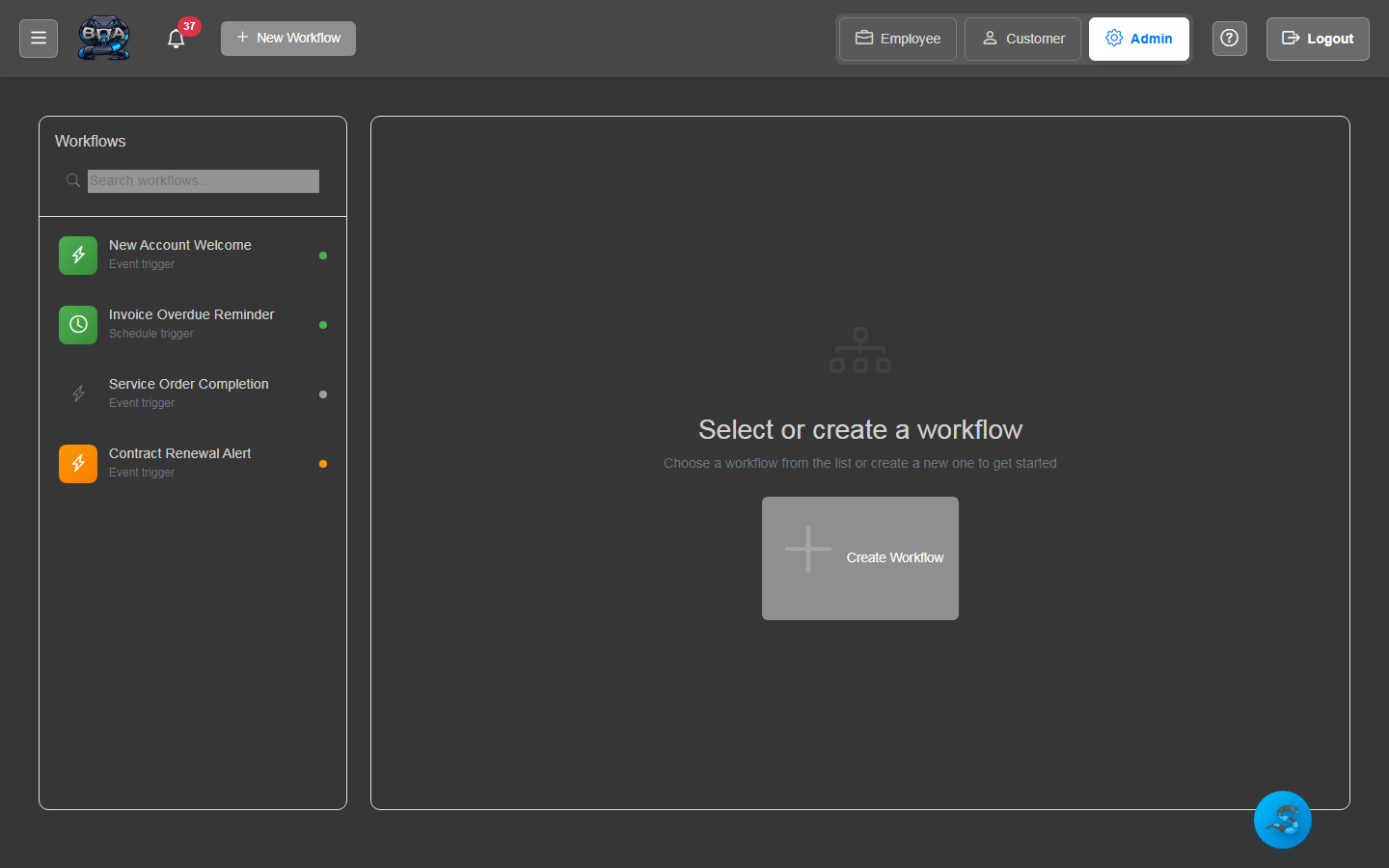
Workflow Schematic Builder
Design automation workflows visually on a drag-and-drop canvas. Connect triggers, conditions, and actions into flowcharts that define exactly how your business processes should execute.
- Drag-and-drop visual workflow designer
- Trigger, condition, and action node types
- Branching logic with if/then/else paths
- Workflow versioning and activation controls
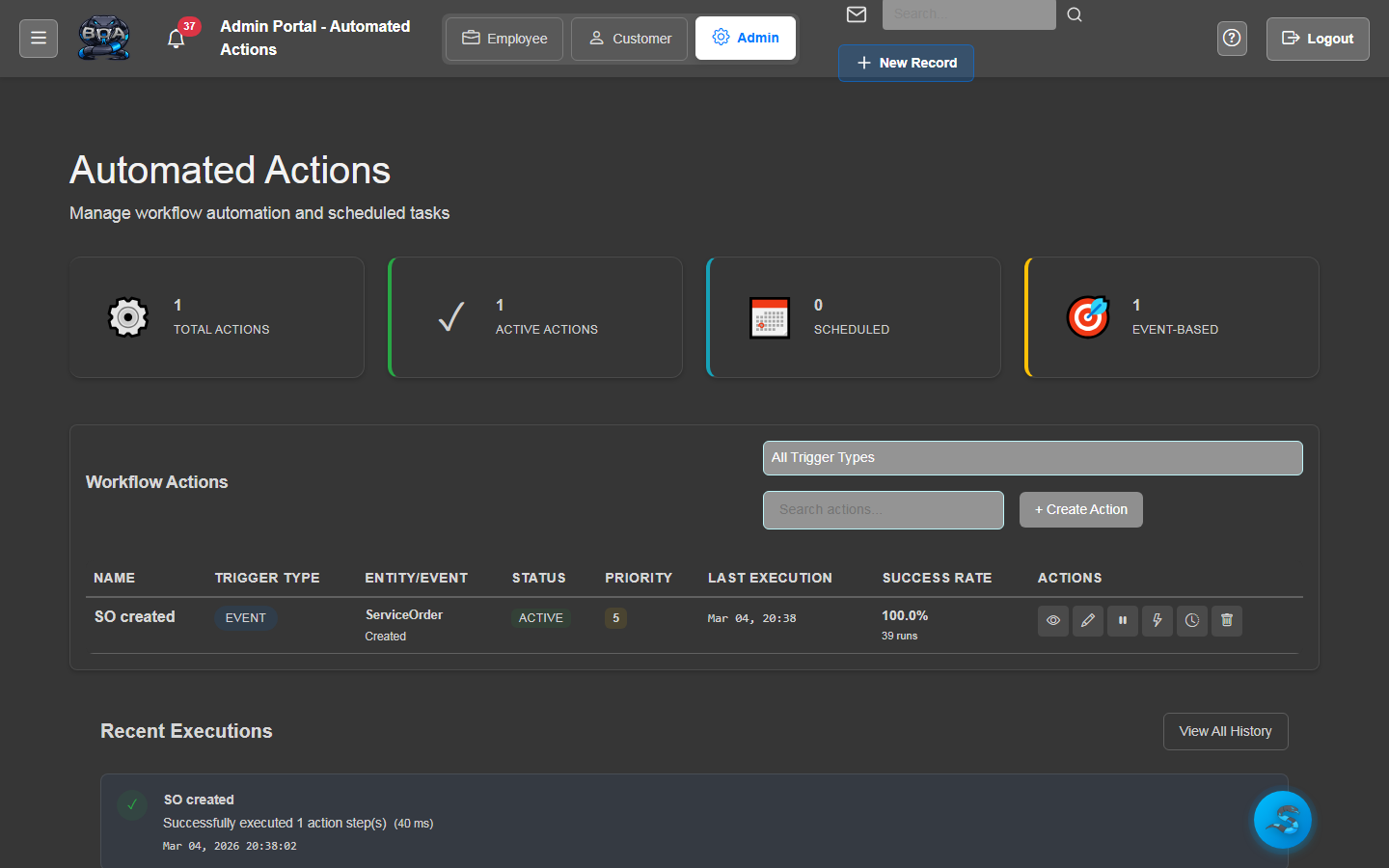
Automated Actions
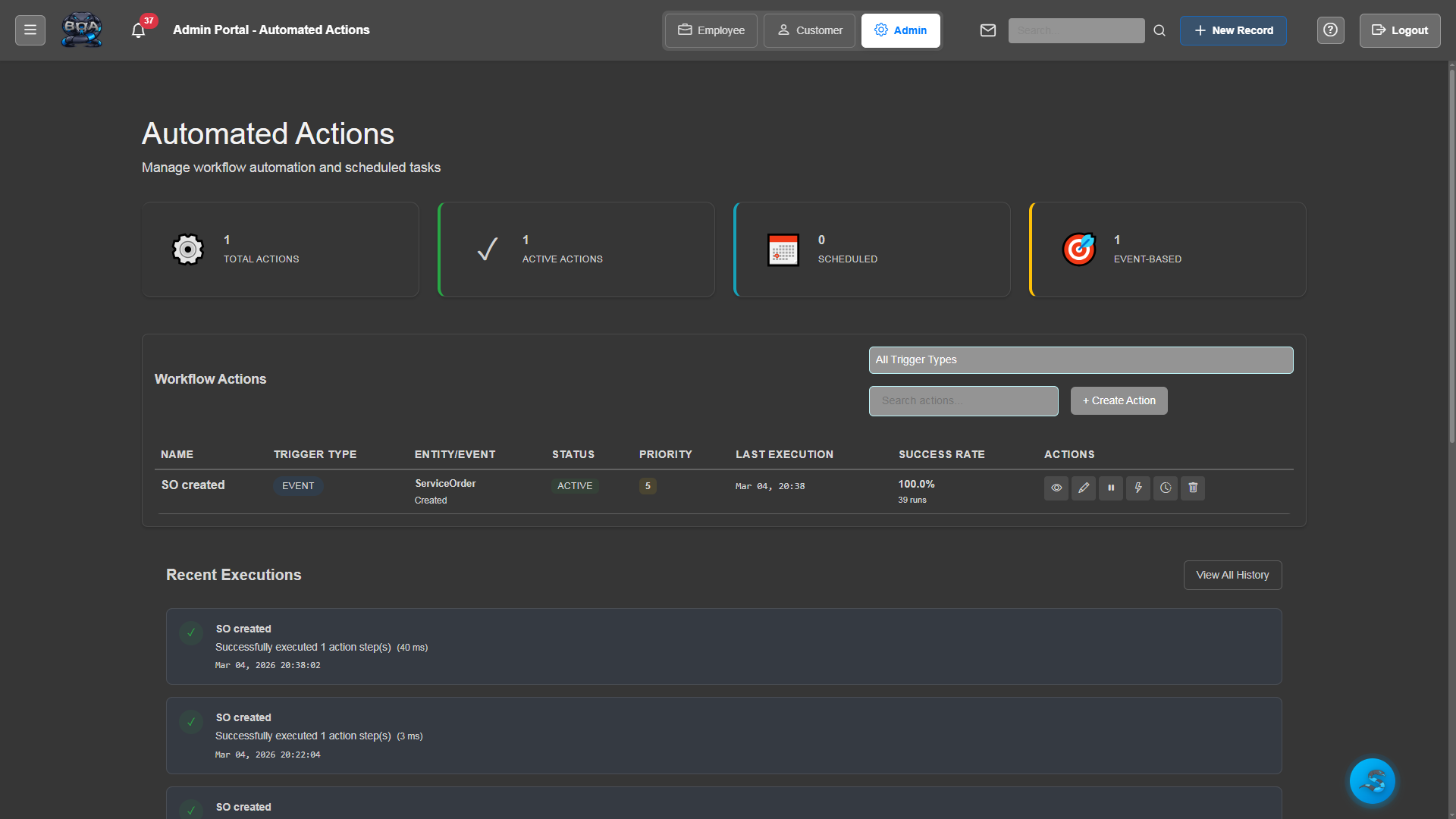
Define actions that execute automatically when workflow conditions are met. Update record statuses, create follow-up tasks, send emails, generate documents, and modify field values without human intervention.
- Record status updates and field modifications
- Automatic task and follow-up creation
- Document generation triggered by workflow events
- Multi-step action chains for complex processes
Trigger-Based Events
Start workflows based on real business events: when a service order is completed, when an invoice becomes overdue, when a contract is nearing expiration, or when a new account is created.
- Record creation, update, and status change triggers
- Date-based triggers for expirations and deadlines
- Threshold triggers when values exceed defined limits
- Manual trigger option for on-demand workflow execution
Scheduling & Recurring Tasks
Set up recurring automations that run on a defined schedule. Generate monthly invoices, send weekly status reports, create quarterly maintenance service orders, or run nightly data cleanup routines.
- Configurable schedules: hourly, daily, weekly, monthly, quarterly
- Recurring task generation with pre-filled templates
- Schedule-based invoice and report generation
- Execution history log with success and failure tracking
Notification Automation
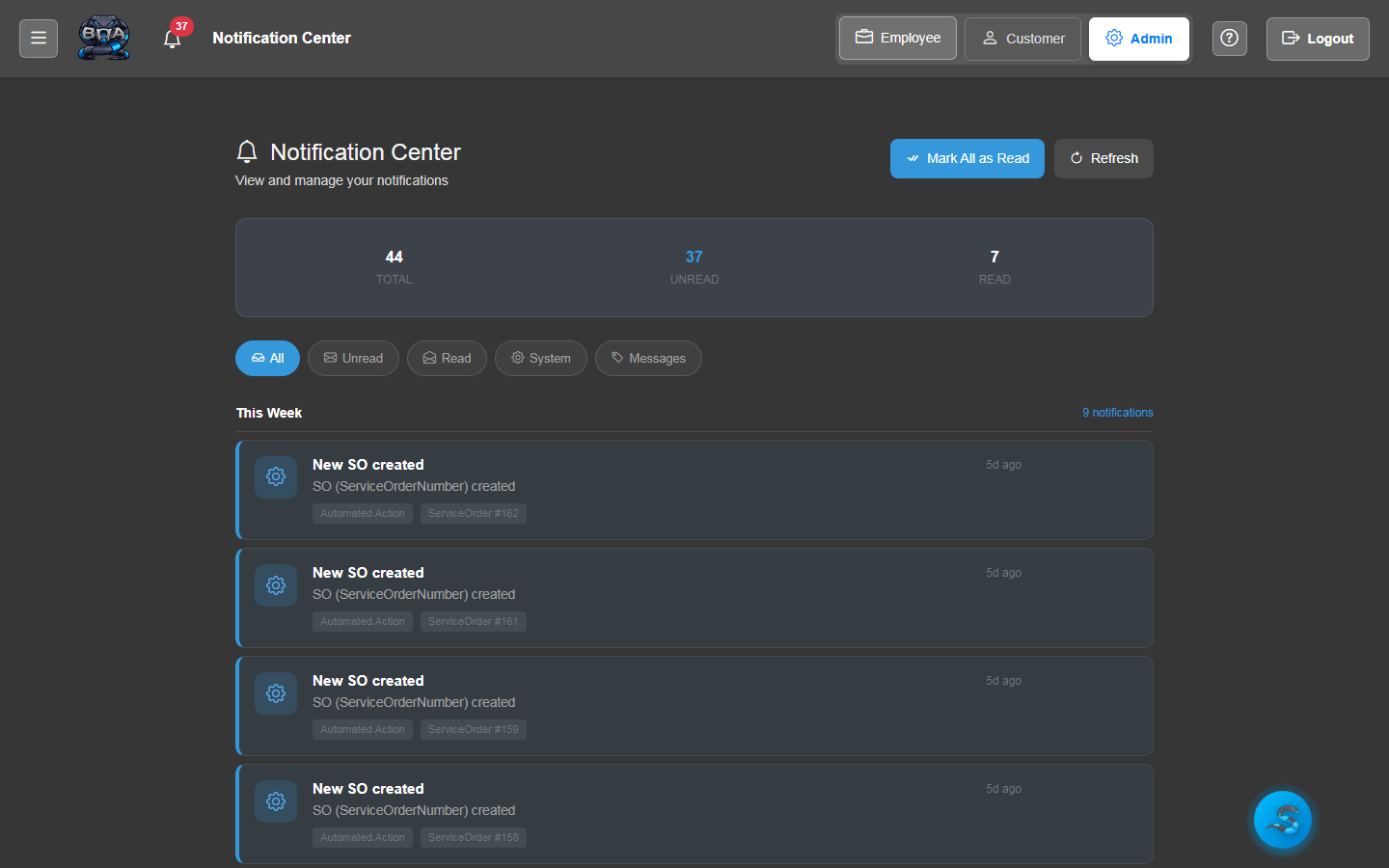
Automatically notify the right people at the right time. Send email alerts to technicians when jobs are assigned, notify managers when approvals are needed, and remind customers when payments are due.
- Role-based notification routing to the correct recipients
- Customizable email templates per notification type
- Escalation rules when notifications go unacknowledged
- In-app and email notification delivery channels
Data Backup Automation
Schedule automatic database backups to protect your business data. BOA can run nightly or weekly backup routines, verify backup integrity, and alert administrators if a backup fails.
- Scheduled database backup execution
- Backup verification and integrity checks
- Configurable retention policies for backup files
- Failure alerts with detailed error reporting to administrators