Key Capabilities
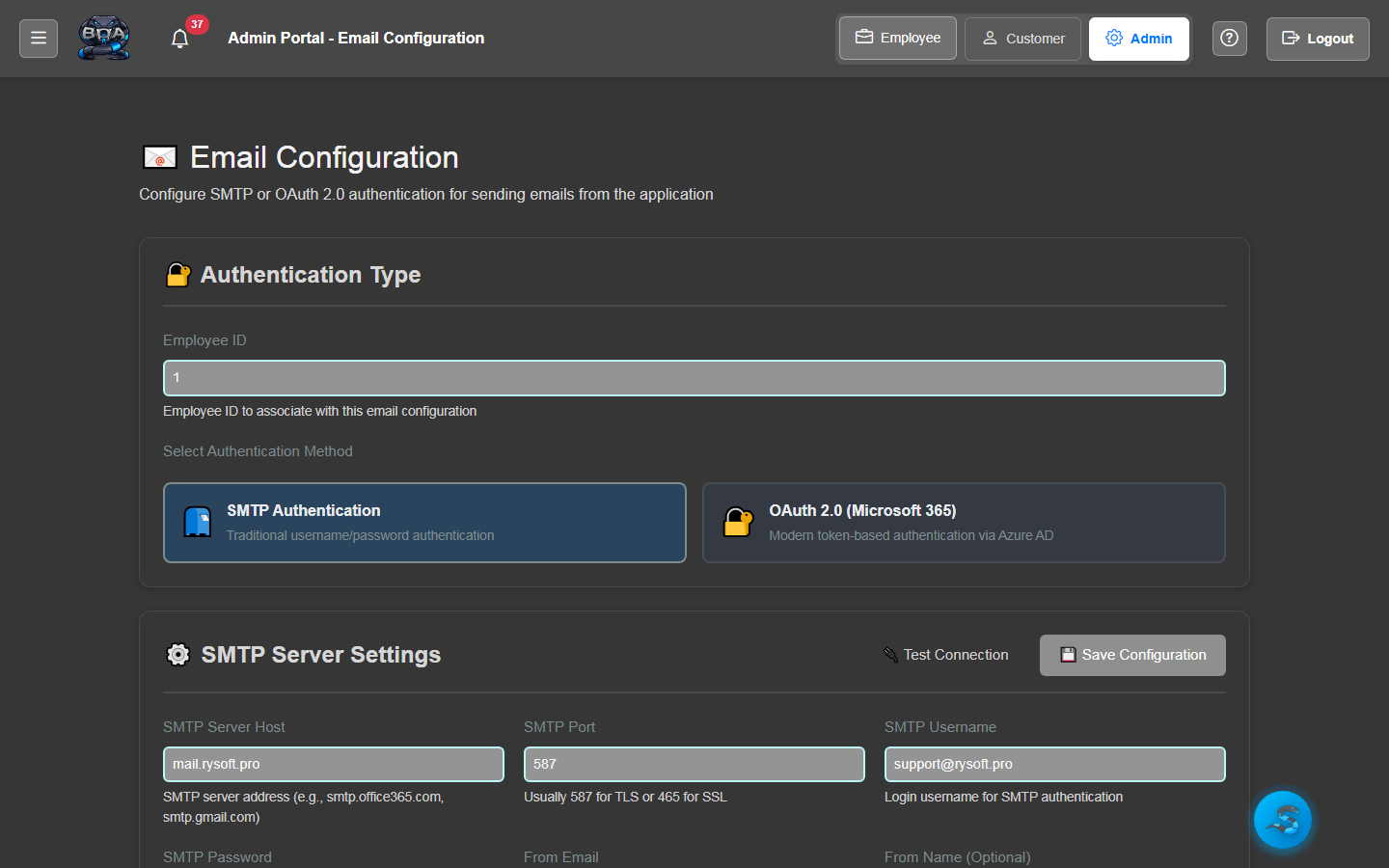
SMTP & Microsoft Graph Configuration
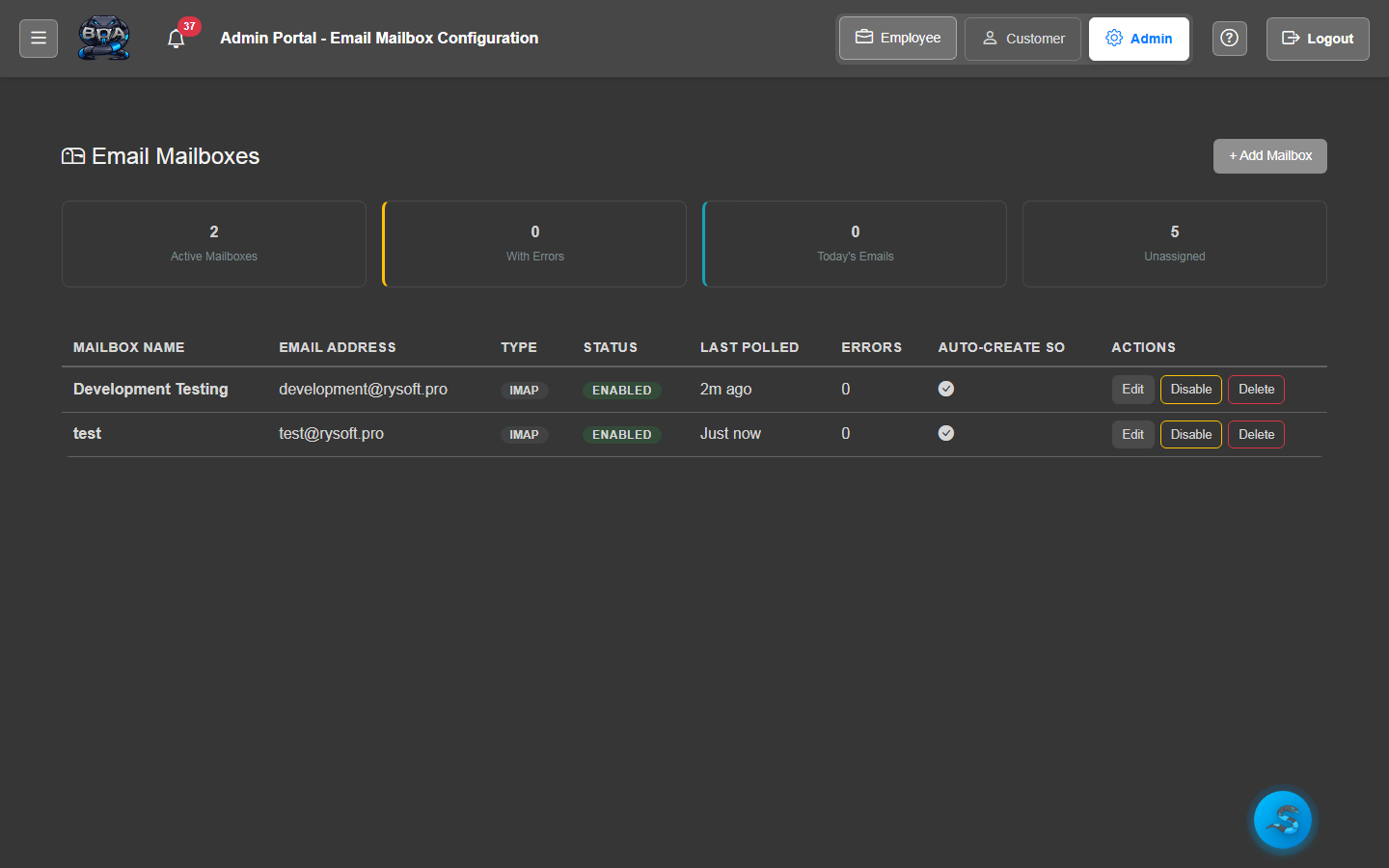
Configure your email delivery method in BOA's settings. Choose traditional SMTP for any mail provider, or connect to Microsoft Graph API for seamless integration with Office 365 and Exchange Online.
- SMTP configuration with server, port, and authentication settings
- Microsoft Graph API integration for Office 365 environments
- Connection testing and validation from the settings page
- Secure credential storage with encryption at rest
Email Templates
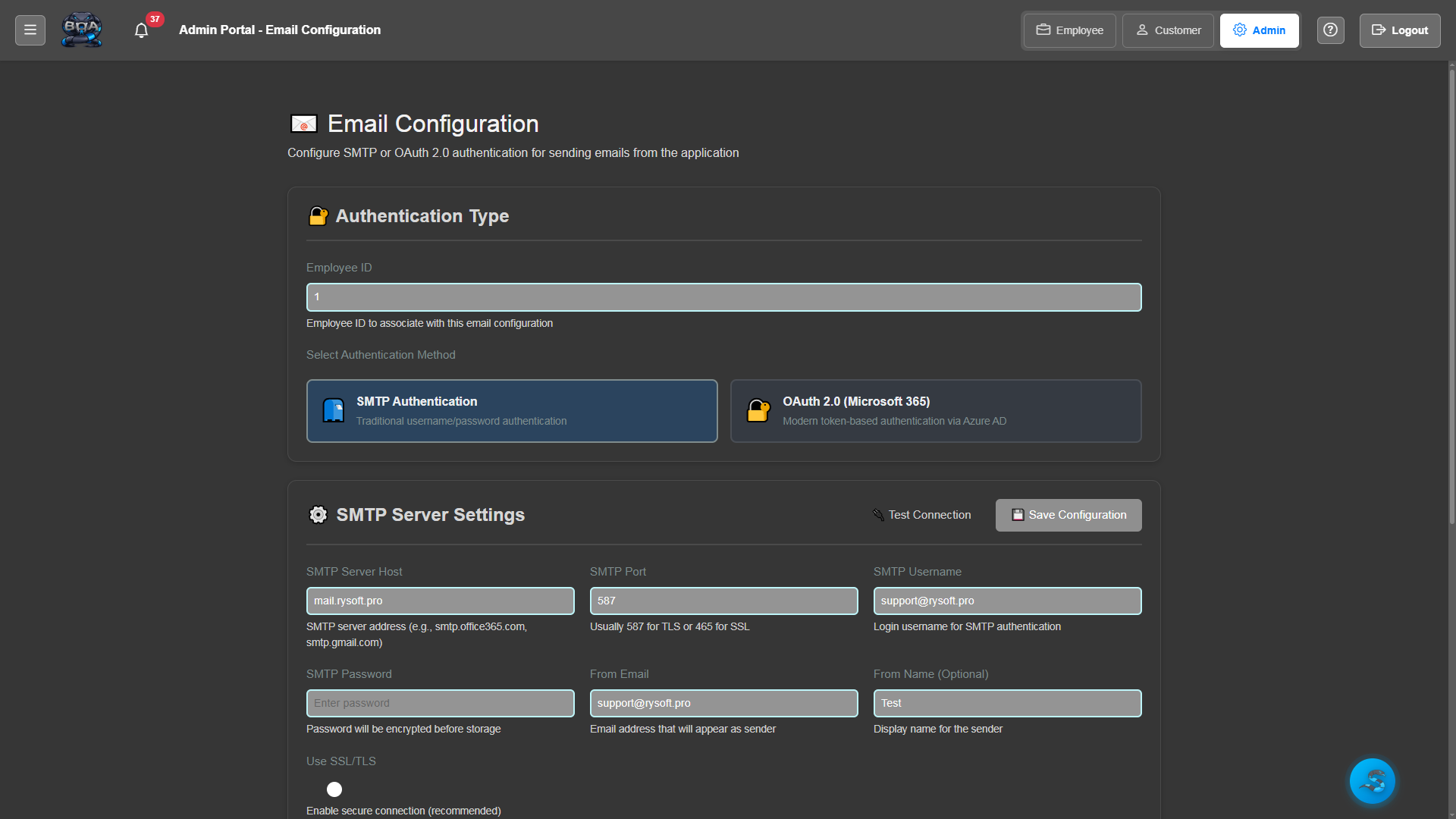
Build reusable email templates for common communications. Define subject lines, body content, and merge fields that automatically insert customer names, order numbers, amounts, and other record data.
- Template editor with rich text formatting and HTML support
- Merge fields for dynamic data insertion from any record
- Template categories: quotes, invoices, service orders, notifications
- Preview mode showing rendered output before sending
One-Click Email from Records
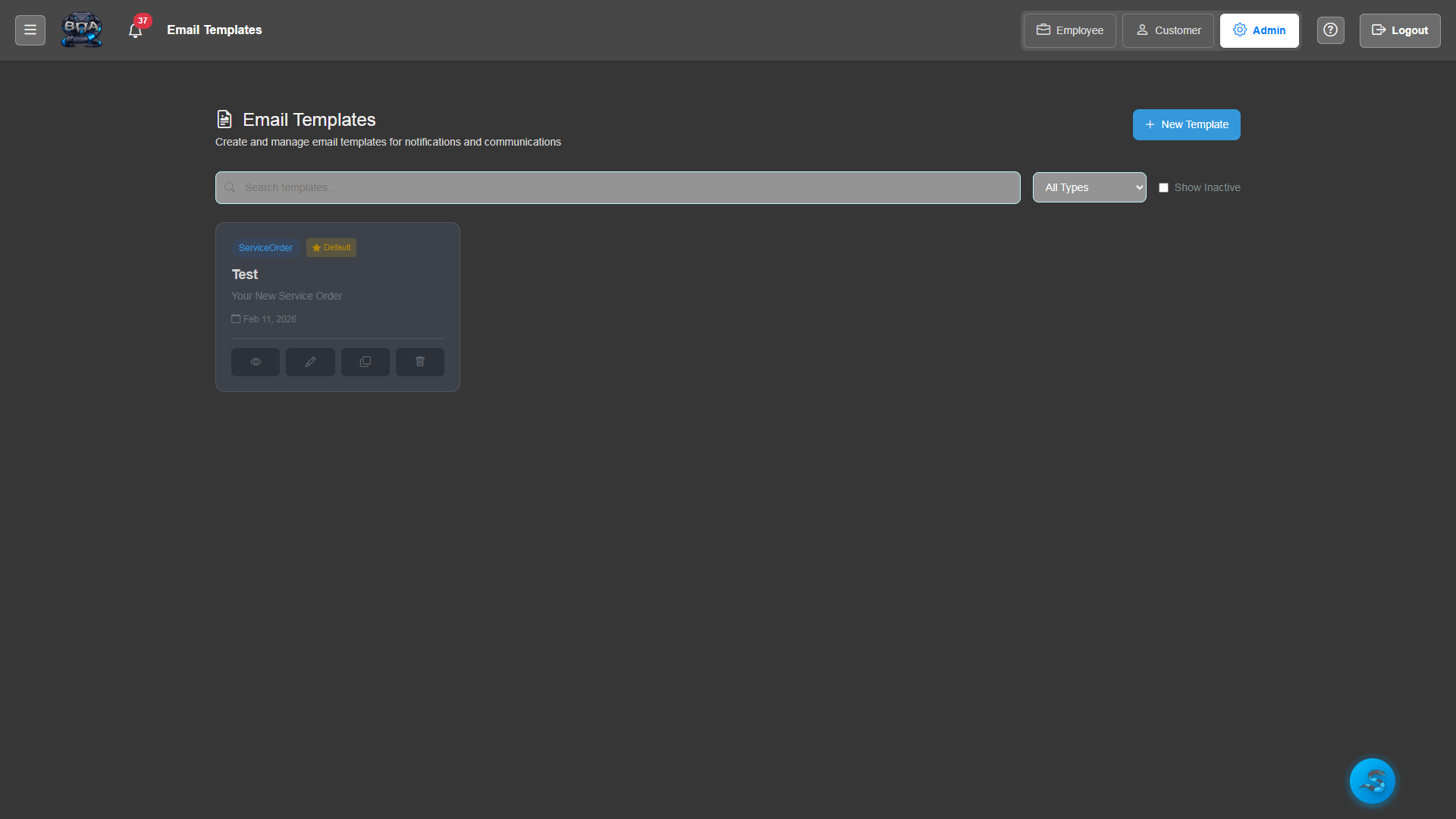
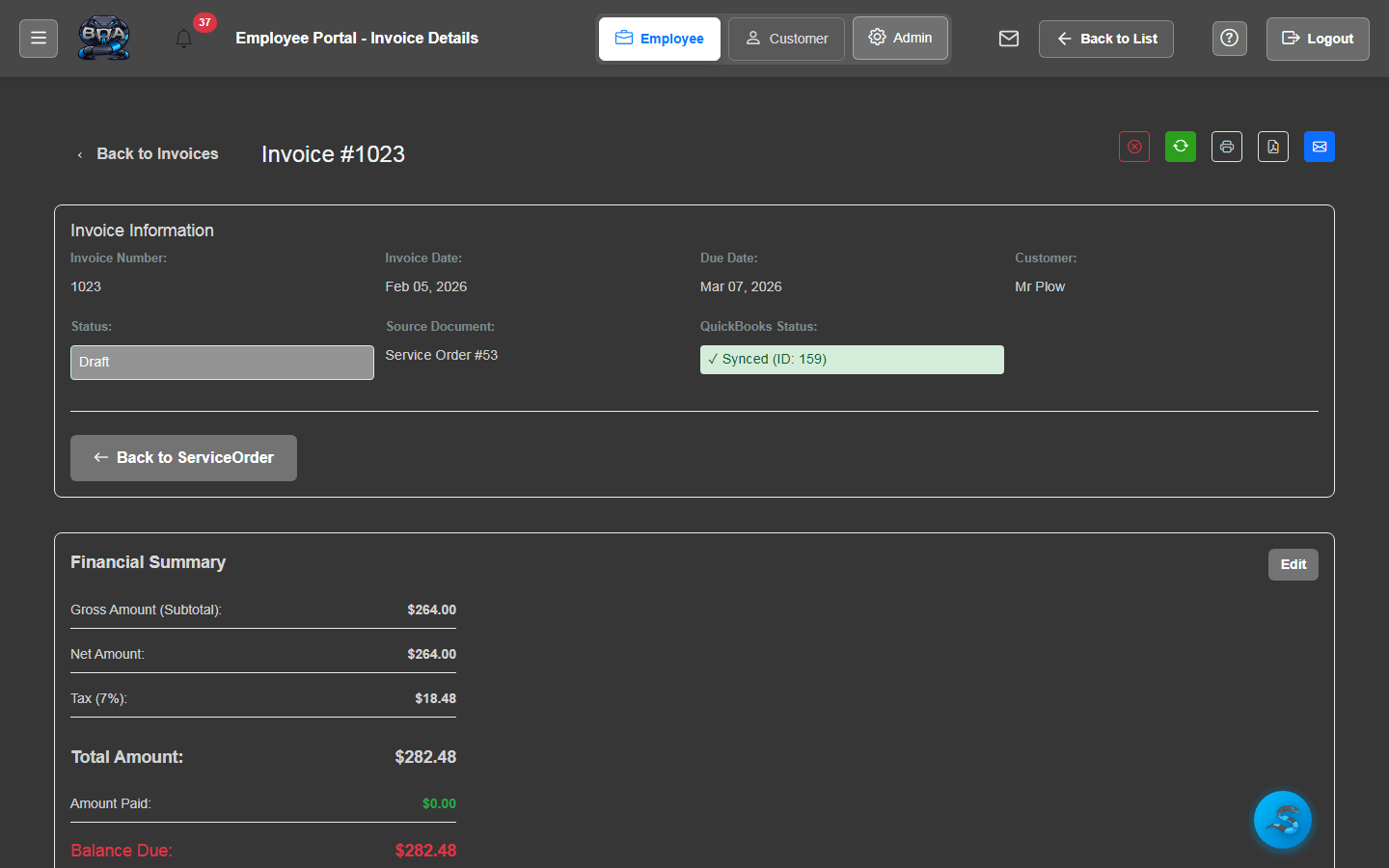
Send emails directly from any record detail page with a single click. The email button on sales orders, invoices, service orders, and accounts opens a pre-populated compose window ready to send.
- Email button on all major record detail pages
- Auto-populated recipient from the linked contact or account
- Pre-filled subject and body from the selected template
- CC and BCC fields for additional recipients
PDF Attachment
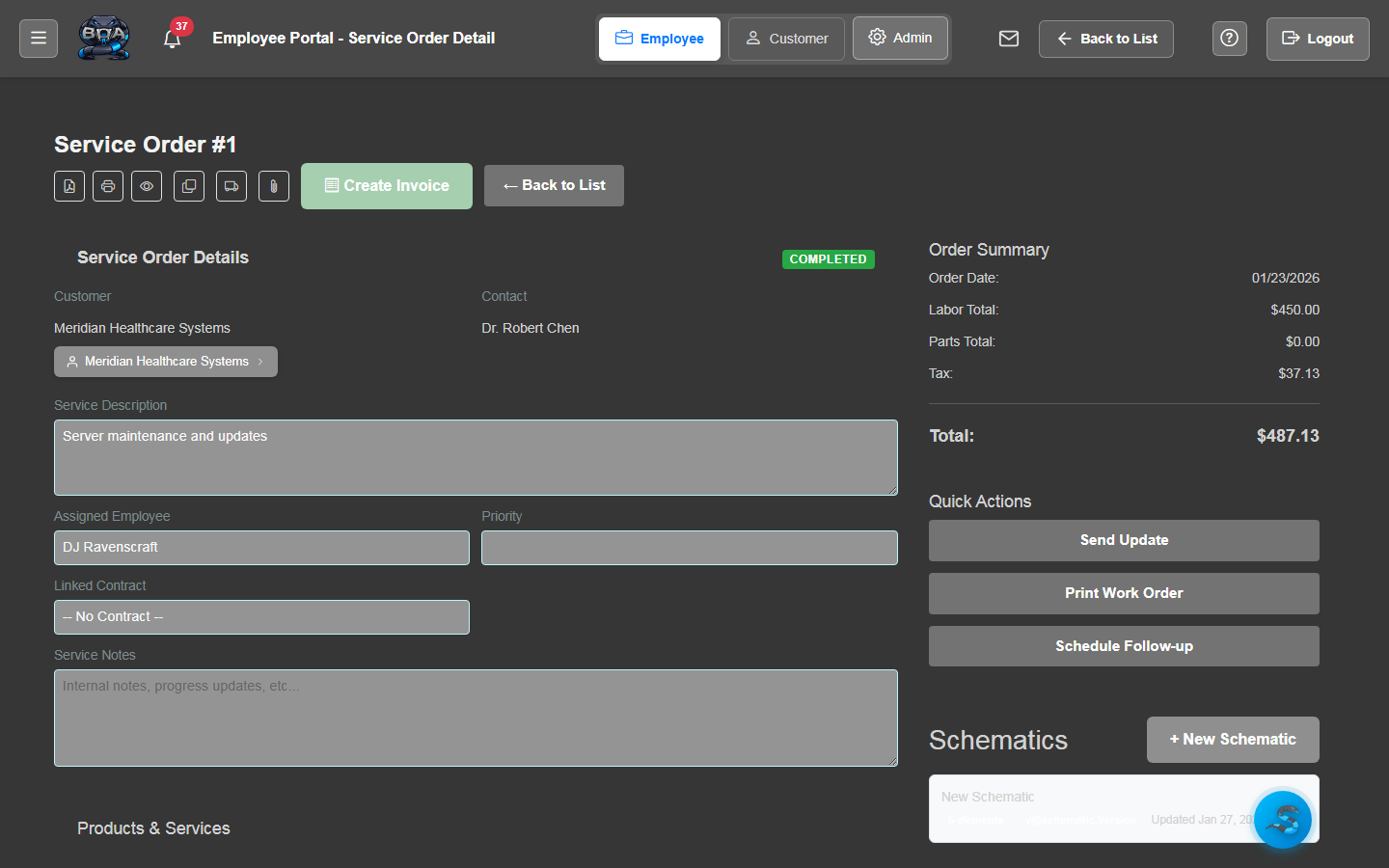
Attach system-generated PDFs to outbound emails automatically. When emailing a quote or invoice, BOA generates the branded PDF and attaches it to the message — no manual download and re-attach required.
- Automatic PDF generation and attachment for quotes and invoices
- Company-branded PDF formatting with logo and colors
- Additional file attachments from the document manager
- Attachment size validation before sending
Communication Logging
Every email sent through BOA is automatically logged in the communication history for the associated record. View the complete email timeline for any account, contact, or order to see exactly what was communicated and when.
- Automatic logging of every outbound email with timestamp
- Email history visible on account, contact, and order detail pages
- Full message content stored including subject, body, and recipients
- Searchable communication history across all records
Branded Signatures
Configure company-wide or per-employee email signatures that are automatically appended to every outbound message. Include your logo, contact information, social media links, and legal disclaimers.
- Company-wide default signature configuration
- Per-employee signature overrides with individual contact details
- HTML signature support with images and formatting
- Automatic signature insertion on all outbound emails