Key Capabilities
Mobile Dashboard
A streamlined home screen showing today's assignments, open tasks, and key notifications. Technicians see exactly what needs attention the moment they open the app, with color-coded priority indicators and active job highlighting.
- Today's assigned service orders and scheduled jobs
- Open task count with priority-based color coding
- Active job highlighting with yellow border indicators
- Quick-action buttons for common field operations
Service Order Management
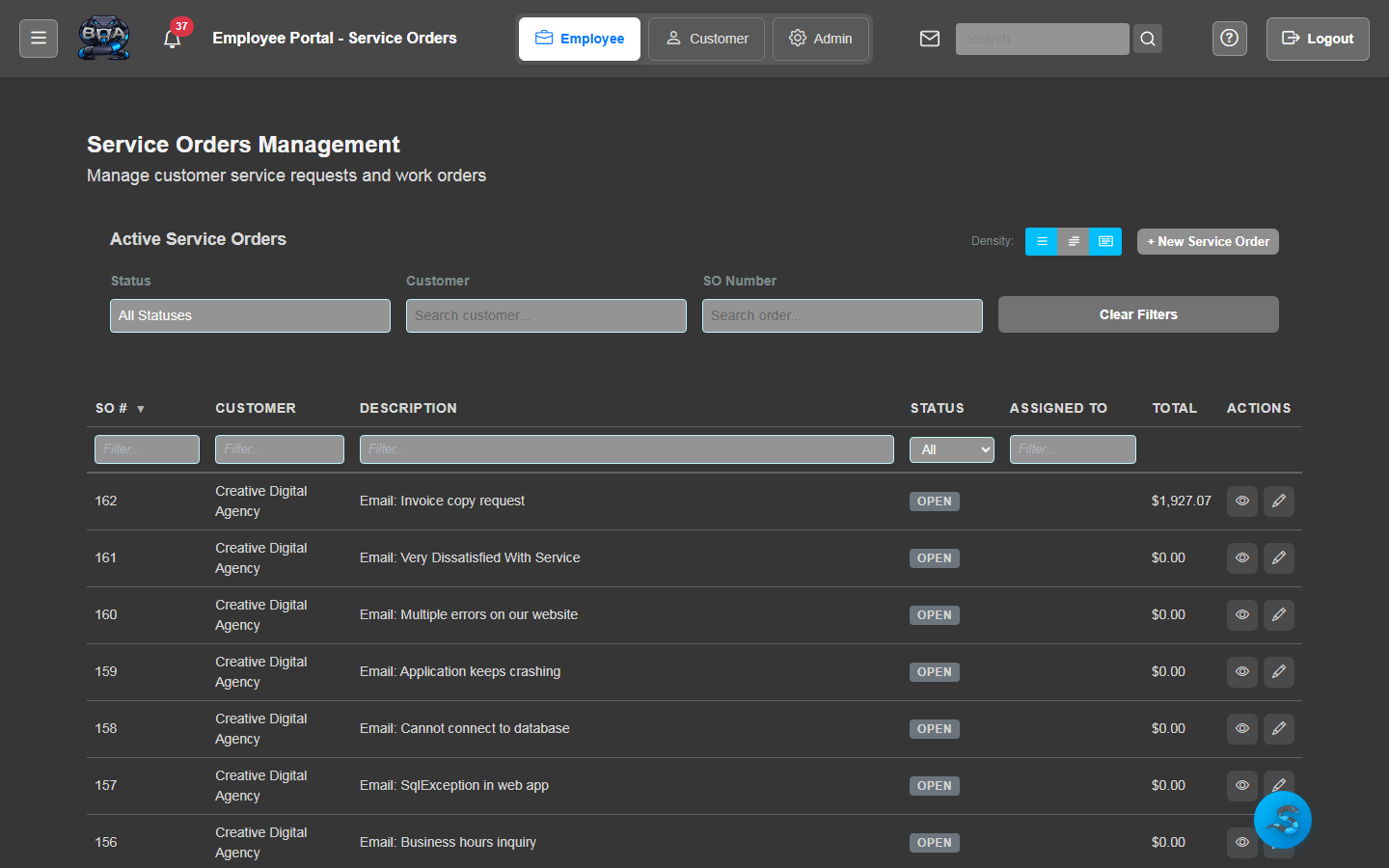
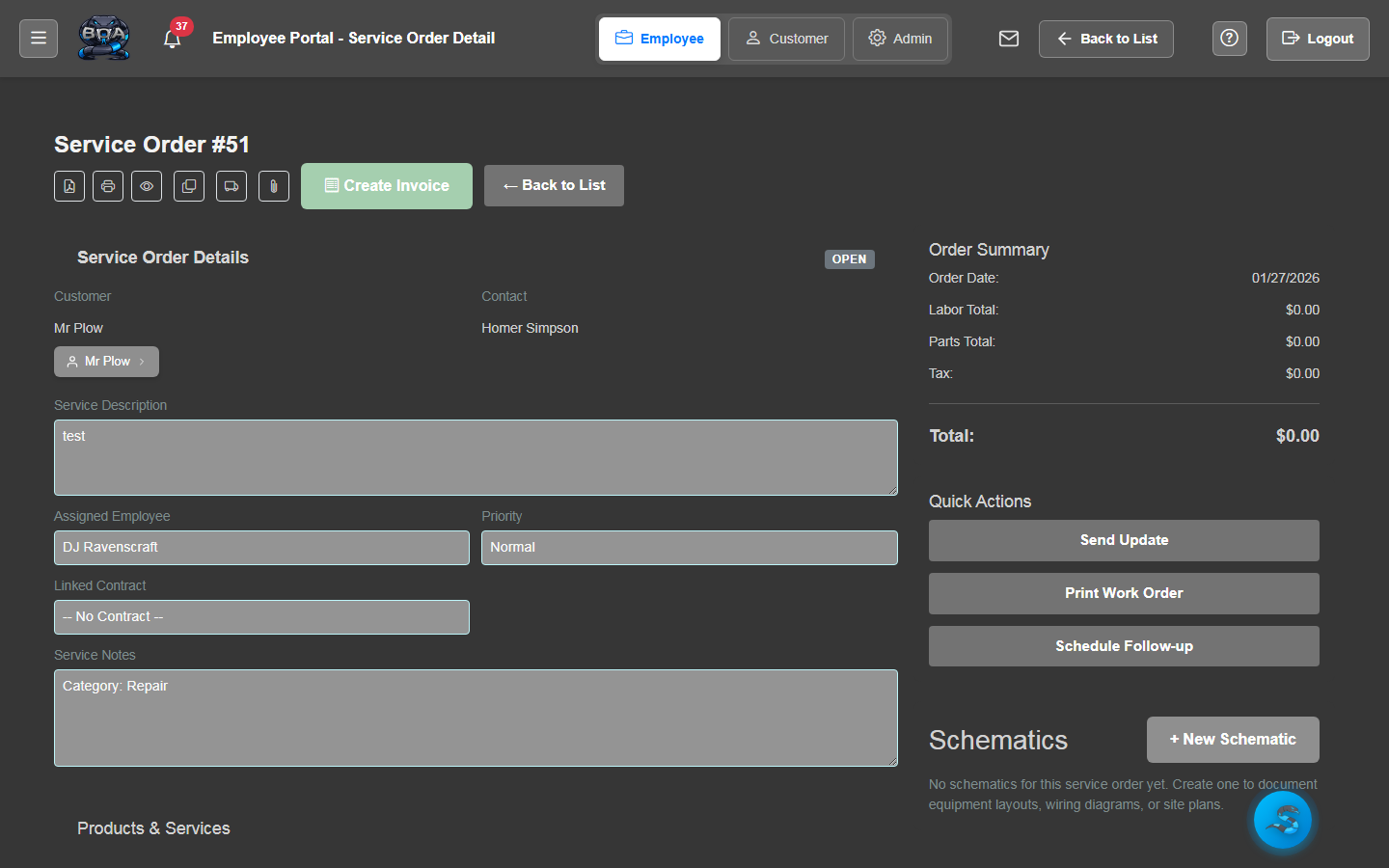
View, update, and complete service orders directly from the mobile app. Technicians can review job details, update status, add resolution notes, and log parts consumed — all without returning to the office.
- Full service order detail view with customer and site info
- Status updates: En Route, On Site, In Progress, Completed
- Resolution notes and work description entry
- Parts and labor logging from the field
Task Management
View assigned tasks, update progress, and mark items complete from anywhere. Tasks sync with BOA's project and service order modules so your office team sees real-time progress updates.
- Task list with due dates, priorities, and status indicators
- One-tap status updates: To Do, In Progress, Done
- Task descriptions and checklists viewable on mobile
- Real-time sync with BOA server on every update
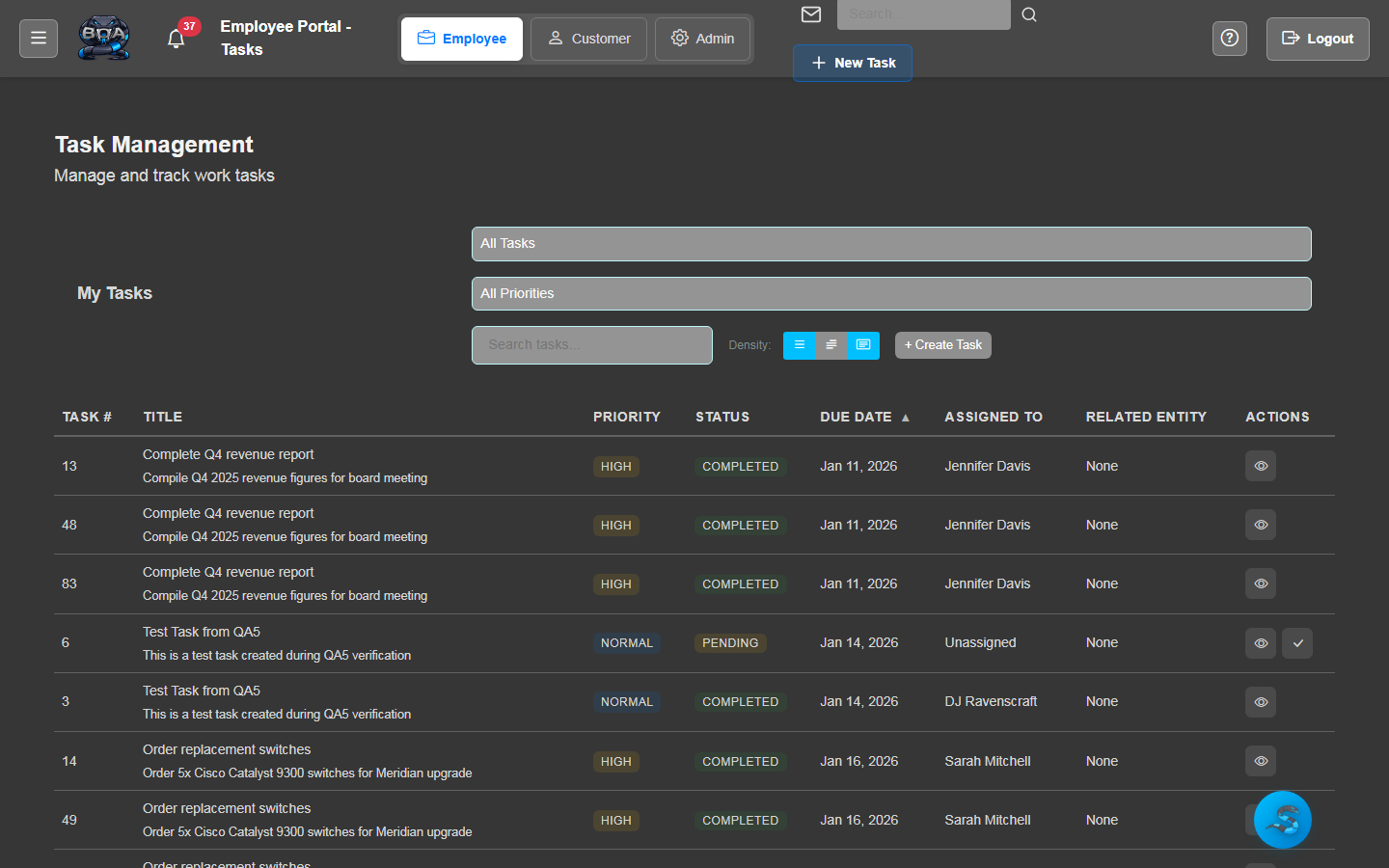
Photo Capture & Attachment
Take photos directly from the app and attach them to service orders, tasks, or customer accounts. Document job-site conditions, completed work, equipment serial numbers, and anything else that needs a visual record.
- Camera integration for on-site photo capture
- Attach photos directly to service orders and tasks
- Gallery upload support for existing device images
- Photos sync to BOA server and appear on detail pages
Customer & Account Lookup
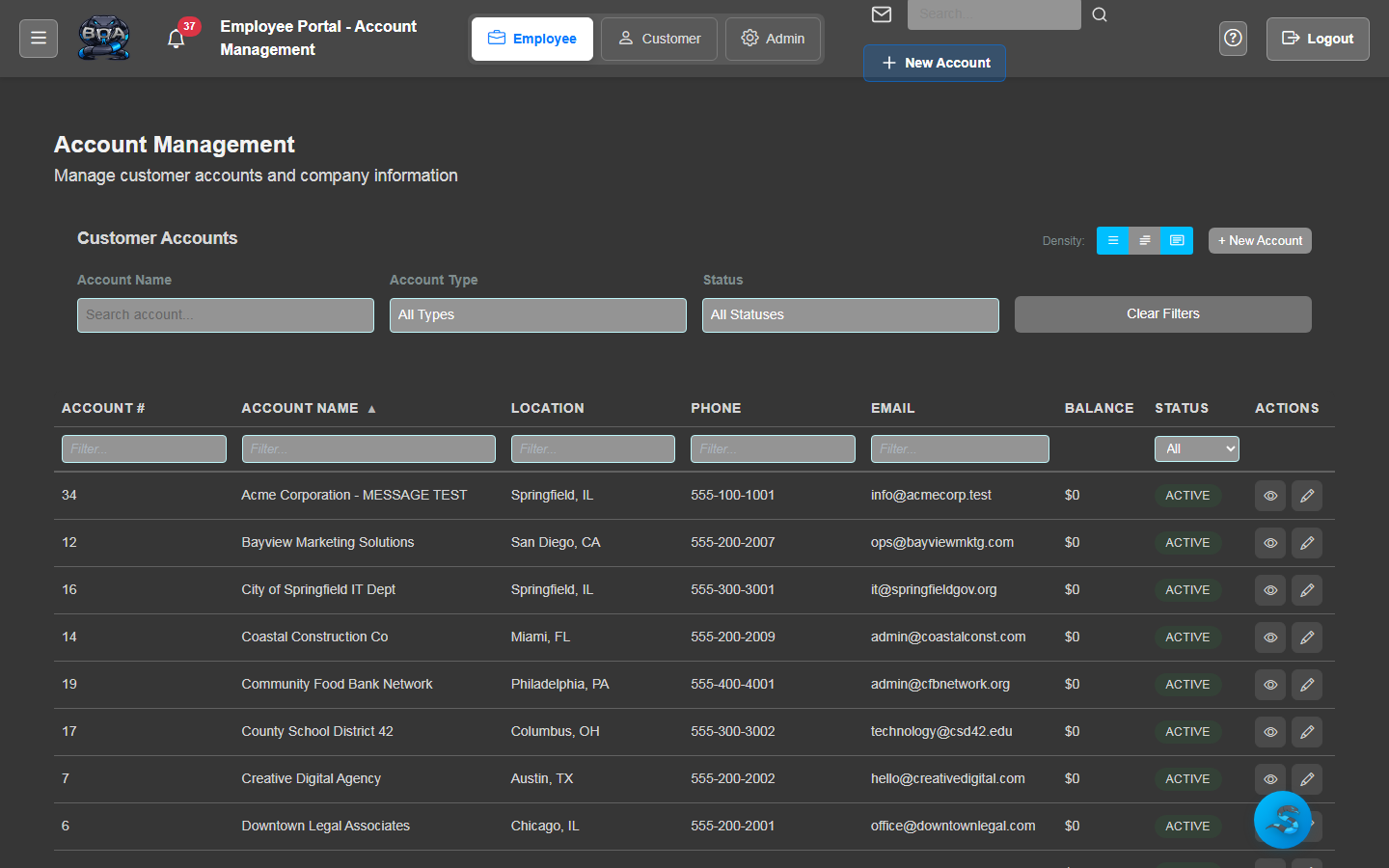
Search and view customer account information in the field. Look up contact details, service addresses, equipment records, and account notes without calling the office for information.
- Customer search by name, address, or account number
- Contact details with tap-to-call and tap-to-email
- Service address display with map navigation integration
- Account notes and recent service history visibility
Real-Time Server Sync
BOA Field maintains a live connection to your BOA server. Every update made on the mobile app — status changes, notes, photos, time entries — syncs immediately so dispatchers and office staff always have the latest information.
- Automatic sync on every field update and action
- Connection status indicator showing sync health
- Offline queue for updates made without connectivity
- Conflict resolution when offline changes overlap with server data