Key Capabilities
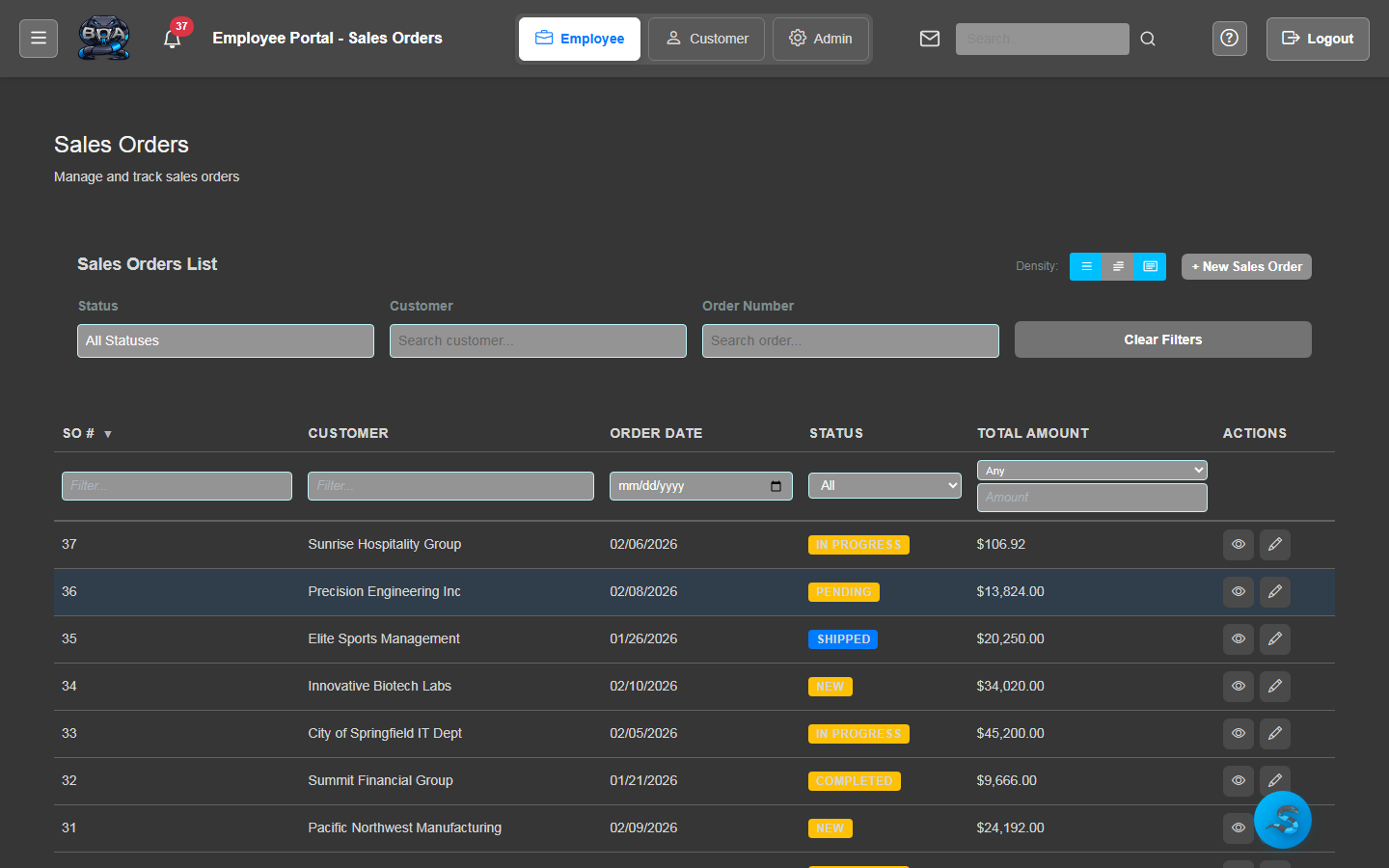
Shipment Tracking
Monitor every shipment from the moment it leaves your warehouse until it arrives at the customer's door. Each shipment record captures tracking numbers, carrier details, ship date, and current delivery status.
- Tracking number capture and storage per shipment
- Real-time status updates: Packed, Shipped, In Transit, Delivered
- Carrier and service level recorded on every shipment
- Shipment history timeline with date and time stamps
Packing Slips
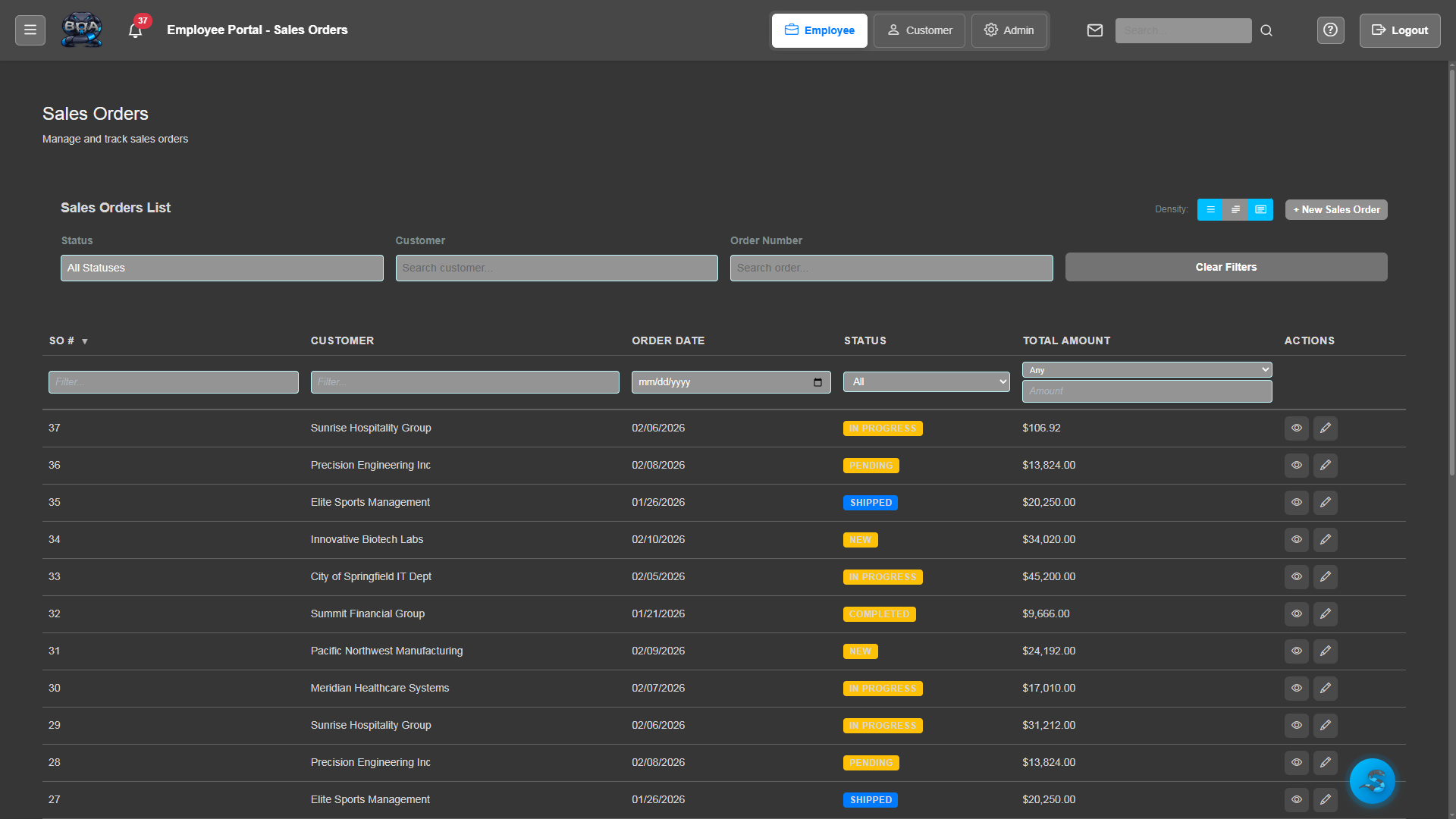
Generate professional packing slips for every shipment with detailed item lists, quantities, and order references. Print or save as PDF to include in your outgoing packages.
- Auto-generated packing slips from sales order line items
- Company branding with logo, address, and contact info
- Itemized list with SKU, description, and quantity shipped
- Print-ready PDF format for inclusion in packages
Fulfillment Workflow
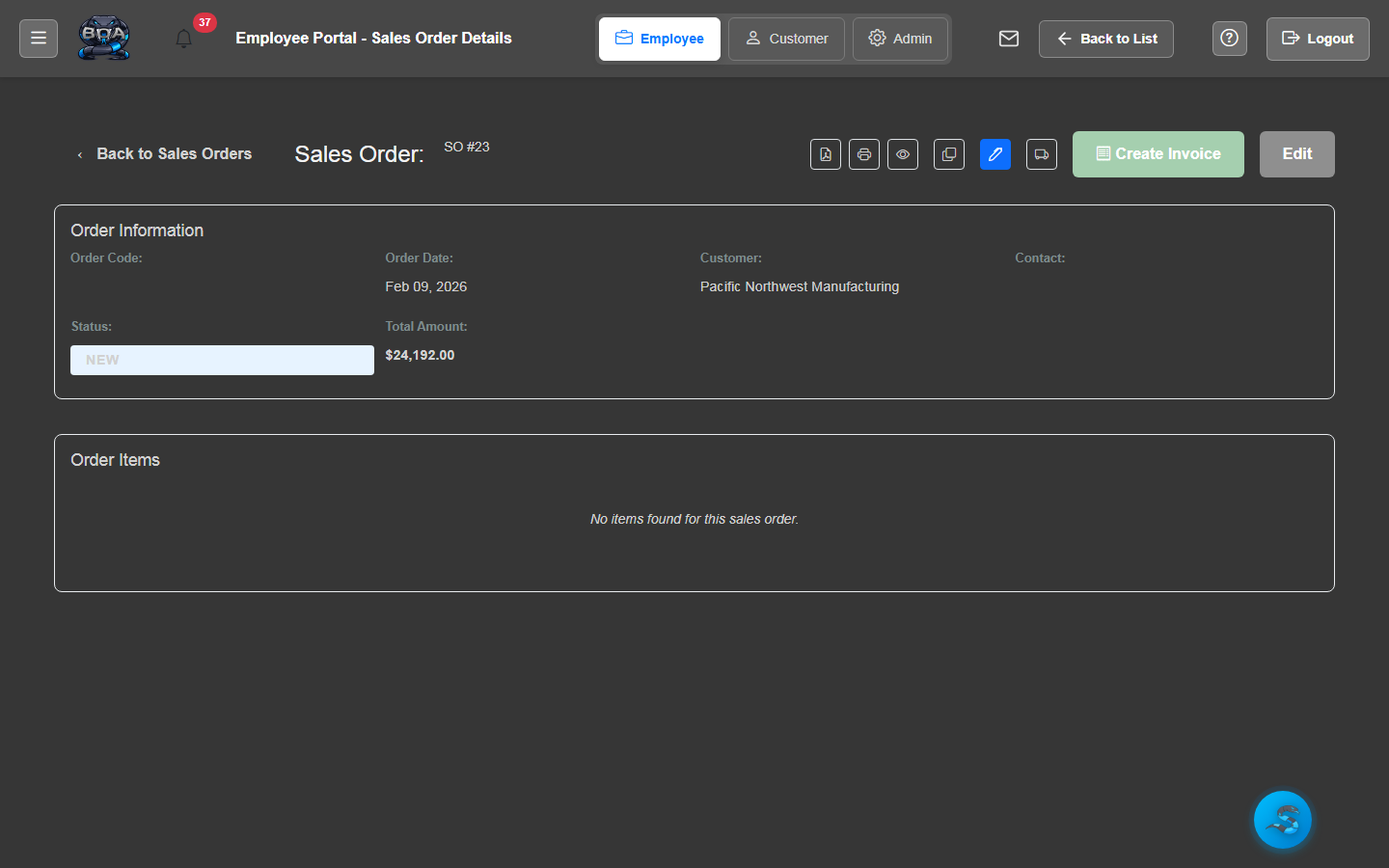
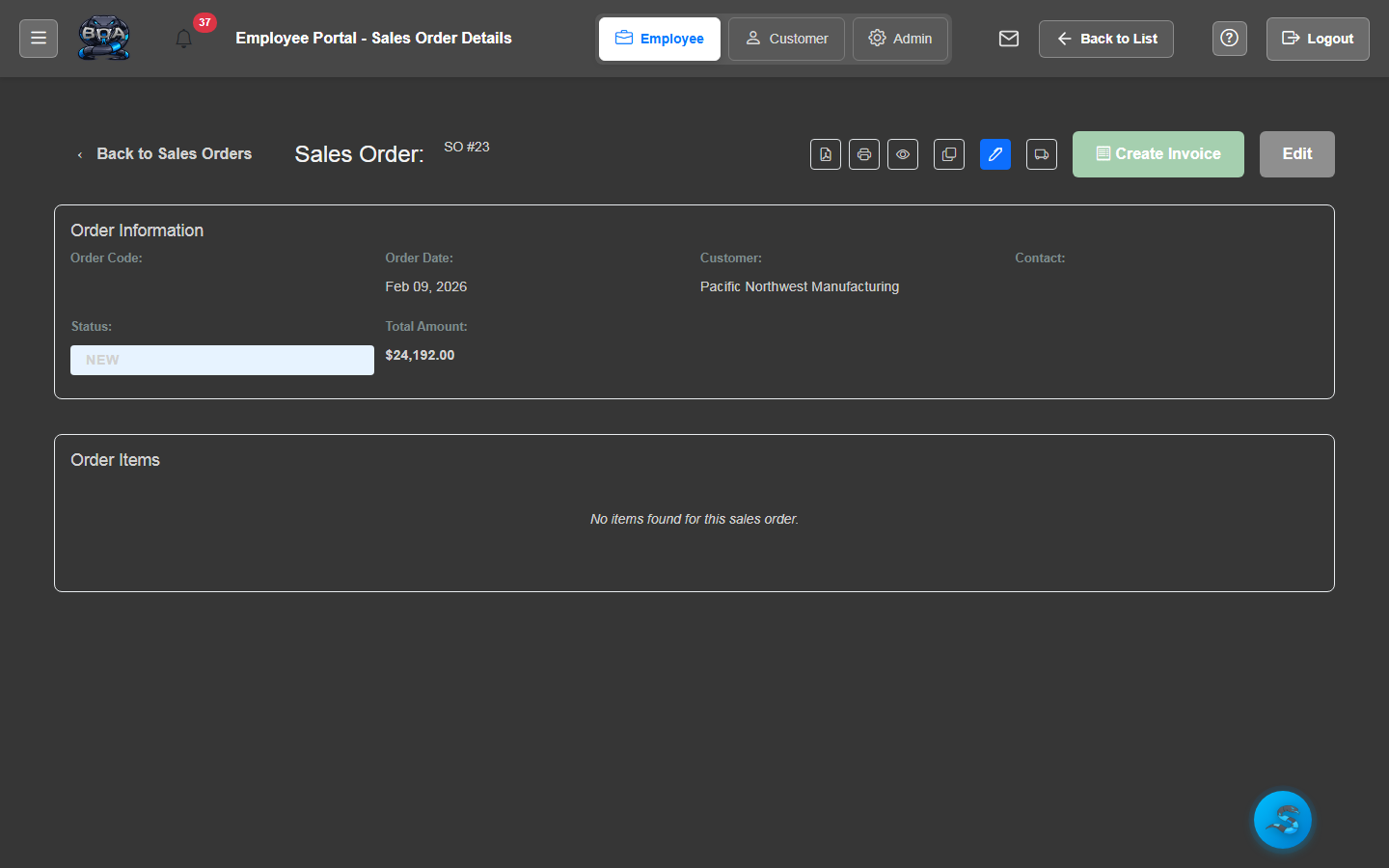
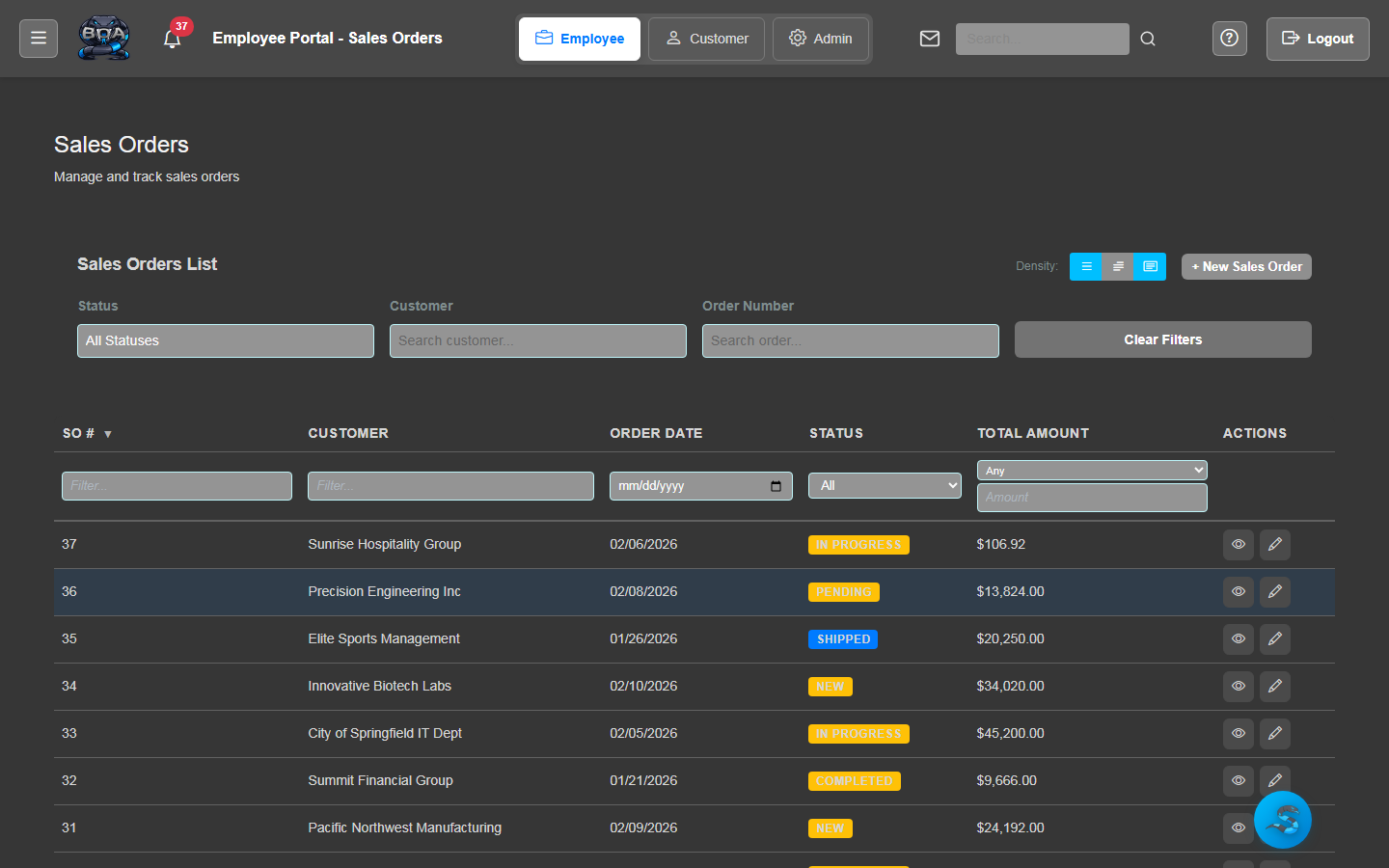
Move orders through a structured fulfillment pipeline: Pending, Picking, Packing, Shipped, and Delivered. Each stage is tracked with timestamps and employee attribution so nothing falls through the cracks.
- Stage-based workflow with visual status progression
- Employee attribution at each fulfillment step
- Automated status transitions on shipment confirmation
- Fulfillment queue sortable by priority and ship-by date
Partial Shipments
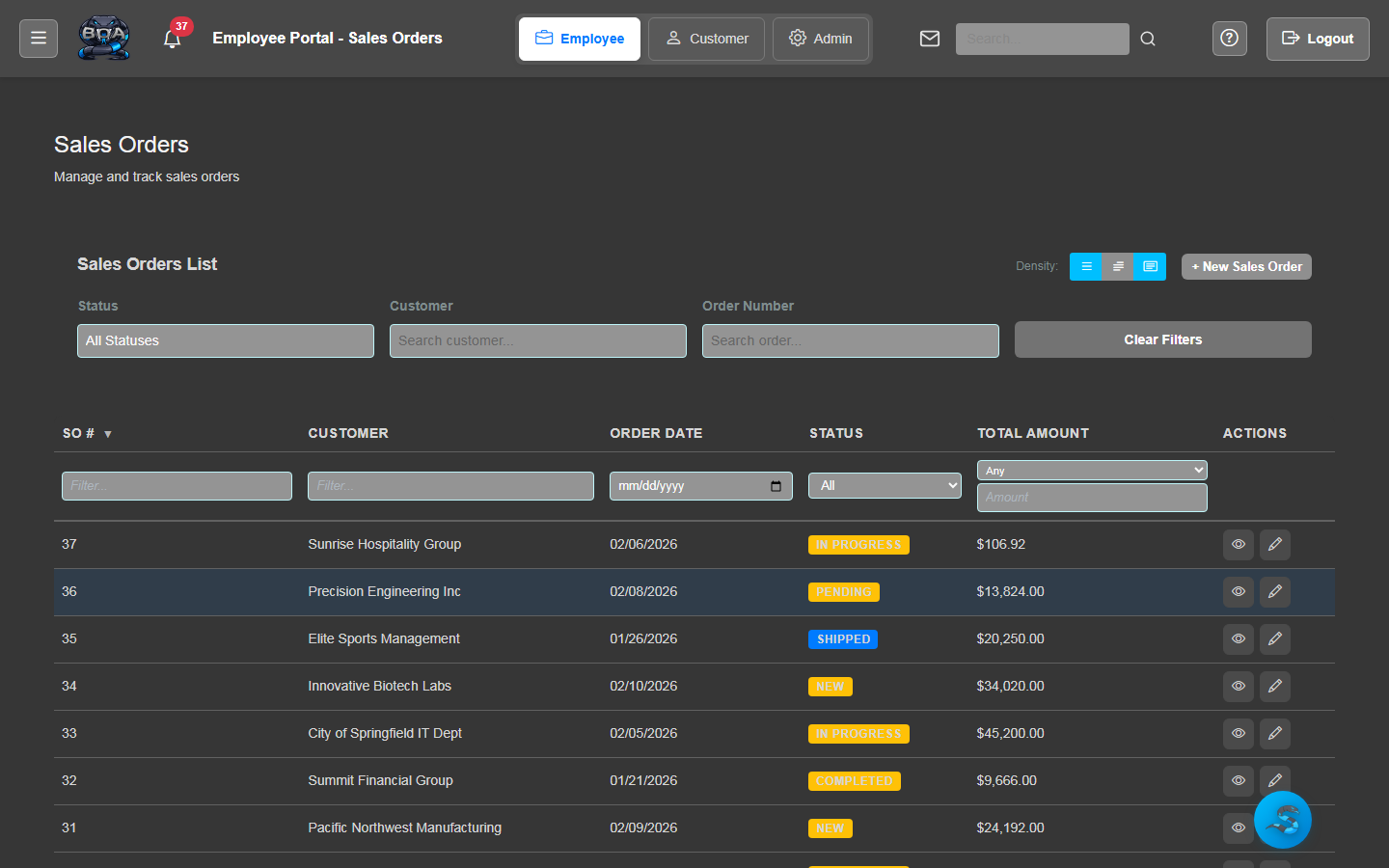
Handle split shipments when not all items are available at once. BOA tracks which line items have shipped, which are pending, and automatically manages backorder quantities until the order is fully fulfilled.
- Line-level tracking of shipped vs. remaining quantities
- Multiple shipments per sales order with individual tracking
- Backorder management with expected availability dates
- Order status reflects partial fulfillment until complete
Delivery Notifications
Keep customers informed at every stage of their delivery. BOA sends automated email notifications when orders ship, when tracking numbers are available, and when packages are marked as delivered.
- Automated ship confirmation emails with tracking details
- Delivery confirmation notifications to customers
- Customizable email templates for each notification type
- Communication log showing all notifications sent per order
Carrier Management
Configure and manage your shipping carriers in one place. Define default carriers, service levels, and shipping methods so your team can fulfill orders quickly with consistent carrier selection.
- Support for UPS, FedEx, USPS, and custom carriers
- Default carrier and service level configuration
- Shipping method selection during fulfillment processing
- Carrier performance tracking and delivery time metrics