Key Capabilities
Video Creation & Upload
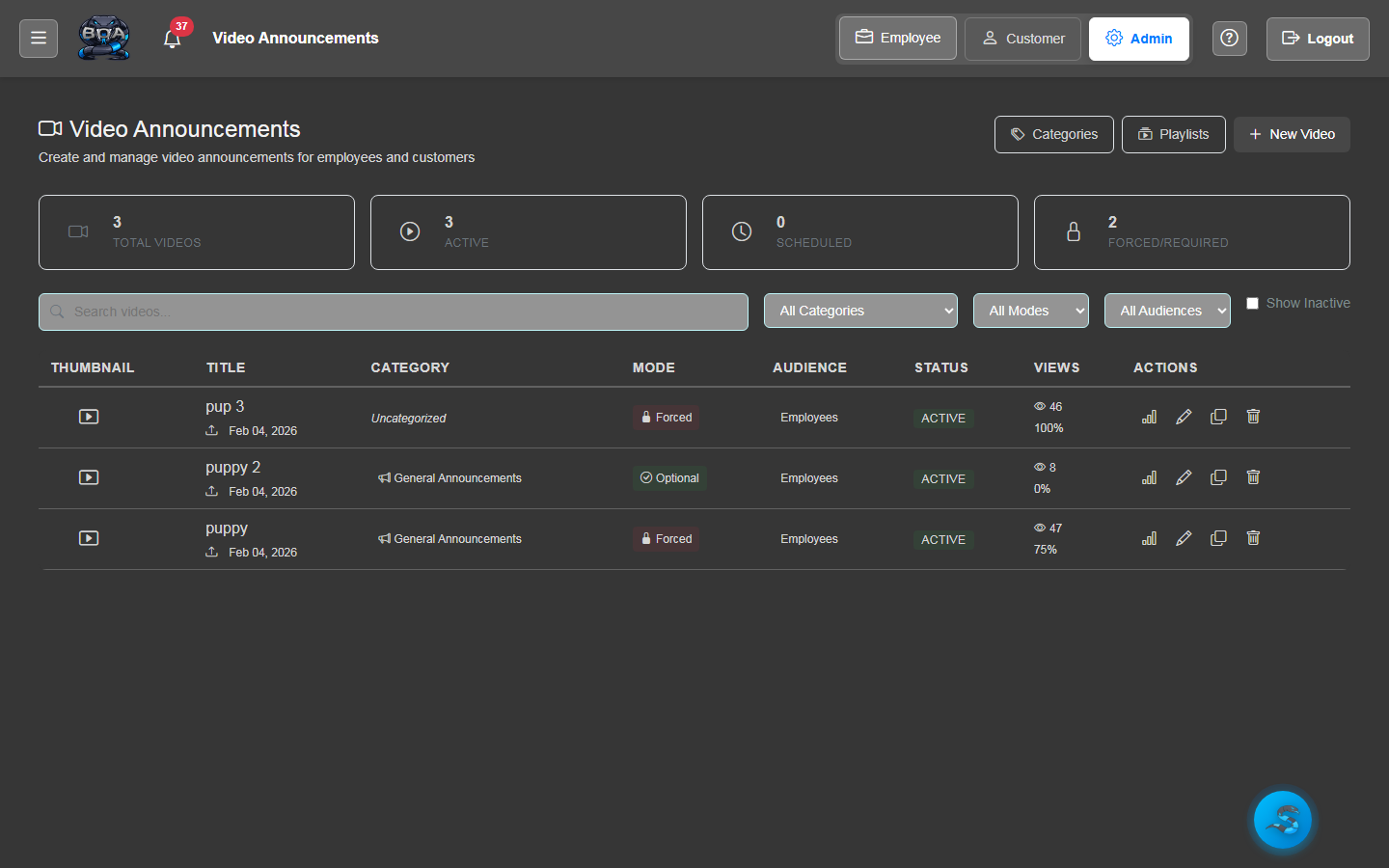
Upload video files directly into BOA from your browser. Support for common video formats including MP4, WebM, and MOV. Add titles, descriptions, and thumbnail images to each video for a professional library experience.
- Direct browser upload with progress indicator
- Support for MP4, WebM, MOV, and other common formats
- Title, description, and thumbnail configuration per video
- Automatic video encoding detection and playback compatibility
Video Library
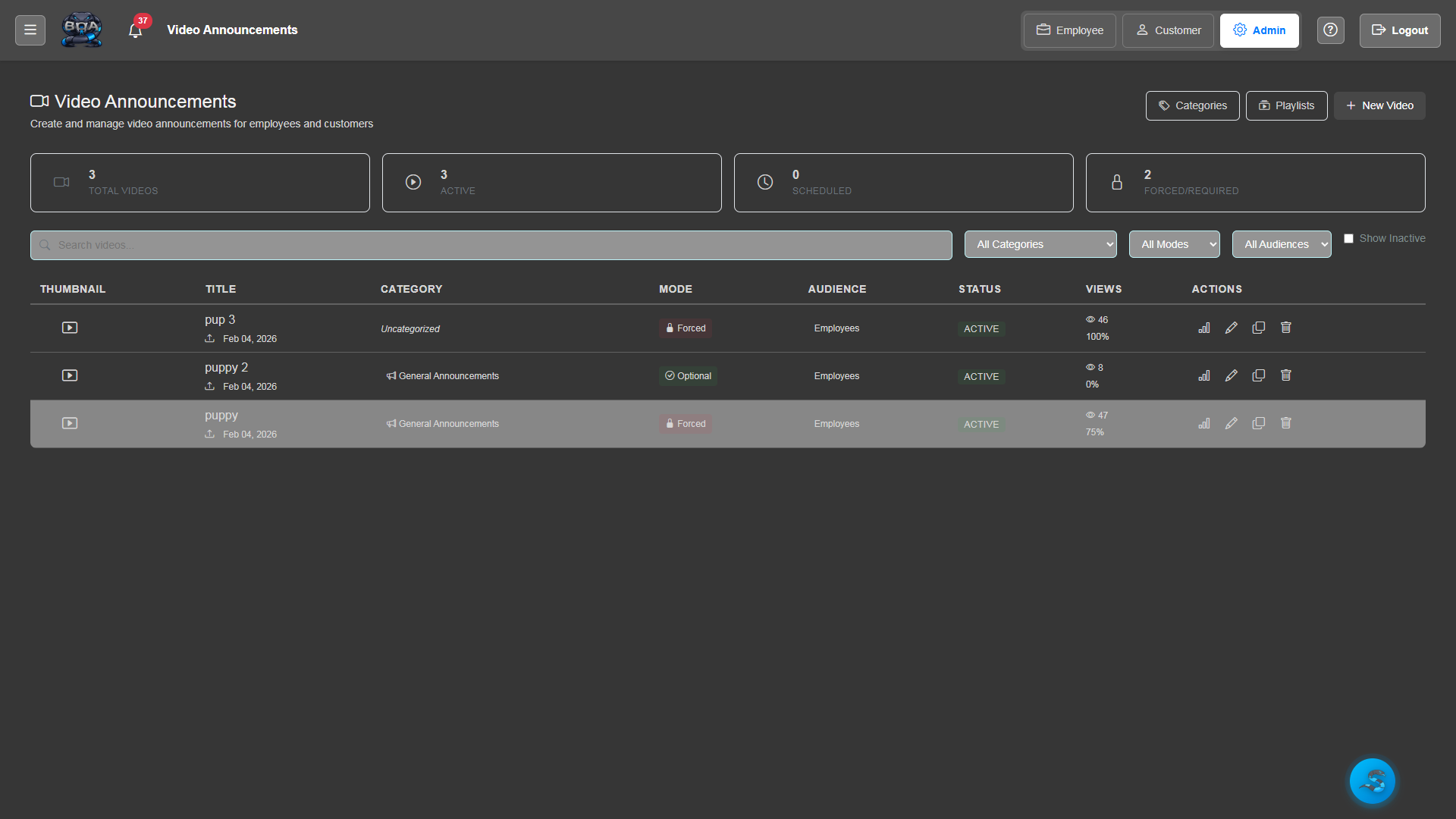
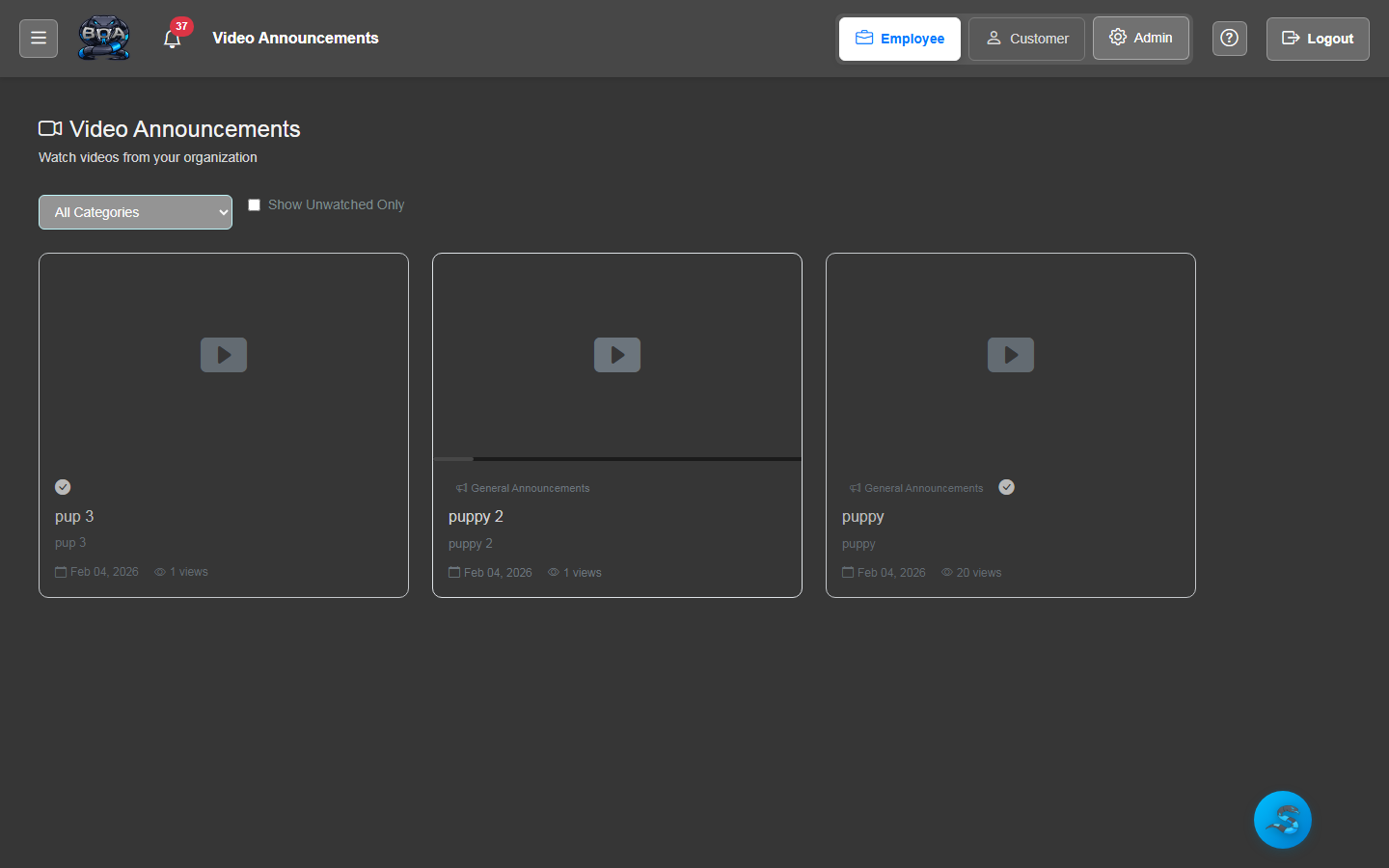
A searchable, browsable video library where employees and customers can find and watch content. Filter by category, search by keyword, and view recently added or most-watched videos.
- Grid and list view layouts for browsing content
- Keyword search across video titles and descriptions
- Recently added and most-viewed sorting options
- Video duration and upload date displayed on each entry
Playlists & Categories
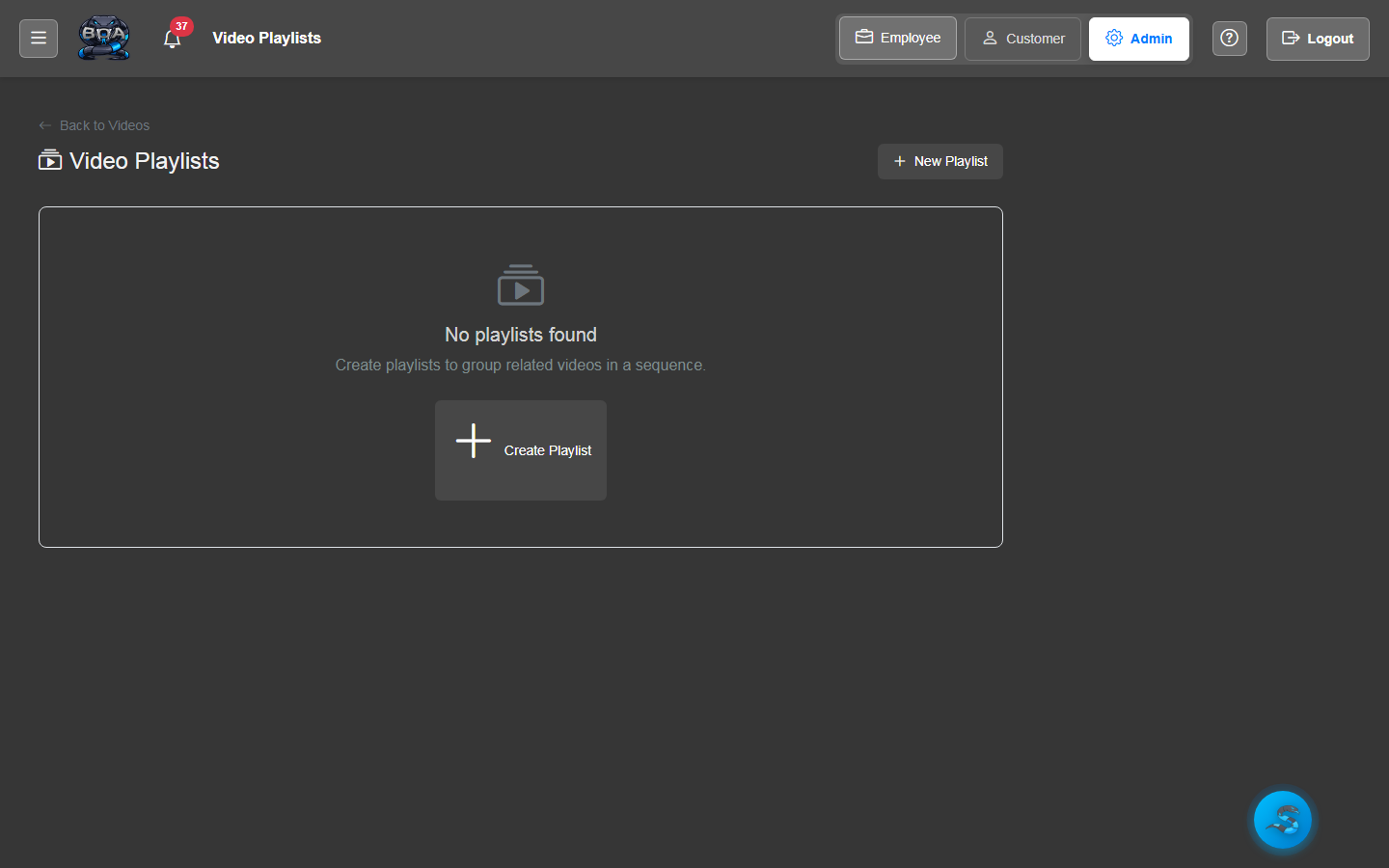
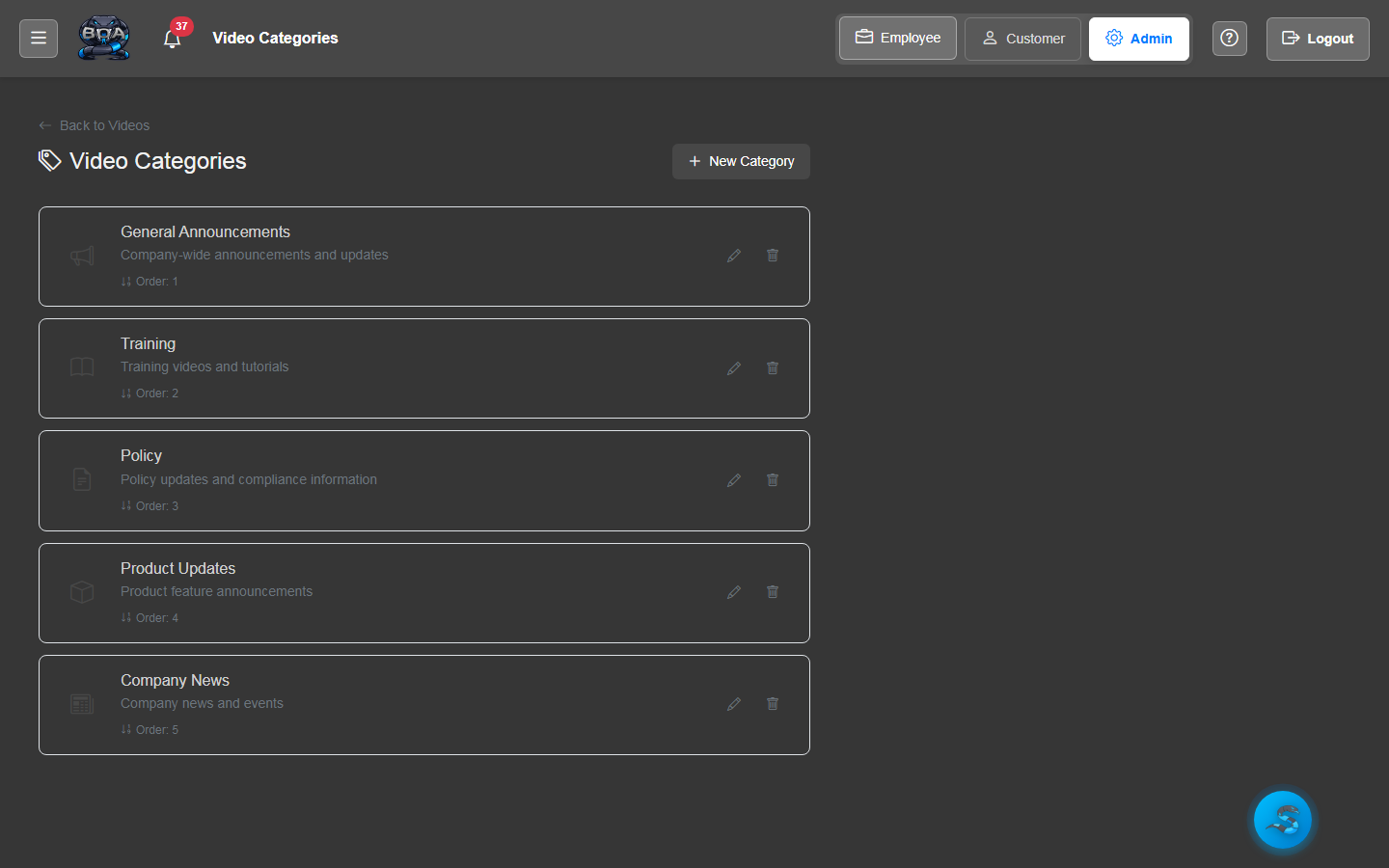
Organize videos into logical playlists and categories. Create onboarding playlists for new employees, product training series for customers, or safety compliance collections for your field team.
- Custom playlist creation with drag-and-drop ordering
- Category tags for cross-cutting organization
- Playlist descriptions and cover images
- Sequential playback mode for training series
Dashboard Widget
Surface the latest video content directly on employee and customer dashboards. The video widget shows recent uploads, featured videos, or playlist progress so users engage with content without navigating away from their home screen.
- Configurable dashboard widget for video highlights
- Featured video and recent upload display options
- Playlist progress tracking for sequential training series
- One-click playback directly from the dashboard
Role-Based Access
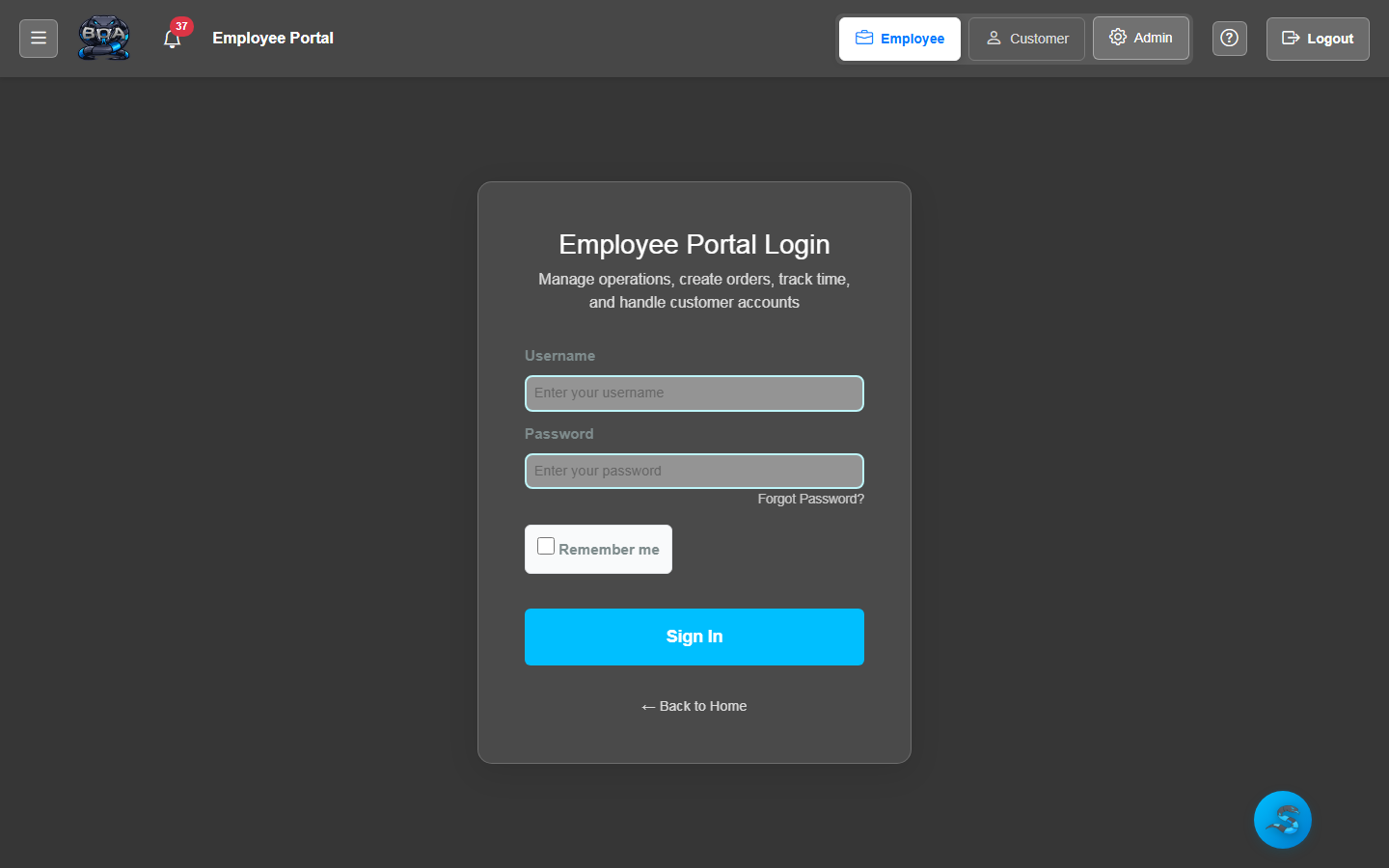
Control who can view each video based on user roles and portal type. Restrict internal training videos to employees only, share product tutorials with customers through the portal, or limit sensitive content to specific teams.
- Per-video visibility settings by role and portal type
- Employee-only, customer-only, and public access levels
- Team and department-level access restrictions
- Admin controls for content approval before publishing
Self-Hosted Storage
All video files are stored on your own server — no YouTube, Vimeo, or third-party streaming service required. Your proprietary training content and company announcements stay private, secure, and fully under your control.
- Video files stored on your own server infrastructure
- No third-party streaming platform dependencies
- Full control over content retention and deletion
- Bandwidth and storage managed within your own network